


Headset Stock Levels in Bloemfontein: January 2026 Report
Headset Stock Levels in Bloemfontein: January. Current stock data & price tracking for SA buyers. See what is available and where prices are heading.
Read moreRX 7600 Valorant Medium Settings at 1080p: FPS. Real-world benchmark data, FPS numbers & performance analysis. What SA gamers can actually expect.
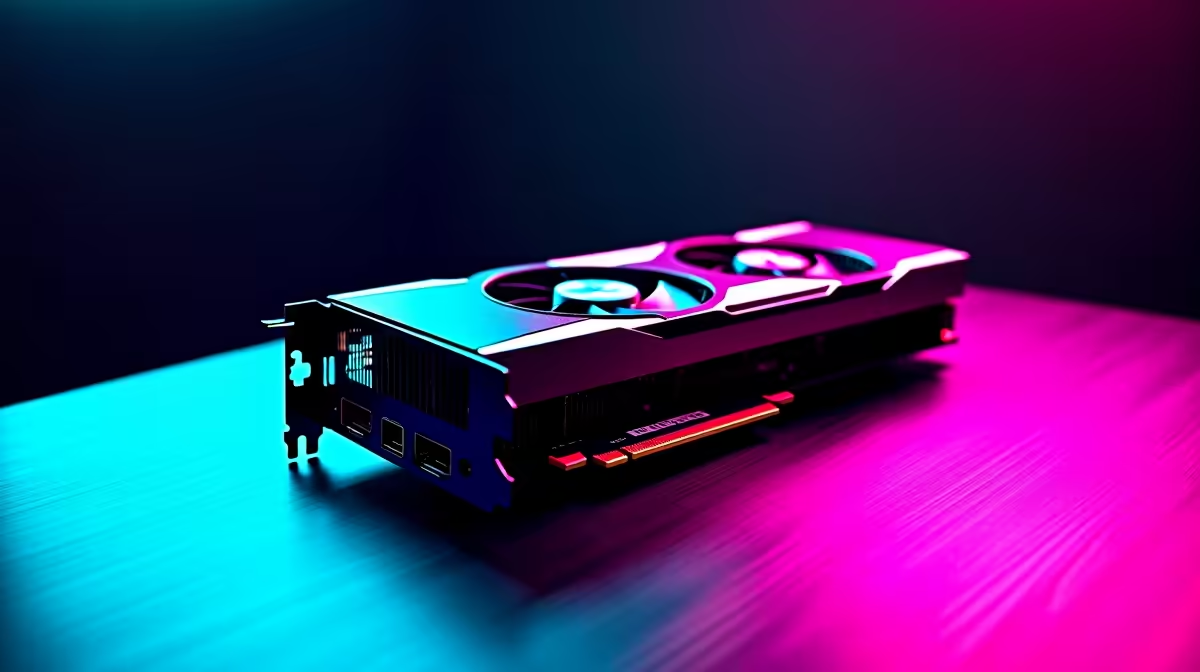
The RX 7600 delivers strong Valorant performance at 1080p on medium settings, consistently producing frame rates that sit well above the 144Hz threshold most competitive players target. It is a capable card for SA gamers who want smooth ranked play without spending on a flagship GPU.
Valorant is a CPU-sensitive, GPU-light game by design. Riot built it to run on as broad a hardware range as possible. The RX 7600, built on the RDNA 3 architecture, has more than enough grunt for Valorant at 1080p, even on high settings. Choosing medium settings on this card is actually about chasing maximum frame rate for competitive play rather than compensating for GPU weakness.
At medium settings in 1080p, the RX 7600 removes most of the rendering overhead that would otherwise limit frame rates. Shadows, ambient occlusion, and bloom are scaled back, which pushes more of the workload onto straightforward rasterisation where RDNA 3 excels. The result is smoother frame delivery and lower frame time variance, both of which matter more than raw average FPS in ranked Valorant.
The RX 7600 running Valorant at 1080p medium settings targets frame rates in the 280 to 400+ FPS range depending on the map and scene complexity. Bind and Pearl, which have more complex geometry and lighting, sit at the lower end. Breeze and Ascent's open areas push frame rates even higher. For competitive Valorant, this means the card feeds a 144Hz, 240Hz, or even 360Hz monitor without bottlenecking the display.
For SA gamers running local servers or connecting to servers in Johannesburg, latency is typically 5ms to 15ms which, combined with these frame rates, puts you in an excellent position to compete. The GPU is not your limiting factor in this setup.
To take full advantage of the RX 7600's Valorant output, you need a monitor with at least a 144Hz refresh rate. Running 400 FPS into a 60Hz monitor wastes the card's performance. A 1080p 144Hz or 165Hz IPS monitor is the sweet spot for this GPU in Valorant. In South Africa, these panels are available in the R2,500 to R4,500 range.
For CPU pairing, Valorant benefits from strong single-core performance. A Ryzen 5 5600X or Core i5-12400F ensures the CPU is not the bottleneck. If you pair an RX 7600 with an older quad-core CPU, you will see lower frame rates than the GPU is capable of delivering.
Yes. The RX 7600 is well above what Valorant needs at 1080p. On medium settings you will exceed 144 FPS consistently, and on low settings you can push close to or above 300 FPS on most maps, making it a solid choice for competitive play.
Yes. Valorant and AMD's RDNA 3 drivers are fully compatible on Windows 11. Keep your AMD Software: Adrenalin Edition updated to the latest version for best performance and to avoid any anti-cheat conflicts.
Radeon Anti-Lag reduces input latency which helps in competitive shooters. Enable it in AMD Software for Valorant. It works best when your GPU is the rendering bottleneck, so at higher quality settings it is more impactful than at low settings where the CPU is more often the limit.
Ready to Find Your Perfect Match? Ready to build your competitive Valorant rig? Shop Graphics Cards at Evetech
RX 7600 Valorant Medium Settings at 1080 available at Evetech.co.za with local warranty and fast delivery.
RX 7600 Valorant Medium Settings at 1080 - check Evetech for latest stock and SA pricing.
Depends on your use case. RX 7600 Valorant Medium Settin offers good value at current Rand pricing.
Headset Stock Levels in Bloemfontein: January. Current stock data & price tracking for SA buyers. See what is available and where prices are heading.
Read more
iMac for Medical Practice: Patient Management. SA-focused analysis with local pricing data, real-world insights & actionable buying advice.
Read more
RTX 5060 Fortnite Ultra Settings at 1080p: FPS. Real-world benchmark data, FPS numbers & performance analysis. What SA gamers can actually expect.
Read more
Headset Stock Levels in Cape Town: August Report. Current stock data & price tracking for SA buyers. See what is available and where prices are heading.
Read more
Eskom Load Shedding During Video Call: Solutions. SA-focused analysis with local pricing data, real-world insights & actionable buying advice.
Read more
LoL Performance on Extreme Gaming PC. Real-world benchmark data, FPS numbers & performance analysis. What SA gamers can actually expect.
Read more
Is a Ultra Short Throw Projector Good for Gaming?. Diagnosis steps, proven fixes & when to seek professional help. SA-specific support info included.

Is a Short Throw Projector Good for Gaming? Input. Diagnosis steps, proven fixes & when to seek professional help. SA-specific support info included.

Top Mouse Settings for Competitive FPS: Sensitivity picks evaluated on performance, value & SA availability with current Rand pricing from Evetech.

Top Speakers for MacBook Desk Setup picks evaluated on performance, value & SA availability with current Rand pricing from Evetech.

Is a Ergonomic Chair Better Than a Standard Office Chair for Gaming Detailed answer with SA data, expert analysis & practical recommendations for local buyers.

Use Spotlight Search Like a Pro on macOS. Step-by-step instructions with SA-specific tips, common pitfalls to avoid & expert recommendations.

wireless keyboard Fan Noise Too Loud: Quiet. Everything you need to know with SA pricing, step-by-step instructions & expert recommendations.

Connection Timeout: Troubleshooting Guide #2. Diagnosis steps, proven fixes & when to seek professional help. SA-specific support info included.
Headset Stock Levels in Bloemfontein: January. Current stock data & price tracking for SA buyers. See what is available and where prices are heading.
iMac for Medical Practice: Patient Management. SA-focused analysis with local pricing data, real-world insights & actionable buying advice.
RTX 5060 Fortnite Ultra Settings at 1080p: FPS. Real-world benchmark data, FPS numbers & performance analysis. What SA gamers can actually expect.
Headset Stock Levels in Cape Town: August Report. Current stock data & price tracking for SA buyers. See what is available and where prices are heading.