


Headset Stock Levels in Bloemfontein: January 2026 Report
Headset Stock Levels in Bloemfontein: January. Current stock data & price tracking for SA buyers. See what is available and where prices are heading.
Read moreRX 7700 XT Performance Drops After Update: Fix. Real-world benchmark data, FPS numbers & performance analysis. What SA gamers can actually expect.
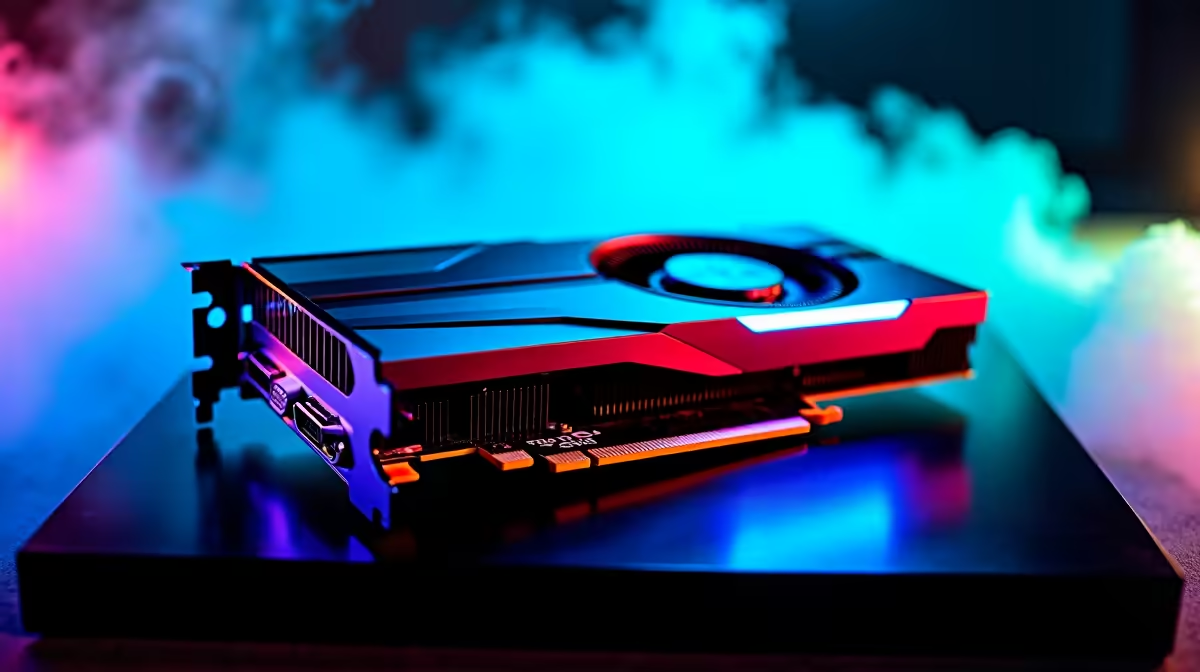
RX 7700 XT owners in South Africa have reported frustrating performance drops following driver updates - a known pattern with AMD's RDNA 3 architecture where certain driver versions introduce regressions in specific game engines or API configurations. The good news is that resolving this is straightforward once you identify which update introduced the regression.
RX 7700 XT performance drops after a driver update are most commonly caused by Radeon Software regressions affecting shader caching, memory clock management, or power state transitions. The fastest fix is performing a clean driver install using AMD's clean install option (or Display Driver Uninstaller in safe mode), then verifying that Radeon Anti-Lag and driver-level shader pre-compilation settings are correctly configured for your affected titles.
Before reverting or reinstalling, confirm that a driver update is the actual cause. Compare your GPU's performance before and after the update in the same game and resolution - AMD's Radeon Software performance overlay shows real-time GPU and VRAM clock speeds, which quickly reveals whether the GPU is stuck in a low power state (a common driver regression symptom). If clocks are throttling to base speeds under gaming load, this confirms a driver-level power state management bug. AMD's driver release notes typically document known regressions - check AMD's official driver page for your specific version and any reported issues with your titles.
A clean reinstall resolves the majority of AMD driver regression issues. In AMD Software, use Factory Reset before reinstalling the new driver - this clears shader caches and settings files that may conflict. For stubborn cases, boot into Windows Safe Mode and use Display Driver Uninstaller (DDU) to fully remove all AMD driver components before installing fresh. After reinstalling, avoid restoring game-specific Radeon Software profiles from backup - recreate them manually, as old profiles can carry over corrupted shader cache paths. Once the clean install is complete, run your affected game for 10-15 minutes to allow shader pre-compilation to rebuild before evaluating performance. This alone fixes performance regressions in the majority of reported RX 7700 XT cases without needing to roll back to an older driver version.
After a clean install, verify these settings in Radeon Software: Anti-Lag - enable for competitive multiplayer, disable if it causes issues in DX12 titles. Radeon Boost - disable if you notice blurry motion during performance drops. RSR (Radeon Super Resolution) - confirm it hasn't been toggled on by the update if you're not intentionally using it. For South African gaming PC owners using the RX 7700 XT on a B650 or X670 platform, also verify PCIe link speed in Radeon Software is reporting as PCIe 4.0 x16 rather than dropping to x4 - a known misconfiguration that some driver versions inadvertently trigger, causing severe bandwidth-related performance drops.
Q: Should I roll back to an older AMD driver if the new one hurts performance? Yes, rolling back is a valid short-term fix. AMD Software allows driver rollback to the previously installed version. Alternatively, AMD's website archives older drivers by product. Rolling back buys time while AMD patches the regression in a subsequent release.
Q: How often does AMD release driver updates for the RX 7700 XT? AMD typically releases monthly driver updates, with additional hotfixes for critical regressions. Following AMD's official driver release notes before updating - rather than auto-updating - lets you skip problematic versions.
Q: Does a clean driver install delete my game settings? No. Radeon Software driver settings and game profiles are separate from your game installations. A clean driver reinstall removes only GPU driver files and AMD software configurations, not game save data or Steam/Epic game files.
Evetech stocks All Graphics Cards and Graphics Card Deals — browse current SA pricing and availability online.
Ready to Find Your Perfect Match? Shop AMD Gaming PCs at Evetech
RX 7700 XT Performance Drops After Updat available at Evetech.co.za with local warranty and fast delivery.
RX 7700 XT Performance Drops After Updat - check Evetech for latest stock and SA pricing.
Depends on your use case. RX 7700 XT Performance Drops A offers good value at current Rand pricing.
Headset Stock Levels in Bloemfontein: January. Current stock data & price tracking for SA buyers. See what is available and where prices are heading.
Read more
iMac for Medical Practice: Patient Management. SA-focused analysis with local pricing data, real-world insights & actionable buying advice.
Read more
RTX 5060 Fortnite Ultra Settings at 1080p: FPS. Real-world benchmark data, FPS numbers & performance analysis. What SA gamers can actually expect.
Read more
Headset Stock Levels in Cape Town: August Report. Current stock data & price tracking for SA buyers. See what is available and where prices are heading.
Read more
Eskom Load Shedding During Video Call: Solutions. SA-focused analysis with local pricing data, real-world insights & actionable buying advice.
Read more
LoL Performance on Extreme Gaming PC. Real-world benchmark data, FPS numbers & performance analysis. What SA gamers can actually expect.
Read more
Is a Ultra Short Throw Projector Good for Gaming?. Diagnosis steps, proven fixes & when to seek professional help. SA-specific support info included.

Is a Short Throw Projector Good for Gaming? Input. Diagnosis steps, proven fixes & when to seek professional help. SA-specific support info included.

Top Mouse Settings for Competitive FPS: Sensitivity picks evaluated on performance, value & SA availability with current Rand pricing from Evetech.

Top Speakers for MacBook Desk Setup picks evaluated on performance, value & SA availability with current Rand pricing from Evetech.

Is a Ergonomic Chair Better Than a Standard Office Chair for Gaming Detailed answer with SA data, expert analysis & practical recommendations for local buyers.

Use Spotlight Search Like a Pro on macOS. Step-by-step instructions with SA-specific tips, common pitfalls to avoid & expert recommendations.

wireless keyboard Fan Noise Too Loud: Quiet. Everything you need to know with SA pricing, step-by-step instructions & expert recommendations.

Connection Timeout: Troubleshooting Guide #2. Diagnosis steps, proven fixes & when to seek professional help. SA-specific support info included.
Headset Stock Levels in Bloemfontein: January. Current stock data & price tracking for SA buyers. See what is available and where prices are heading.
iMac for Medical Practice: Patient Management. SA-focused analysis with local pricing data, real-world insights & actionable buying advice.
RTX 5060 Fortnite Ultra Settings at 1080p: FPS. Real-world benchmark data, FPS numbers & performance analysis. What SA gamers can actually expect.
Headset Stock Levels in Cape Town: August Report. Current stock data & price tracking for SA buyers. See what is available and where prices are heading.