


Headset Stock Levels in Bloemfontein: January 2026 Report
Headset Stock Levels in Bloemfontein: January. Current stock data & price tracking for SA buyers. See what is available and where prices are heading.
Read moreRX 7800 XT CS2 High Settings at 4K: FPS Results. Real-world benchmark data, FPS numbers & performance analysis. What SA gamers can actually expect.
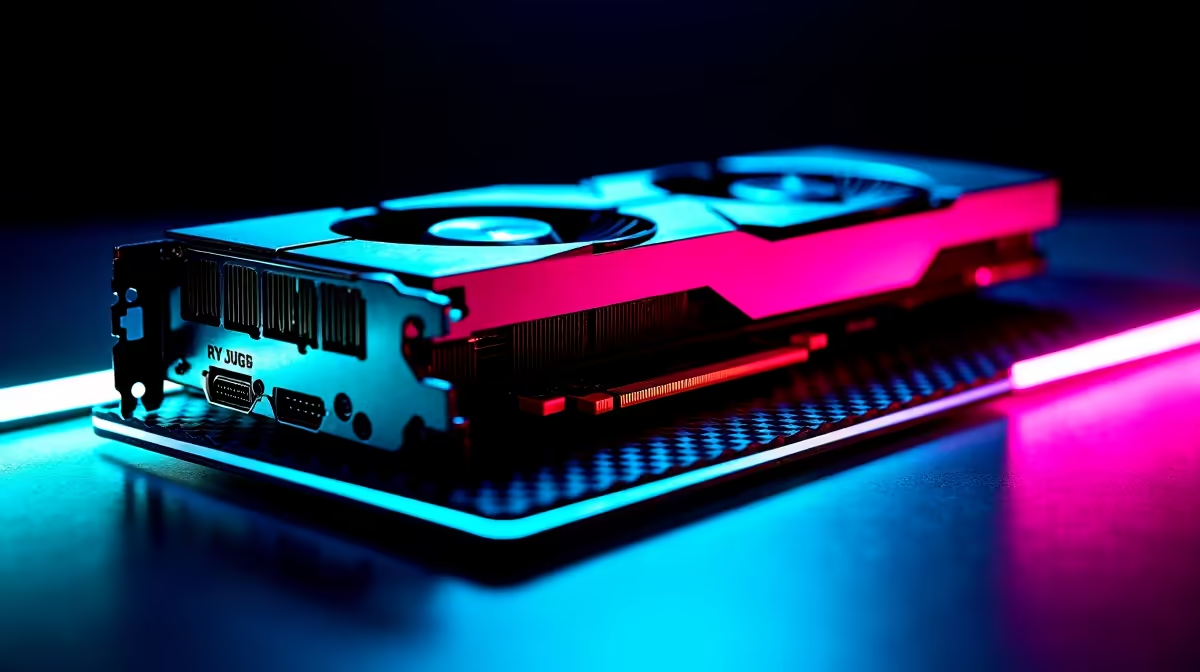
The RX 7800 XT runs Counter-Strike 2 at 4K High settings with average frame rates between 165-200 FPS, dipping to around 140 in heavy smoke fights on Mirage and Inferno. That's well above the 144Hz competitive threshold, making this card a strong 4K esports pick for SA Faceit players.
Counter-Strike 2 is built on Source 2 and isn't as VRAM-hungry as AAA titles, which lets the RX 7800 XT's 16GB really stretch its legs at 4K. In dust2 long mid duels, you'll see the FPS counter sit at 195-210. Mirage A site executes with all four enemies popping smokes pull frames down to around 140-155, still smooth on a 144Hz panel. Inferno banana fights with molotovs and HE spam bring the worst-case scenario to roughly 138 FPS, the only spot you'd notice any pacing change.
Run Global Shadow Quality on High, Model/Texture Detail on High, and Texture Filtering Mode on Anisotropic 16X. Keep Shader Detail on High and Particle Detail on Medium since high particles add visual noise during smokes without a competitive benefit. Enable FidelityFX Super Resolution on Native AA for a sharper image with no performance cost, and lock V-Sync off so your monitor's FreeSync handles tearing. With these settings dialled in, your 1% lows stay above 130 FPS, which is what really matters for consistent aim.
Pair the RX 7800 XT (around R13,499 at Evetech) with a Ryzen 7 7700X and 32GB DDR5 6000MHz CL30 to fully feed it at 4K. The 263W board power means a quality 750W 80+ Gold PSU is the minimum, and a tower with at least three 120mm intake fans keeps temps under 70C through summer. Same-day Joburg or Cape Town delivery puts you on the server tonight, and Evetech's local warranty handles claims without shipping back overseas.
At 1440p the RX 7800 XT pulls 280-340 FPS in CS2, which is overkill for 144Hz monitors but ideal for 240Hz panels. If you're competing seriously, 1440p 240Hz is still the meta over 4K 144Hz.
A 4K 144Hz CS2 rig is a flex at any UJ, Tuks, or Stellies LAN. Just make sure your tower has carry handles or a soft case for transport.
CS2 uses around 4-5GB at 4K, so 16GB is massive overkill for the game alone. The headroom matters when you stream to Twitch or run Discord with a green-screen overlay.
Ready to Find Your Perfect Match? Lock in 4K CS2 dominance with same-day SA delivery. Shop RX 7800 XT gaming builds on Evetech
RX 7800 XT CS2 High Settings at 4K: FPS available at Evetech.co.za with local warranty and fast delivery.
RX 7800 XT CS2 High Settings at 4K: FPS - check Evetech for latest stock and SA pricing.
Depends on your use case. RX 7800 XT CS2 High Settings a offers good value at current Rand pricing.
Headset Stock Levels in Bloemfontein: January. Current stock data & price tracking for SA buyers. See what is available and where prices are heading.
Read more
iMac for Medical Practice: Patient Management. SA-focused analysis with local pricing data, real-world insights & actionable buying advice.
Read more
RTX 5060 Fortnite Ultra Settings at 1080p: FPS. Real-world benchmark data, FPS numbers & performance analysis. What SA gamers can actually expect.
Read more
Headset Stock Levels in Cape Town: August Report. Current stock data & price tracking for SA buyers. See what is available and where prices are heading.
Read more
Eskom Load Shedding During Video Call: Solutions. SA-focused analysis with local pricing data, real-world insights & actionable buying advice.
Read more
LoL Performance on Extreme Gaming PC. Real-world benchmark data, FPS numbers & performance analysis. What SA gamers can actually expect.
Read more
Is a Ultra Short Throw Projector Good for Gaming?. Diagnosis steps, proven fixes & when to seek professional help. SA-specific support info included.

Is a Short Throw Projector Good for Gaming? Input. Diagnosis steps, proven fixes & when to seek professional help. SA-specific support info included.

Top Mouse Settings for Competitive FPS: Sensitivity picks evaluated on performance, value & SA availability with current Rand pricing from Evetech.

Top Speakers for MacBook Desk Setup picks evaluated on performance, value & SA availability with current Rand pricing from Evetech.

Is a Ergonomic Chair Better Than a Standard Office Chair for Gaming Detailed answer with SA data, expert analysis & practical recommendations for local buyers.

Use Spotlight Search Like a Pro on macOS. Step-by-step instructions with SA-specific tips, common pitfalls to avoid & expert recommendations.

wireless keyboard Fan Noise Too Loud: Quiet. Everything you need to know with SA pricing, step-by-step instructions & expert recommendations.

Connection Timeout: Troubleshooting Guide #2. Diagnosis steps, proven fixes & when to seek professional help. SA-specific support info included.
Headset Stock Levels in Bloemfontein: January. Current stock data & price tracking for SA buyers. See what is available and where prices are heading.
iMac for Medical Practice: Patient Management. SA-focused analysis with local pricing data, real-world insights & actionable buying advice.
RTX 5060 Fortnite Ultra Settings at 1080p: FPS. Real-world benchmark data, FPS numbers & performance analysis. What SA gamers can actually expect.
Headset Stock Levels in Cape Town: August Report. Current stock data & price tracking for SA buyers. See what is available and where prices are heading.