


Headset Stock Levels in Bloemfontein: January 2026 Report
Headset Stock Levels in Bloemfontein: January. Current stock data & price tracking for SA buyers. See what is available and where prices are heading.
Read moreRX 9070 Gaming Optimization: Drivers and Settings. Tested & verified settings for best FPS and visual quality on SA hardware budgets.
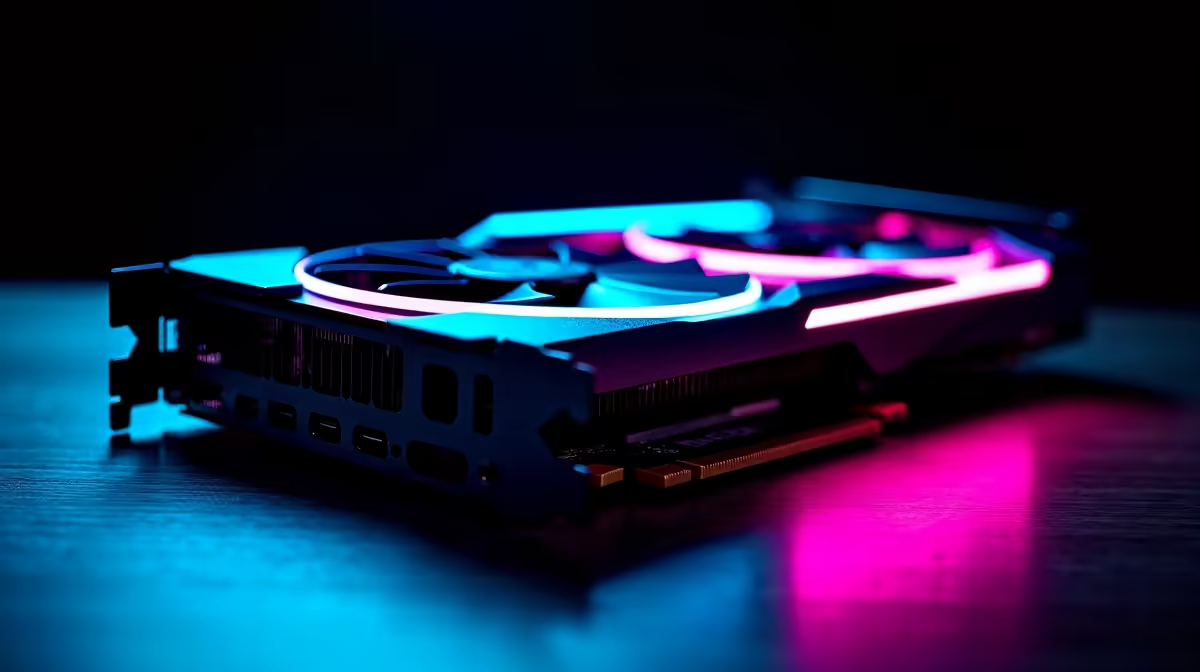
Getting the best gaming performance from an AMD RX 9070 requires installing the correct ADRENALIN drivers, configuring AMD Software settings like Anti-Lag+, RSR, and Radeon Boost, and tuning in-game settings to match the GPU's RDNA 4 strengths.
The first step to optimal RX 9070 gaming performance is a clean driver install. If you're upgrading from an older AMD or NVIDIA GPU, use Display Driver Uninstaller (DDU) in safe mode to completely remove old driver files before installing AMD's Adrenalin software suite. Leftover driver data from previous installs can cause instability, black screens, and performance drops that are difficult to diagnose.
Download the latest Adrenalin package directly from AMD's official page. The RX 9070, being an RDNA 4 GPU, benefits from driver updates that AMD pushes regularly - especially in the months after a new GPU launches when game-specific optimisations are being added. Enabling automatic driver notifications in Adrenalin ensures you're always running an optimised version.
Once installed, open AMD Software: Adrenalin Edition and navigate to the Gaming tab. Enable Radeon Anti-Lag+ for titles that support it - this reduces input latency by controlling when the CPU submits frames to the GPU, which is particularly noticeable in fast-paced shooters. Radeon Boost dynamically reduces resolution during fast motion and restores it during static frames, which is a free performance gain in many titles.
The RX 9070 is built for 1440p gaming and handles it exceptionally well with most settings maxed out. For 4K gaming, FSR 4 (FidelityFX Super Resolution 4, available on RDNA 4) provides a significant quality and performance improvement over FSR 3. At Quality mode, FSR 4 on the RX 9070 at 4K is difficult to distinguish from native rendering in most titles, while delivering a meaningful frame rate boost.
For ray tracing, the RX 9070 has improved RT performance over RDNA 3 but still benefits from pairing RT with FSR upscaling in heavily ray-traced games. Turn on Medium or High RT rather than Ultra RT and let FSR 4 recover image quality - this gives a better result than native rendering with Ultra RT at lower frame rates.
For competitive multiplayer titles (Valorant, CS2, Apex Legends), keep ray tracing off entirely and push resolution and refresh rate instead. The RX 9070 will comfortably sustain 240fps+ in these titles at 1080p, which makes a real difference on a 240Hz monitor.
A: Anti-Lag+ and FSR 4 are the two highest-impact settings to enable. Anti-Lag+ reduces input latency which improves responsiveness in shooters, and FSR 4 on RDNA 4 hardware delivers better image quality than FSR 3 did, making it worth using even in games where you'd previously disabled upscaling.
A: The RX 9070 has a solid power and thermal headroom out of the box, but modest overclocking through AMD's performance tuning panel can yield 3-7% more performance with careful voltage/frequency curve adjustment. Only do this if your system cooling is adequate - in South African summer temperatures, thermal headroom matters, and an overclocked GPU running hot will throttle and perform worse than stock.
A: Yes. The RX 9070 sits in a strong position for SA buyers who game primarily at 1440p. It delivers performance competitive with higher-priced alternatives from other GPU families, and AMD's driver support for RDNA 4 has been consistent and reliable. For the price bracket it occupies in the SA market, it represents a strong performance-per-rand proposition.
Also at Evetech: All Graphics Cards | Graphics Card Deals
Ready to Find Your Perfect Match? Shop at Evetech
RX 9070 Gaming Optimization: Drivers and available at Evetech.co.za with local warranty and fast delivery.
RX 9070 Gaming Optimization: Drivers and - check Evetech for latest stock and SA pricing.
Depends on your use case. RX 9070 Gaming Optimization: D offers good value at current Rand pricing.
Headset Stock Levels in Bloemfontein: January. Current stock data & price tracking for SA buyers. See what is available and where prices are heading.
Read more
iMac for Medical Practice: Patient Management. SA-focused analysis with local pricing data, real-world insights & actionable buying advice.
Read more
RTX 5060 Fortnite Ultra Settings at 1080p: FPS. Real-world benchmark data, FPS numbers & performance analysis. What SA gamers can actually expect.
Read more
Headset Stock Levels in Cape Town: August Report. Current stock data & price tracking for SA buyers. See what is available and where prices are heading.
Read more
Eskom Load Shedding During Video Call: Solutions. SA-focused analysis with local pricing data, real-world insights & actionable buying advice.
Read more
LoL Performance on Extreme Gaming PC. Real-world benchmark data, FPS numbers & performance analysis. What SA gamers can actually expect.
Read more
Is a Ultra Short Throw Projector Good for Gaming?. Diagnosis steps, proven fixes & when to seek professional help. SA-specific support info included.

Is a Short Throw Projector Good for Gaming? Input. Diagnosis steps, proven fixes & when to seek professional help. SA-specific support info included.

Top Mouse Settings for Competitive FPS: Sensitivity picks evaluated on performance, value & SA availability with current Rand pricing from Evetech.

Top Speakers for MacBook Desk Setup picks evaluated on performance, value & SA availability with current Rand pricing from Evetech.

Is a Ergonomic Chair Better Than a Standard Office Chair for Gaming Detailed answer with SA data, expert analysis & practical recommendations for local buyers.

Use Spotlight Search Like a Pro on macOS. Step-by-step instructions with SA-specific tips, common pitfalls to avoid & expert recommendations.

wireless keyboard Fan Noise Too Loud: Quiet. Everything you need to know with SA pricing, step-by-step instructions & expert recommendations.

Connection Timeout: Troubleshooting Guide #2. Diagnosis steps, proven fixes & when to seek professional help. SA-specific support info included.
Headset Stock Levels in Bloemfontein: January. Current stock data & price tracking for SA buyers. See what is available and where prices are heading.
iMac for Medical Practice: Patient Management. SA-focused analysis with local pricing data, real-world insights & actionable buying advice.
RTX 5060 Fortnite Ultra Settings at 1080p: FPS. Real-world benchmark data, FPS numbers & performance analysis. What SA gamers can actually expect.
Headset Stock Levels in Cape Town: August Report. Current stock data & price tracking for SA buyers. See what is available and where prices are heading.