


Headset Stock Levels in Bloemfontein: January 2026 Report
Headset Stock Levels in Bloemfontein: January. Current stock data & price tracking for SA buyers. See what is available and where prices are heading.
Read moreRX 9070 XT Temperature Too High: Cooling Solutions. Heat causes, diagnostic steps & cooling upgrades tested in SA summer conditions.
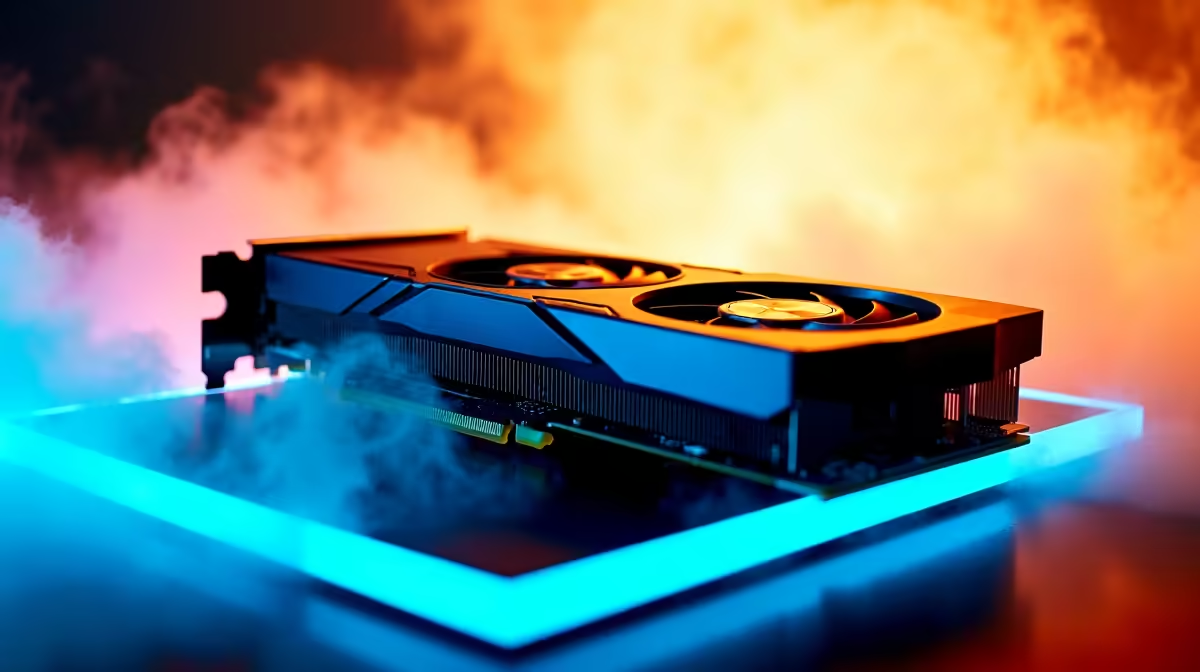
If your RX 9070 XT is running too hot, the most effective cooling solutions are replacing thermal paste, improving case airflow with additional fans, undervolting the GPU through AMD software, and ensuring adequate case ventilation - most temperature issues on the RX 9070 XT are solved by one of these four approaches rather than hardware replacement.
The AMD RX 9070 XT is one of the most power-efficient high-performance GPUs in AMD''s RDNA 4 lineup, but like all high-end graphics cards it generates significant heat under sustained gaming load. If you are seeing temperatures above 90°C on the GPU die, above 110°C on GPU hotspot readings, or above 80°C on VRAM, your cooling solution needs attention. Here is a systematic approach to diagnosing and fixing high temperatures.
Before opening your case, gather data. Use AMD Adrenalin software or HWiNFO64 to monitor not just GPU temperature but also GPU hotspot temperature (the highest temperature reading on the die) and VRAM temperature. The RX 9070 XT has a target maximum of around 110°C for the hotspot temperature - readings at or above this will cause thermal throttling, reducing clock speeds and degrading performance. Note at what point temperatures peak: during the first 10 minutes of gaming (suggesting a cooling capacity issue), or only after extended sessions (suggesting airflow buildup or ambient temperature issues). Also check your GPU fan speeds - are the fans spinning up aggressively, or are they staying low? Low fan speeds at high temperatures suggest a fan curve that is too conservative.
The single quickest fix for high RX 9070 XT temperatures is adjusting the GPU fan curve. Open AMD Adrenalin, navigate to Performance > Tuning > Fan Tuning, and enable manual fan control. Create a more aggressive curve that starts spinning fans faster at lower temperatures - for example, targeting 60% fan speed at 70°C and 80% at 85°C. This will increase fan noise but directly and immediately reduces temperatures. Many RX 9070 XT board partner models (from various manufacturers) ship with conservative default fan curves to reduce noise at the cost of higher operating temperatures; overriding this is the safest first step.
In South African gaming setups where cases are often placed in enclosed entertainment units, cupboards, or on carpeted floors, inadequate case airflow is the most frequent root cause of GPU overheating. Ensure your case has a balanced intake and exhaust fan configuration - typically two or three front intake fans and one or two rear and top exhaust fans. The GPU should be in a positive or neutral pressure airflow path. If your case has only a rear exhaust fan and no front intakes, adding two 120mm or 140mm front intake fans will transform thermal performance across the entire system. Also ensure the GPU''s heatsink fins and fans are not clogged with dust - compressed air cleaning every 6 months is recommended for South African homes where dust accumulation is significant.
Undervolting the RX 9070 XT reduces power consumption and heat output while maintaining or sometimes improving gaming performance. In AMD Adrenalin, navigate to Performance > Tuning and enable GPU Tuning. Use the voltage/frequency curve editor to lower the maximum voltage while maintaining your target clock speed. A conservative starting point is reducing the voltage by 50–75mV at your target frequency. Undervolting correctly can reduce GPU temperatures by 5–15°C and is completely safe - you are reducing power input, not overloading the card. If the system becomes unstable (crashes or driver timeouts), the undervolt is too aggressive; restore default settings and reduce the offset.
Q: What temperature is too hot for the RX 9070 XT? A: AMD specifies a maximum hotspot temperature of around 110°C. Sustained hotspot temperatures above this trigger thermal throttling. For the GPU die (junction) temperature, sustained readings above 95°C during gaming warrant cooling improvements. VRAM temperatures above 85°C sustained are also a concern.
Q: Should I replace the thermal paste on a new RX 9070 XT? A: Not immediately - new cards ship with adequate thermal compound. If your card is 12+ months old and showing higher temperatures than when new, reapplying thermal paste to the GPU die is worthwhile. Use a high-quality thermal compound and follow a GPU-specific disassembly guide, noting that this typically voids your card''s warranty.
Q: Will an aftermarket GPU cooler fit the RX 9070 XT? A: Universal GPU coolers and aftermarket heatsink solutions exist, but compatibility depends on your specific board partner model''s PCB layout and mounting points. This is an advanced modification; most users achieve sufficient temperature reduction through fan curve adjustment, undervolting, and case airflow improvements without replacing the cooler.
Ready to Find Your Perfect Match? Shop cooling solutions and PC components at Evetech
RX 9070 XT Temperature Too High: Cooling available at Evetech.co.za with local warranty and fast delivery.
RX 9070 XT Temperature Too High: Cooling - check Evetech for latest stock and SA pricing.
Depends on your use case. RX 9070 XT Temperature Too Hig offers good value at current Rand pricing.
Headset Stock Levels in Bloemfontein: January. Current stock data & price tracking for SA buyers. See what is available and where prices are heading.
Read more
iMac for Medical Practice: Patient Management. SA-focused analysis with local pricing data, real-world insights & actionable buying advice.
Read more
RTX 5060 Fortnite Ultra Settings at 1080p: FPS. Real-world benchmark data, FPS numbers & performance analysis. What SA gamers can actually expect.
Read more
Headset Stock Levels in Cape Town: August Report. Current stock data & price tracking for SA buyers. See what is available and where prices are heading.
Read more
Eskom Load Shedding During Video Call: Solutions. SA-focused analysis with local pricing data, real-world insights & actionable buying advice.
Read more
LoL Performance on Extreme Gaming PC. Real-world benchmark data, FPS numbers & performance analysis. What SA gamers can actually expect.
Read more
Is a Ultra Short Throw Projector Good for Gaming?. Diagnosis steps, proven fixes & when to seek professional help. SA-specific support info included.

Is a Short Throw Projector Good for Gaming? Input. Diagnosis steps, proven fixes & when to seek professional help. SA-specific support info included.

Top Mouse Settings for Competitive FPS: Sensitivity picks evaluated on performance, value & SA availability with current Rand pricing from Evetech.

Top Speakers for MacBook Desk Setup picks evaluated on performance, value & SA availability with current Rand pricing from Evetech.

Is a Ergonomic Chair Better Than a Standard Office Chair for Gaming Detailed answer with SA data, expert analysis & practical recommendations for local buyers.

Use Spotlight Search Like a Pro on macOS. Step-by-step instructions with SA-specific tips, common pitfalls to avoid & expert recommendations.

wireless keyboard Fan Noise Too Loud: Quiet. Everything you need to know with SA pricing, step-by-step instructions & expert recommendations.

Connection Timeout: Troubleshooting Guide #2. Diagnosis steps, proven fixes & when to seek professional help. SA-specific support info included.
Headset Stock Levels in Bloemfontein: January. Current stock data & price tracking for SA buyers. See what is available and where prices are heading.
iMac for Medical Practice: Patient Management. SA-focused analysis with local pricing data, real-world insights & actionable buying advice.
RTX 5060 Fortnite Ultra Settings at 1080p: FPS. Real-world benchmark data, FPS numbers & performance analysis. What SA gamers can actually expect.
Headset Stock Levels in Cape Town: August Report. Current stock data & price tracking for SA buyers. See what is available and where prices are heading.