


Headset Stock Levels in Bloemfontein: January 2026 Report
Headset Stock Levels in Bloemfontein: January. Current stock data & price tracking for SA buyers. See what is available and where prices are heading.
Read moreShould I Enable DMA Detailed answer with SA data, expert analysis & practical recommendations for local buyers.
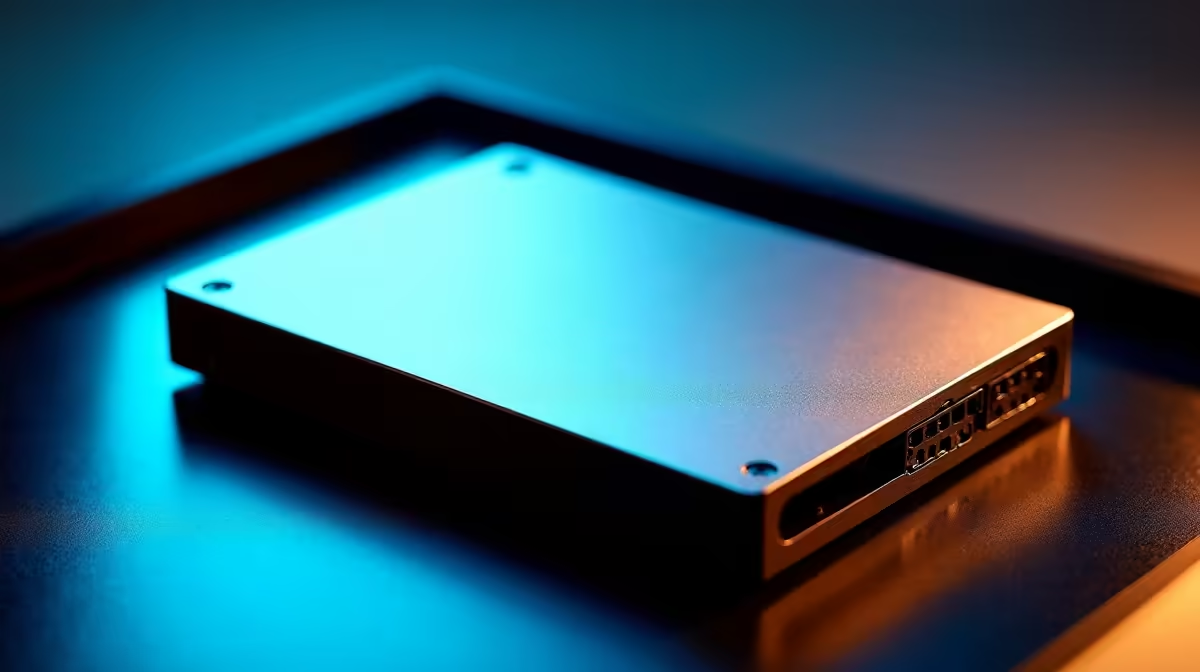
DMA, or Direct Memory Access, should generally be left at its default setting in most consumer PCs. Enabling or configuring DMA allows hardware components to transfer data directly to system RAM without CPU involvement, which can reduce latency and improve performance in specific workloads, but incorrect settings can cause system instability.
DMA is a system that lets peripherals such as sound cards, network adapters, USB controllers, and storage devices write data directly to RAM without routing every byte through the CPU. The CPU sets up the transfer and is then free to handle other tasks while the DMA controller manages the data movement. In a modern desktop or laptop, most DMA is handled automatically by the operating system and chipset drivers. You rarely need to touch DMA settings manually.
The question becomes more relevant in specific gaming and audio production scenarios. For audio interfaces and some older sound cards, enabling DMA in the BIOS can reduce buffer underruns and audio glitching. For NVMe SSDs, DMA is always active and managed by the NVMe controller, so there is nothing to configure. Disabling DMA on legacy SATA devices in older BIOS versions drops them from UDMA mode to PIO mode, which would cripple performance and should never be done intentionally.
On modern gaming PCs running Windows 11, the relevant DMA-adjacent setting is called "Kernel DMA Protection," found in Windows Security under Device Security. This feature prevents malicious PCIe devices from reading system memory through DMA attacks. Enabling it is a security benefit rather than a performance setting. It is switched on by default on most systems with a compatible BIOS and TPM 2.0, which includes the majority of gaming PCs sold in South Africa over the past four years.
For retro builds or legacy hardware, checking that DMA is enabled for optical drives and older IDE devices in BIOS does still matter. A DVD drive running in PIO mode rather than UDMA mode will cause the system to stutter visibly during disc reads as the CPU gets tied up handling the data transfer manually.
Not directly. DMA is a background system function. The FPS improvements that come from a well-configured PC are driven by GPU settings, RAM speed, and game settings, not by manual DMA configuration.
For modern PCs with NVMe storage, there are no useful DMA settings to change in BIOS. Kernel DMA Protection in Windows Security is safe to leave at its default. Only adjust DMA-related settings if you are troubleshooting legacy hardware and know which device you are targeting.
Indirectly. Power instability or loadshedding-related power fluctuations can cause memory errors that disrupt DMA transfers and manifest as random crashes or data corruption. A quality PSU with proper capacitor ratings and a UPS for desktop systems reduces this risk significantly.
Ready to Find Your Perfect Match? If you are building or upgrading a gaming PC and want reliable hardware from the ground up, check out the current gaming PC deals available with fast delivery across South Africa. Browse Gaming PC Deals at Evetech
Should I Enable DMA available at Evetech.co.za with local warranty and fast delivery.
Should I Enable DMA - check Evetech for latest stock and SA pricing.
Depends on your use case. Should I Enable DMA offers good value at current Rand pricing.
Headset Stock Levels in Bloemfontein: January. Current stock data & price tracking for SA buyers. See what is available and where prices are heading.
Read more
iMac for Medical Practice: Patient Management. SA-focused analysis with local pricing data, real-world insights & actionable buying advice.
Read more
RTX 5060 Fortnite Ultra Settings at 1080p: FPS. Real-world benchmark data, FPS numbers & performance analysis. What SA gamers can actually expect.
Read more
Headset Stock Levels in Cape Town: August Report. Current stock data & price tracking for SA buyers. See what is available and where prices are heading.
Read more
Eskom Load Shedding During Video Call: Solutions. SA-focused analysis with local pricing data, real-world insights & actionable buying advice.
Read more
LoL Performance on Extreme Gaming PC. Real-world benchmark data, FPS numbers & performance analysis. What SA gamers can actually expect.
Read more
Is a Ultra Short Throw Projector Good for Gaming?. Diagnosis steps, proven fixes & when to seek professional help. SA-specific support info included.

Is a Short Throw Projector Good for Gaming? Input. Diagnosis steps, proven fixes & when to seek professional help. SA-specific support info included.

Top Mouse Settings for Competitive FPS: Sensitivity picks evaluated on performance, value & SA availability with current Rand pricing from Evetech.

Top Speakers for MacBook Desk Setup picks evaluated on performance, value & SA availability with current Rand pricing from Evetech.

Is a Ergonomic Chair Better Than a Standard Office Chair for Gaming Detailed answer with SA data, expert analysis & practical recommendations for local buyers.

Use Spotlight Search Like a Pro on macOS. Step-by-step instructions with SA-specific tips, common pitfalls to avoid & expert recommendations.

wireless keyboard Fan Noise Too Loud: Quiet. Everything you need to know with SA pricing, step-by-step instructions & expert recommendations.

Connection Timeout: Troubleshooting Guide #2. Diagnosis steps, proven fixes & when to seek professional help. SA-specific support info included.
Headset Stock Levels in Bloemfontein: January. Current stock data & price tracking for SA buyers. See what is available and where prices are heading.
iMac for Medical Practice: Patient Management. SA-focused analysis with local pricing data, real-world insights & actionable buying advice.
RTX 5060 Fortnite Ultra Settings at 1080p: FPS. Real-world benchmark data, FPS numbers & performance analysis. What SA gamers can actually expect.
Headset Stock Levels in Cape Town: August Report. Current stock data & price tracking for SA buyers. See what is available and where prices are heading.