


Headset Stock Levels in Bloemfontein: January 2026 Report
Headset Stock Levels in Bloemfontein: January. Current stock data & price tracking for SA buyers. See what is available and where prices are heading.
Read moreSSD Corrupted: Diagnostic Steps. SA-focused analysis with local pricing data, real-world insights & actionable buying advice.
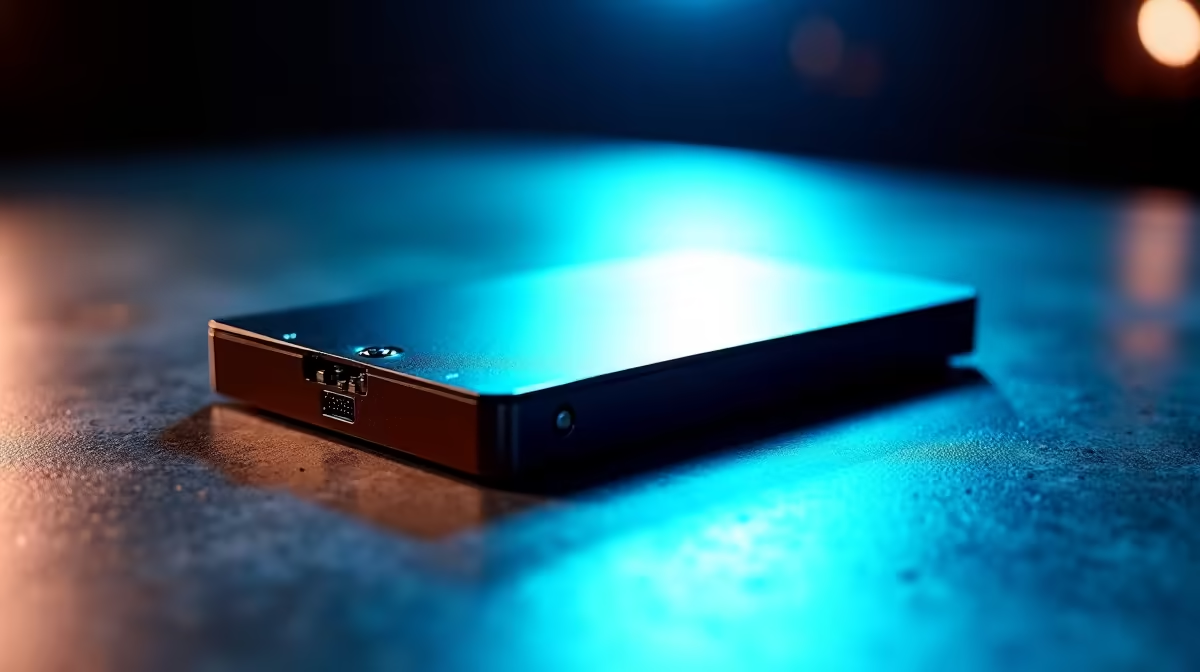
A corrupted SSD usually shows up as missing files, BSODs referencing storage, slow boot times, or RAW-formatted partitions. Diagnose by running CrystalDiskInfo to check SMART status, chkdsk for filesystem errors, and the manufacturer's diagnostic tool (Samsung Magician, WD Dashboard, or Kingston SSD Manager) to verify drive health before deciding to repair or replace.
Not every weird storage symptom equals corruption. Start by ruling out cable, controller, or driver issues. Reseat the M.2 stick, swap the SATA cable, or move the drive to a different slot. Boot into safe mode and check whether the drive appears in Disk Management. If it shows up but as RAW or unallocated, that's filesystem corruption. If it doesn't appear at all, that's a controller or hardware fault. SMART warnings in CrystalDiskInfo (anything yellow or red) confirm physical degradation, while clean SMART with file errors points to software or sudden-power-loss corruption.
Run CrystalDiskInfo first, free, fast, and it reads the SMART data your drive has been logging since day one. Pay special attention to Reallocated Sectors Count, Wear Leveling Count, and Available Spare. Next, open an admin Command Prompt and run chkdsk /f /r X: (replace X with the drive letter). For NVMe drives, install the manufacturer's tool, Samsung Magician, WD Dashboard, Kingston SSD Manager, or Crucial Storage Executive, and run the full diagnostic. Finally, check Windows Event Viewer under Windows Logs, System for storage-related Critical or Error entries, those timestamps tell you exactly when corruption events happened.
In South Africa, sudden power-loss corruption from loadshedding is the number one cause of SSD filesystem damage we see, especially during stage 4 and above when transitions are abrupt. Always run a UPS on your tower, even a basic 650VA line-interactive unit at R900 to R1,500 protects your drive during cuts. Heat is another factor, in summer Joburg or Durban setups, NVMe drives without heatsinks can hit 75 degrees plus and trigger thermal corruption. A cheap aluminium heatsink (R150 to R300) drops temps by 15 degrees and extends drive life noticeably. Never pull a USB SSD without ejecting properly, that's an instant corruption invitation.
Filesystem corruption (RAW partitions, missing files) is often recoverable using chkdsk, partition recovery tools like TestDisk, or the manufacturer's secure erase plus reformat. Physical SSD wear-out, indicated by SMART warnings, cannot be repaired and the drive should be replaced before total failure.
Most SSDs sold at Evetech carry 3 to 5 year manufacturer warranties. If SMART data confirms hardware failure within that window, the warranty process typically covers replacement. Software corruption from user error or power events isn't usually covered, but the team can advise on data recovery options.
No, chkdsk is read-and-repair-only by default and is safe on SSDs. The /r flag does take longer because it scans for bad sectors, but it won't write excessively or wear the drive. Run it confidently when you suspect filesystem damage.
Ready to Find Your Perfect Match? Time to replace a failing drive? Shop reliable SSDs in stock at Evetech
SSD Corrupted: Diagnostic Steps available at Evetech.co.za with local warranty and fast delivery.
SSD Corrupted: Diagnostic Steps - check Evetech for latest stock and SA pricing.
Depends on your use case. SSD Corrupted: Diagnostic Step offers good value at current Rand pricing.
Headset Stock Levels in Bloemfontein: January. Current stock data & price tracking for SA buyers. See what is available and where prices are heading.
Read more
iMac for Medical Practice: Patient Management. SA-focused analysis with local pricing data, real-world insights & actionable buying advice.
Read more
RTX 5060 Fortnite Ultra Settings at 1080p: FPS. Real-world benchmark data, FPS numbers & performance analysis. What SA gamers can actually expect.
Read more
Headset Stock Levels in Cape Town: August Report. Current stock data & price tracking for SA buyers. See what is available and where prices are heading.
Read more
Eskom Load Shedding During Video Call: Solutions. SA-focused analysis with local pricing data, real-world insights & actionable buying advice.
Read more
LoL Performance on Extreme Gaming PC. Real-world benchmark data, FPS numbers & performance analysis. What SA gamers can actually expect.
Read more
Is a Ultra Short Throw Projector Good for Gaming?. Diagnosis steps, proven fixes & when to seek professional help. SA-specific support info included.

Is a Short Throw Projector Good for Gaming? Input. Diagnosis steps, proven fixes & when to seek professional help. SA-specific support info included.

Top Mouse Settings for Competitive FPS: Sensitivity picks evaluated on performance, value & SA availability with current Rand pricing from Evetech.

Top Speakers for MacBook Desk Setup picks evaluated on performance, value & SA availability with current Rand pricing from Evetech.

Is a Ergonomic Chair Better Than a Standard Office Chair for Gaming Detailed answer with SA data, expert analysis & practical recommendations for local buyers.

Use Spotlight Search Like a Pro on macOS. Step-by-step instructions with SA-specific tips, common pitfalls to avoid & expert recommendations.

wireless keyboard Fan Noise Too Loud: Quiet. Everything you need to know with SA pricing, step-by-step instructions & expert recommendations.

Connection Timeout: Troubleshooting Guide #2. Diagnosis steps, proven fixes & when to seek professional help. SA-specific support info included.
Headset Stock Levels in Bloemfontein: January. Current stock data & price tracking for SA buyers. See what is available and where prices are heading.
iMac for Medical Practice: Patient Management. SA-focused analysis with local pricing data, real-world insights & actionable buying advice.
RTX 5060 Fortnite Ultra Settings at 1080p: FPS. Real-world benchmark data, FPS numbers & performance analysis. What SA gamers can actually expect.
Headset Stock Levels in Cape Town: August Report. Current stock data & price tracking for SA buyers. See what is available and where prices are heading.