


Headset Stock Levels in Bloemfontein: January 2026 Report
Headset Stock Levels in Bloemfontein: January. Current stock data & price tracking for SA buyers. See what is available and where prices are heading.
Read moreSSD Not Detected After Power Cut: Recovery. Systematic diagnosis process, recovery options & when to seek professional data recovery in SA.
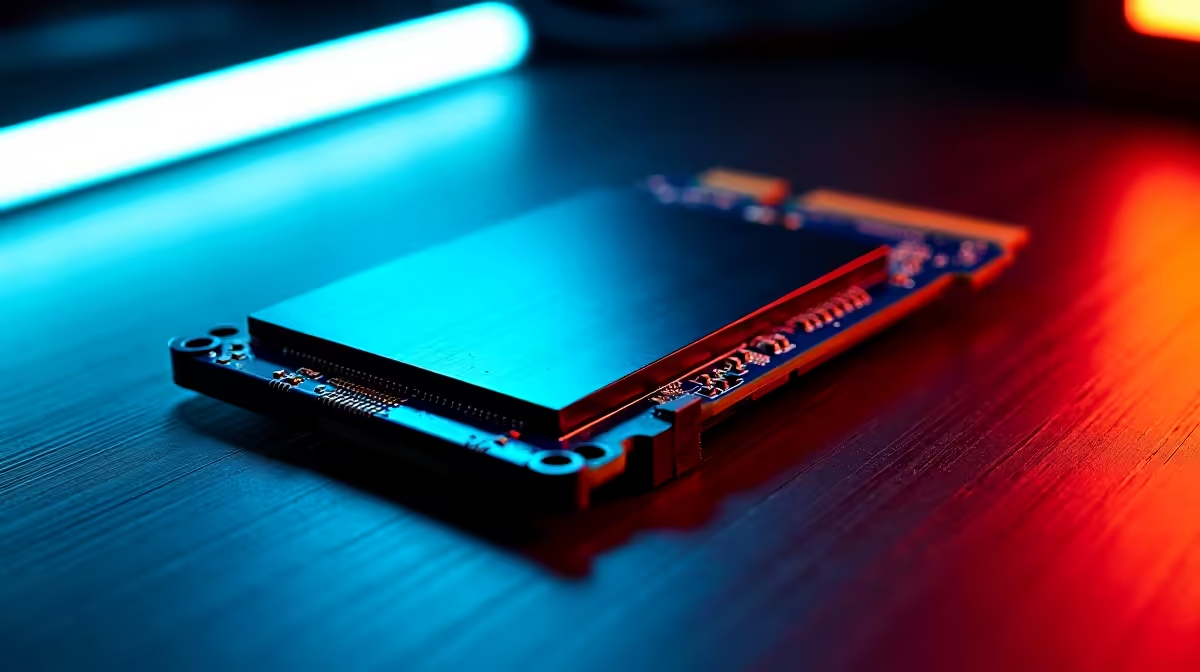
If your SSD vanished after a load shedding outage or wall-plug surge, don't panic and don't format. Most cases are loose SATA cables, BIOS detection issues, or a stuck firmware state, and the data is usually still intact if you stop writing to the drive.
Power the PC down completely, flip the PSU switch off, and give it a minute. Reseat the SATA data and power cables on a SATA SSD, or remove and refit the M.2 stick if that's what you've got. Loose connectors after a sudden cut are the single most common culprit in SA, where wall surges from grid-switching are routine.
Boot into BIOS and look at the storage list. If the drive shows up there but not in Windows, head to Disk Management and see if it's marked offline or missing a drive letter. Right-click and assign one. If BIOS doesn't see the drive at all, try a different SATA port and a different cable before assuming the worst, because controllers and cables fail more than the SSDs themselves.
Drives with PLP (power loss protection) ride out outages cleanly, but consumer SSDs sometimes get stuck in a half-written state. Many manufacturers ship a free toolbox app (Samsung Magician, WD Dashboard, Crucial Storage Executive) that can flash firmware and run a power-cycle reset. If the drive is detected but unreadable, run chkdsk or use a recovery tool like Recuva before doing anything destructive.
Buy a UPS, even a small one. Stage 4 and Stage 6 cuts mean five or more outages a week in some SA suburbs, and every dirty shutdown is a roll of the dice on your storage. Keep a current cloud or external-drive backup of anything irreplaceable like university coursework, freelance project files, or family photos. SSD prices in ZAR have stabilised, and replacing a drive costs far less than recovering one professionally.
Repeated unclean shutdowns shorten lifespan and risk data corruption. A small line-interactive UPS that gives you 5 to 10 minutes is the cheapest insurance policy you'll buy.
If BIOS truly cannot see it after swapping cables and ports, professional recovery in SA is possible but pricey. Quote first before sending it in.
If SMART data shows reallocated sectors climbing or the drive drops out under load, replace it. SSDs are cheaper than the time lost to data drama.
Ready to Find Your Perfect Match? Pick up a fresh drive with full SA warranty if yours has packed up. Shop SSDs at Evetech
SSD Not Detected After Power Cut: Recove available at Evetech.co.za with local warranty and fast delivery.
SSD Not Detected After Power Cut: Recove - check Evetech for latest stock and SA pricing.
Depends on your use case. SSD Not Detected After Power C offers good value at current Rand pricing.
Headset Stock Levels in Bloemfontein: January. Current stock data & price tracking for SA buyers. See what is available and where prices are heading.
Read more
iMac for Medical Practice: Patient Management. SA-focused analysis with local pricing data, real-world insights & actionable buying advice.
Read more
RTX 5060 Fortnite Ultra Settings at 1080p: FPS. Real-world benchmark data, FPS numbers & performance analysis. What SA gamers can actually expect.
Read more
Headset Stock Levels in Cape Town: August Report. Current stock data & price tracking for SA buyers. See what is available and where prices are heading.
Read more
Eskom Load Shedding During Video Call: Solutions. SA-focused analysis with local pricing data, real-world insights & actionable buying advice.
Read more
LoL Performance on Extreme Gaming PC. Real-world benchmark data, FPS numbers & performance analysis. What SA gamers can actually expect.
Read more
Is a Ultra Short Throw Projector Good for Gaming?. Diagnosis steps, proven fixes & when to seek professional help. SA-specific support info included.

Is a Short Throw Projector Good for Gaming? Input. Diagnosis steps, proven fixes & when to seek professional help. SA-specific support info included.

Top Mouse Settings for Competitive FPS: Sensitivity picks evaluated on performance, value & SA availability with current Rand pricing from Evetech.

Top Speakers for MacBook Desk Setup picks evaluated on performance, value & SA availability with current Rand pricing from Evetech.

Is a Ergonomic Chair Better Than a Standard Office Chair for Gaming Detailed answer with SA data, expert analysis & practical recommendations for local buyers.

Use Spotlight Search Like a Pro on macOS. Step-by-step instructions with SA-specific tips, common pitfalls to avoid & expert recommendations.

wireless keyboard Fan Noise Too Loud: Quiet. Everything you need to know with SA pricing, step-by-step instructions & expert recommendations.

Connection Timeout: Troubleshooting Guide #2. Diagnosis steps, proven fixes & when to seek professional help. SA-specific support info included.
Headset Stock Levels in Bloemfontein: January. Current stock data & price tracking for SA buyers. See what is available and where prices are heading.
iMac for Medical Practice: Patient Management. SA-focused analysis with local pricing data, real-world insights & actionable buying advice.
RTX 5060 Fortnite Ultra Settings at 1080p: FPS. Real-world benchmark data, FPS numbers & performance analysis. What SA gamers can actually expect.
Headset Stock Levels in Cape Town: August Report. Current stock data & price tracking for SA buyers. See what is available and where prices are heading.