


Headset Stock Levels in Bloemfontein: January 2026 Report
Headset Stock Levels in Bloemfontein: January. Current stock data & price tracking for SA buyers. See what is available and where prices are heading.
Read moreSSD Speed: Does M.2 SSD Matter for Gaming Detailed answer with SA data, expert analysis & practical recommendations for local buyers.
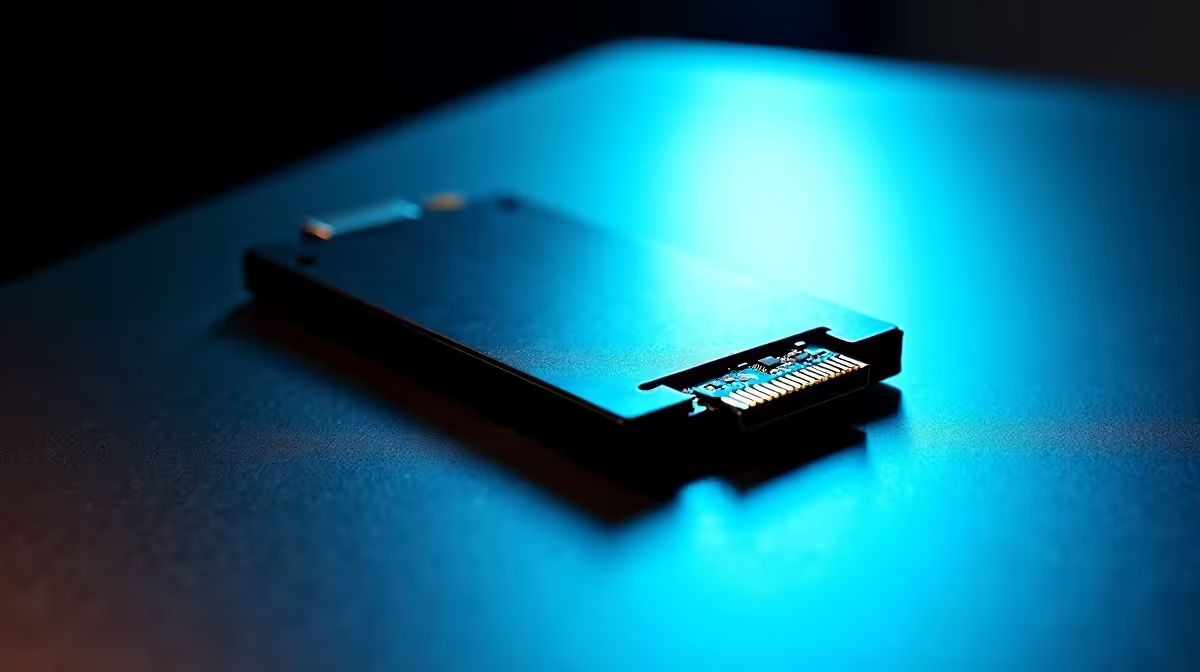
An M.2 NVMe SSD does matter for gaming, but primarily for game load times and open-world streaming - not for in-game FPS. The difference between a good SATA SSD and a fast NVMe drive for frame rate is negligible, but load times and shader compilation can be significantly faster.
Every PC build guide tells you to get an NVMe SSD, but the gaming-specific case for spending more on one deserves a closer look. Here''s what the speed difference actually means in practice.
M.2 is a form factor - the slot on your motherboard. What matters more is the interface. M.2 slots can run either SATA (limited to ~550 MB/s read) or NVMe PCIe (ranging from 3,500 MB/s on Gen 3 to over 14,000 MB/s on Gen 5). A PCIe 4.0 NVMe drive is roughly 6–7x faster in sequential reads than a SATA SSD. For general tasks like booting Windows or copying large files, this is a genuine quality-of-life upgrade. For gaming specifically, the relationship is more nuanced.
Game load times scale with SSD speed up to a point, then plateau. Moving from a mechanical hard drive to any SSD (SATA or NVMe) is a transformative jump - load screens that took 45 seconds drop to 8–12 seconds. Moving from a SATA SSD to a PCIe 3.0 NVMe saves a further 2–5 seconds on average load. Moving from PCIe 3.0 to PCIe 4.0 or 5.0 NVMe saves marginal additional time for most games because the bottleneck moves to the game engine''s asset decompression and streaming logic, not the drive. The exception is Microsoft''s DirectStorage API - games built with DirectStorage can feed the GPU directly from NVMe storage, bypassing CPU decompression. This technology benefits fast NVMe drives meaningfully in supported titles, and more games are adding support through 2025–2026.
For open-world games with large streaming environments (like Flight Simulator, Cyberpunk 2077, or Forspoken), a faster NVMe reduces texture pop-in and asset streaming hitches. In shader compilation on first launch (common in modern PC ports), faster storage reduces the wait time. These are genuine gaming quality-of-life wins that aren''t captured by FPS benchmarks but matter in daily use.
Q: Will an NVMe SSD increase my FPS in games? A: No, not directly. FPS is determined by your CPU and GPU. An NVMe SSD reduces load times, shader compilation waits, and open-world streaming hitches, but has no bearing on sustained frame rates during gameplay.
Q: Is PCIe Gen 5 NVMe worth it for gaming in 2026? A: Not yet for pure gaming. Gen 5 drives offer peak sequential speeds above 12,000 MB/s but games don''t currently saturate even Gen 4 drives during normal gameplay. Gen 5 makes more sense for content creation, video editing, or DirectStorage-intensive workloads.
Q: Should I put my OS and games on the same NVMe drive? A: Yes, keeping both on the same fast NVMe simplifies management and there''s no meaningful performance difference from separating them unless you are filling the drive above 80% capacity, at which point a secondary drive for games makes sense.
Ready to Find Your Perfect Match? Shop M.2 NVMe SSDs in all capacities and speed tiers at Evetech - fast shipping across South Africa.
SSD Speed: Does M.2 SSD Matter for Gamin available at Evetech.co.za with local warranty and fast delivery.
SSD Speed: Does M.2 SSD Matter for Gamin - check Evetech for latest stock and SA pricing.
Depends on your use case. SSD Speed: Does M.2 SSD Matter offers good value at current Rand pricing.
Headset Stock Levels in Bloemfontein: January. Current stock data & price tracking for SA buyers. See what is available and where prices are heading.
Read more
iMac for Medical Practice: Patient Management. SA-focused analysis with local pricing data, real-world insights & actionable buying advice.
Read more
RTX 5060 Fortnite Ultra Settings at 1080p: FPS. Real-world benchmark data, FPS numbers & performance analysis. What SA gamers can actually expect.
Read more
Headset Stock Levels in Cape Town: August Report. Current stock data & price tracking for SA buyers. See what is available and where prices are heading.
Read more
Eskom Load Shedding During Video Call: Solutions. SA-focused analysis with local pricing data, real-world insights & actionable buying advice.
Read more
LoL Performance on Extreme Gaming PC. Real-world benchmark data, FPS numbers & performance analysis. What SA gamers can actually expect.
Read more
Is a Ultra Short Throw Projector Good for Gaming?. Diagnosis steps, proven fixes & when to seek professional help. SA-specific support info included.

Is a Short Throw Projector Good for Gaming? Input. Diagnosis steps, proven fixes & when to seek professional help. SA-specific support info included.

Top Mouse Settings for Competitive FPS: Sensitivity picks evaluated on performance, value & SA availability with current Rand pricing from Evetech.

Top Speakers for MacBook Desk Setup picks evaluated on performance, value & SA availability with current Rand pricing from Evetech.

Is a Ergonomic Chair Better Than a Standard Office Chair for Gaming Detailed answer with SA data, expert analysis & practical recommendations for local buyers.

Use Spotlight Search Like a Pro on macOS. Step-by-step instructions with SA-specific tips, common pitfalls to avoid & expert recommendations.

wireless keyboard Fan Noise Too Loud: Quiet. Everything you need to know with SA pricing, step-by-step instructions & expert recommendations.

Connection Timeout: Troubleshooting Guide #2. Diagnosis steps, proven fixes & when to seek professional help. SA-specific support info included.
Headset Stock Levels in Bloemfontein: January. Current stock data & price tracking for SA buyers. See what is available and where prices are heading.
iMac for Medical Practice: Patient Management. SA-focused analysis with local pricing data, real-world insights & actionable buying advice.
RTX 5060 Fortnite Ultra Settings at 1080p: FPS. Real-world benchmark data, FPS numbers & performance analysis. What SA gamers can actually expect.
Headset Stock Levels in Cape Town: August Report. Current stock data & price tracking for SA buyers. See what is available and where prices are heading.