


Headset Stock Levels in Bloemfontein: January 2026 Report
Headset Stock Levels in Bloemfontein: January. Current stock data & price tracking for SA buyers. See what is available and where prices are heading.
Read moreStarfield Low FPS: Cooling Bottleneck. Detailed answer with SA-specific data, expert analysis, and practical recommendations.
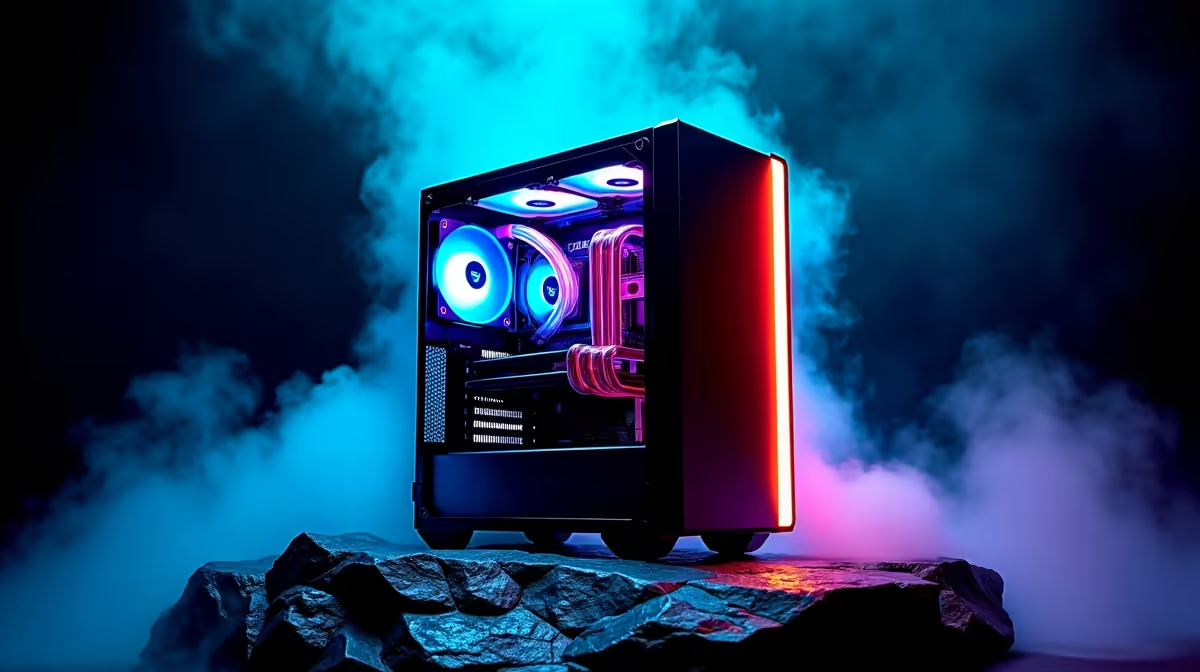
Starfield's low FPS can be caused by thermal throttling when your CPU or GPU overheats and reduces clock speeds to protect itself. Checking your cooling solution and thermal paste condition is essential before assuming a hardware upgrade is needed.
Starfield is one of the most demanding open-world games released in recent years, stressing both CPU and GPU harder than most titles. If your frame rate is lower than expected based on your hardware spec, thermal throttling is a frequently overlooked culprit - especially in South African summer conditions where ambient temperatures are elevated.
Modern CPUs and GPUs are designed to reduce their operating frequency automatically when they exceed safe temperature thresholds. For most Intel CPUs this kicks in around 100 degrees Celsius; AMD processors typically throttle at 95 degrees. GPUs throttle anywhere from 83-93 degrees depending on the manufacturer's settings. When throttling occurs, your clock speeds drop significantly - sometimes by 30-50% below the rated boost frequency. In Starfield, which already pushes hard on the CPU for NPC simulation and procedural generation, a throttling CPU creates a severe and unpredictable performance degradation that looks like a game optimisation problem but is actually a cooling problem.
Run HWiNFO64 or MSI Afterburner with an OSD overlay while playing Starfield. Monitor CPU and GPU temperatures during gameplay, specifically in New Atlantis and space battles - the most demanding areas. If you see CPU temperatures consistently above 90 degrees or GPU temperatures above 85 degrees, thermal throttling is likely contributing to your low FPS. Check if your CPU cooler is adequately sized for your processor's TDP rating - a stock cooler on an unlocked K-series Intel CPU running Starfield is genuinely undersized. In South Africa during summer months, ambient temperatures of 30+ degrees increase component temperatures by 5-10 degrees over winter benchmarks, pushing systems that were borderline into throttling territory.
If thermal throttling is confirmed, the fixes are straightforward. For CPUs, reapplying quality thermal paste (systems older than 3 years often have dried-out original paste) can drop temperatures by 10-15 degrees. Upgrading to an aftermarket cooler is the more reliable fix - a 240mm AIO liquid cooler or a quality tower air cooler like a Thermalright Phantom Spirit handles even the most demanding CPUs. For GPUs, increasing fan curve aggressiveness using MSI Afterburner keeps the GPU cooler at the cost of some fan noise. In hot South African rooms, ensuring adequate case airflow with at least two intake fans and one exhaust fan makes a meaningful temperature difference.
Q: How do I check if my CPU is throttling in Starfield? A: Use HWiNFO64 to monitor CPU temperatures and clock speeds while playing. If clocks drop significantly during demanding scenes while temperatures are high, throttling is occurring.
Q: Will a new cooler fix Starfield's low FPS? A: If thermal throttling is the cause, yes - a proper cooler can recover substantial lost performance. If temperatures are normal and FPS is still low, the issue is elsewhere.
Q: Does Starfield run better with better cooling? A: Indirectly, yes. A well-cooled system sustains its rated boost clocks consistently, delivering the performance the hardware is capable of rather than throttled clocks.
Ready to Find Your Perfect Match? Browse CPU coolers that keep your processor at peak performance through demanding titles like Starfield.
Starfield Low FPS: Cooling Bottleneck available at Evetech.co.za with local warranty.
Starfield Low FPS: Cooling Bottleneck - check Evetech for latest stock.
Depends on use case. Starfield Low FPS: Cooling Bot good value at current Rand pricing.
Headset Stock Levels in Bloemfontein: January. Current stock data & price tracking for SA buyers. See what is available and where prices are heading.
Read more
iMac for Medical Practice: Patient Management. SA-focused analysis with local pricing data, real-world insights & actionable buying advice.
Read more
RTX 5060 Fortnite Ultra Settings at 1080p: FPS. Real-world benchmark data, FPS numbers & performance analysis. What SA gamers can actually expect.
Read more
Headset Stock Levels in Cape Town: August Report. Current stock data & price tracking for SA buyers. See what is available and where prices are heading.
Read more
Eskom Load Shedding During Video Call: Solutions. SA-focused analysis with local pricing data, real-world insights & actionable buying advice.
Read more
LoL Performance on Extreme Gaming PC. Real-world benchmark data, FPS numbers & performance analysis. What SA gamers can actually expect.
Read more
Is a Ultra Short Throw Projector Good for Gaming?. Diagnosis steps, proven fixes & when to seek professional help. SA-specific support info included.

Is a Short Throw Projector Good for Gaming? Input. Diagnosis steps, proven fixes & when to seek professional help. SA-specific support info included.

Top Mouse Settings for Competitive FPS: Sensitivity picks evaluated on performance, value & SA availability with current Rand pricing from Evetech.

Top Speakers for MacBook Desk Setup picks evaluated on performance, value & SA availability with current Rand pricing from Evetech.

Is a Ergonomic Chair Better Than a Standard Office Chair for Gaming Detailed answer with SA data, expert analysis & practical recommendations for local buyers.

Use Spotlight Search Like a Pro on macOS. Step-by-step instructions with SA-specific tips, common pitfalls to avoid & expert recommendations.

wireless keyboard Fan Noise Too Loud: Quiet. Everything you need to know with SA pricing, step-by-step instructions & expert recommendations.

Connection Timeout: Troubleshooting Guide #2. Diagnosis steps, proven fixes & when to seek professional help. SA-specific support info included.
Headset Stock Levels in Bloemfontein: January. Current stock data & price tracking for SA buyers. See what is available and where prices are heading.
iMac for Medical Practice: Patient Management. SA-focused analysis with local pricing data, real-world insights & actionable buying advice.
RTX 5060 Fortnite Ultra Settings at 1080p: FPS. Real-world benchmark data, FPS numbers & performance analysis. What SA gamers can actually expect.
Headset Stock Levels in Cape Town: August Report. Current stock data & price tracking for SA buyers. See what is available and where prices are heading.