


Headset Stock Levels in Bloemfontein: January 2026 Report
Headset Stock Levels in Bloemfontein: January. Current stock data & price tracking for SA buyers. See what is available and where prices are heading.
Read moreStorage Dictionary. Every term explained in plain English so you can shop with confidence and compare specs accurately.
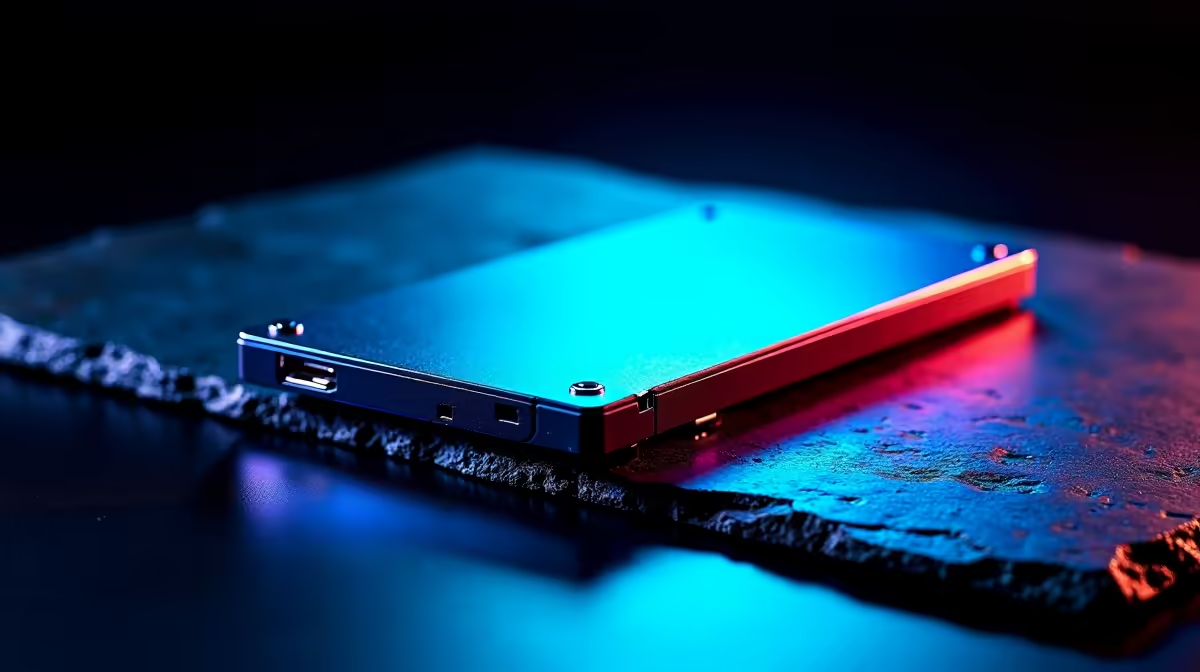
Storage terminology gets confusing fast. This SA-focused dictionary breaks down NVMe, SATA, DRAM cache, TBW, and other key terms so you can buy with confidence whether you're building a budget rig or upgrading a workstation.
NVMe SSDs use the M.2 slot directly on your motherboard with PCIe lanes - Gen3 hits roughly 3,500MB/s, Gen4 doubles that to 7,000MB/s, and Gen5 reaches 14,000MB/s on top-tier drives like the Samsung 9100 Pro. SATA SSDs cap at 550MB/s but cost less per GB, making them the go-to for secondary game libraries. HDDs (mechanical hard drives) remain cheapest per terabyte but trail badly on game load times. For a 2026 SA gaming build, Gen4 NVMe is the value sweet spot at around R1,299 for 1TB.
DRAM cache means the SSD has dedicated memory for fast metadata handling, which keeps file access snappy under load. DRAM-less drives cost less but throttle hard in sustained writes longer than 100GB. TBW (terabytes written) shows endurance - a 1TB Samsung 990 EVO Plus rated at 600 TBW handles roughly 165GB of daily writes for 10 years before reaching its warranty ceiling. Sequential speed is the marketing number, but random 4K read/write affects game loading more than the headline figures suggest.
M.2 2280 is the standard size most motherboards accept and what virtually every desktop NVMe drive uses. Some ITX boards and laptops use M.2 2230 or 2242 - check your spec sheet before buying because the wrong size simply won't mount. U.2 is enterprise-only and rarely seen in gaming builds. External SSDs use USB 3.2 Gen 2 (10Gb/s) or USB4 (40Gb/s) for portable performance close to internal drives, ideal for SA students moving between res and home over weekends.
TLC stores 3 bits per cell with better endurance and speed. QLC stores 4 bits, which is cheaper per GB but slower under sustained load and rated for fewer write cycles. For gaming, TLC is the safer pick for long-term value.
Not yet. Most games don't fully use Gen4 bandwidth, so Gen5 only benefits creative workloads in 2026. Save the budget for a better GPU or extra Gen4 capacity instead.
Host Memory Buffer borrows system RAM as a substitute cache. It works but lags behind native DRAM, especially during long file transfers and game installs from SA fibre that finish faster than the drive can absorb.
Ready to Find Your Perfect Match? Pick storage that matches your build's purpose. Browse gaming PC deals with SSD options
Storage Dictionary for South Africa available at Evetech.co.za with local warranty and fast delivery.
Storage Dictionary for South Africa - check Evetech for latest stock and SA pricing.
Depends on your use case. Storage Dictionary for South A offers good value at current Rand pricing.
Headset Stock Levels in Bloemfontein: January. Current stock data & price tracking for SA buyers. See what is available and where prices are heading.
Read more
iMac for Medical Practice: Patient Management. SA-focused analysis with local pricing data, real-world insights & actionable buying advice.
Read more
RTX 5060 Fortnite Ultra Settings at 1080p: FPS. Real-world benchmark data, FPS numbers & performance analysis. What SA gamers can actually expect.
Read more
Headset Stock Levels in Cape Town: August Report. Current stock data & price tracking for SA buyers. See what is available and where prices are heading.
Read more
Eskom Load Shedding During Video Call: Solutions. SA-focused analysis with local pricing data, real-world insights & actionable buying advice.
Read more
LoL Performance on Extreme Gaming PC. Real-world benchmark data, FPS numbers & performance analysis. What SA gamers can actually expect.
Read more
Is a Ultra Short Throw Projector Good for Gaming?. Diagnosis steps, proven fixes & when to seek professional help. SA-specific support info included.

Is a Short Throw Projector Good for Gaming? Input. Diagnosis steps, proven fixes & when to seek professional help. SA-specific support info included.

Top Mouse Settings for Competitive FPS: Sensitivity picks evaluated on performance, value & SA availability with current Rand pricing from Evetech.

Top Speakers for MacBook Desk Setup picks evaluated on performance, value & SA availability with current Rand pricing from Evetech.

Is a Ergonomic Chair Better Than a Standard Office Chair for Gaming Detailed answer with SA data, expert analysis & practical recommendations for local buyers.

Use Spotlight Search Like a Pro on macOS. Step-by-step instructions with SA-specific tips, common pitfalls to avoid & expert recommendations.

wireless keyboard Fan Noise Too Loud: Quiet. Everything you need to know with SA pricing, step-by-step instructions & expert recommendations.

Connection Timeout: Troubleshooting Guide #2. Diagnosis steps, proven fixes & when to seek professional help. SA-specific support info included.
Headset Stock Levels in Bloemfontein: January. Current stock data & price tracking for SA buyers. See what is available and where prices are heading.
iMac for Medical Practice: Patient Management. SA-focused analysis with local pricing data, real-world insights & actionable buying advice.
RTX 5060 Fortnite Ultra Settings at 1080p: FPS. Real-world benchmark data, FPS numbers & performance analysis. What SA gamers can actually expect.
Headset Stock Levels in Cape Town: August Report. Current stock data & price tracking for SA buyers. See what is available and where prices are heading.