


Headset Stock Levels in Bloemfontein: January 2026 Report
Headset Stock Levels in Bloemfontein: January. Current stock data & price tracking for SA buyers. See what is available and where prices are heading.
Read moreValorant Performance on Budget Gaming PC. Real-world benchmark data, FPS numbers & performance analysis. What SA gamers can actually expect.
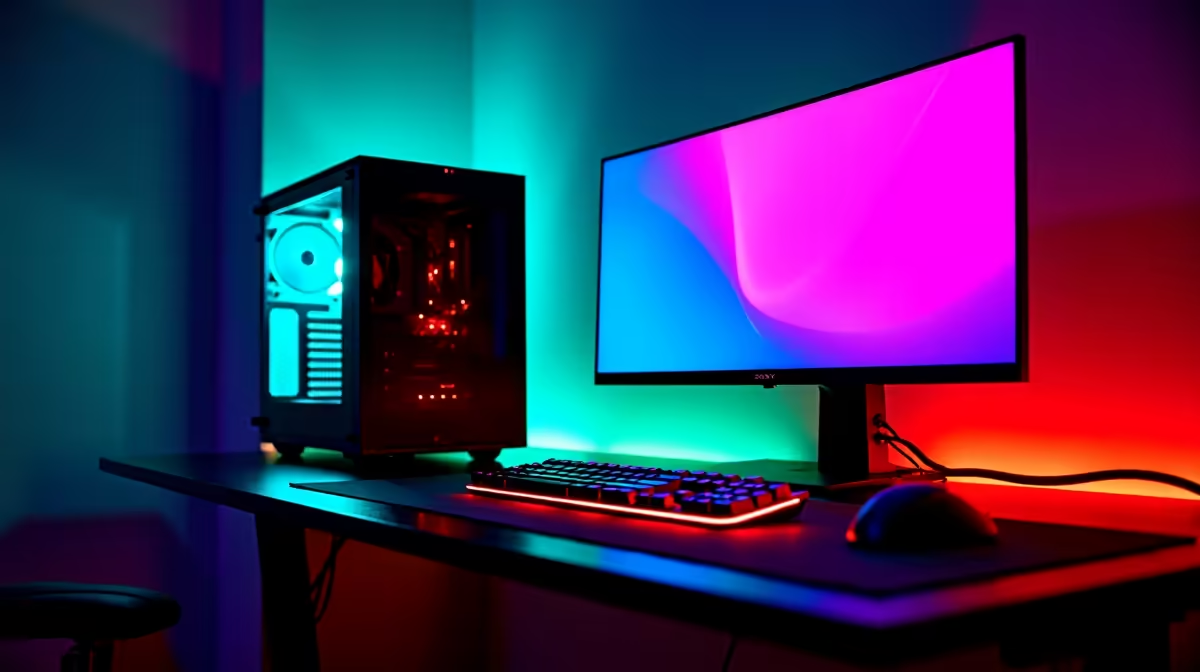
Valorant has become one of South Africa's most-played competitive titles, and one of its biggest draws is how accessible it is to hardware that wouldn't handle modern AAA games. Riot Games designed Valorant for broad hardware compatibility, and SA gamers on budget builds are in a genuinely good position to run it well - if they set it up correctly.
Valorant runs on almost any PC made in the last decade. For competitive play in SA, a system with an Intel Core i5 (6th gen+) or Ryzen 5, 16GB RAM, and any dedicated GPU from the GTX 1650 or RX 580 class delivers 144+ FPS at 1080p Low - which is all you need to hit your peak competitive performance.
Riot's minimum spec for Valorant is a Core 2 Duo with Intel HD 3000 graphics - a CPU from 2010. This gives you an idea of how deliberately lightweight the engine is. In practice, on true minimum hardware you'll achieve 30-60 FPS with significant drops during abilities and firefights. That's survivable but not competitive.
The playable competitive floor in 2026 is a Ryzen 5 3600 or Core i5-10400, paired with a GTX 1650 or RX 580, 16GB DDR4, and an SSD. This combination produces 144-240 FPS at 1080p Low settings with almost no drops during active fights. SA gamers at this hardware tier are genuinely competitive - frame rate is more than sufficient. For those looking to build exactly this spec, Evetech's gaming PC range includes multiple budget configurations at this performance level.
Set all graphics to Low or Off. In Valorant's options, the most impactful settings are: Display Mode (Fullscreen, not Windowed), VSync Off, Anti-Aliasing (MSAA Off or FXAA), and Bloom/Distortion/Shadows all Off. These settings do not disadvantage you visually - most competitive players run identical settings regardless of hardware.
Enable Multithreaded Rendering - this is CPU-side and helps on multi-core systems significantly. Set your in-game FPS cap to your monitor's refresh rate or slightly above (e.g., 163 FPS for a 165Hz monitor). Uncapped FPS increases GPU temperature and power draw without gameplay benefit once you're above your monitor's refresh rate. Keep Windows up to date and ensure your GPU drivers are current - Riot's anti-cheat (Vanguard) occasionally requires recent driver versions.
Q: Does Valorant work well on SA servers? A: Riot Games operates servers in Johannesburg, giving most SA players 20-60ms ping depending on ISP and location. This is competitive-grade latency for the game. Fibre connections deliver the most consistent ping - wireless connections can introduce spike variability that matters in high-level play.
Q: Will upgrading RAM from 8GB to 16GB help Valorant FPS? A: Yes, noticeably. Valorant uses 8-10GB of RAM in typical sessions including Windows background processes. On 8GB total RAM, the OS begins paging, causing frame time spikes and stutter. 16GB eliminates this bottleneck entirely and is the single most cost-effective upgrade for budget builds showing inconsistent performance.
Q: What's the best budget GPU for Valorant in SA in 2026? A: The GTX 1660 Super or RX 6600 offer the best performance-per-rand for Valorant at 1080p in the SA market. They comfortably sustain 240+ FPS at Low settings, are widely available, and don't require high-wattage PSU upgrades. Check Evetech's GPU listings for current stock and pricing.
Compare Budget Gaming PCs and Graphics Card Deals at Evetech for the latest specs and SA deals.
Valorant Performance on Budget Gaming PC available at Evetech.co.za with local warranty and fast delivery.
Valorant Performance on Budget Gaming PC - check Evetech for latest stock and SA pricing.
Depends on your use case. Valorant Performance on Budget offers good value at current Rand pricing.
Headset Stock Levels in Bloemfontein: January. Current stock data & price tracking for SA buyers. See what is available and where prices are heading.
Read more
iMac for Medical Practice: Patient Management. SA-focused analysis with local pricing data, real-world insights & actionable buying advice.
Read more
RTX 5060 Fortnite Ultra Settings at 1080p: FPS. Real-world benchmark data, FPS numbers & performance analysis. What SA gamers can actually expect.
Read more
Headset Stock Levels in Cape Town: August Report. Current stock data & price tracking for SA buyers. See what is available and where prices are heading.
Read more
Eskom Load Shedding During Video Call: Solutions. SA-focused analysis with local pricing data, real-world insights & actionable buying advice.
Read more
LoL Performance on Extreme Gaming PC. Real-world benchmark data, FPS numbers & performance analysis. What SA gamers can actually expect.
Read more
Is a Ultra Short Throw Projector Good for Gaming?. Diagnosis steps, proven fixes & when to seek professional help. SA-specific support info included.

Is a Short Throw Projector Good for Gaming? Input. Diagnosis steps, proven fixes & when to seek professional help. SA-specific support info included.

Top Mouse Settings for Competitive FPS: Sensitivity picks evaluated on performance, value & SA availability with current Rand pricing from Evetech.

Top Speakers for MacBook Desk Setup picks evaluated on performance, value & SA availability with current Rand pricing from Evetech.

Is a Ergonomic Chair Better Than a Standard Office Chair for Gaming Detailed answer with SA data, expert analysis & practical recommendations for local buyers.

Use Spotlight Search Like a Pro on macOS. Step-by-step instructions with SA-specific tips, common pitfalls to avoid & expert recommendations.

wireless keyboard Fan Noise Too Loud: Quiet. Everything you need to know with SA pricing, step-by-step instructions & expert recommendations.

Connection Timeout: Troubleshooting Guide #2. Diagnosis steps, proven fixes & when to seek professional help. SA-specific support info included.
Headset Stock Levels in Bloemfontein: January. Current stock data & price tracking for SA buyers. See what is available and where prices are heading.
iMac for Medical Practice: Patient Management. SA-focused analysis with local pricing data, real-world insights & actionable buying advice.
RTX 5060 Fortnite Ultra Settings at 1080p: FPS. Real-world benchmark data, FPS numbers & performance analysis. What SA gamers can actually expect.
Headset Stock Levels in Cape Town: August Report. Current stock data & price tracking for SA buyers. See what is available and where prices are heading.