


Headset Stock Levels in Bloemfontein: January 2026 Report
Headset Stock Levels in Bloemfontein: January. Current stock data & price tracking for SA buyers. See what is available and where prices are heading.
Read moreValorant Performance on Pro Gaming PC. Real-world benchmark data, FPS numbers & performance analysis. What SA gamers can actually expect.
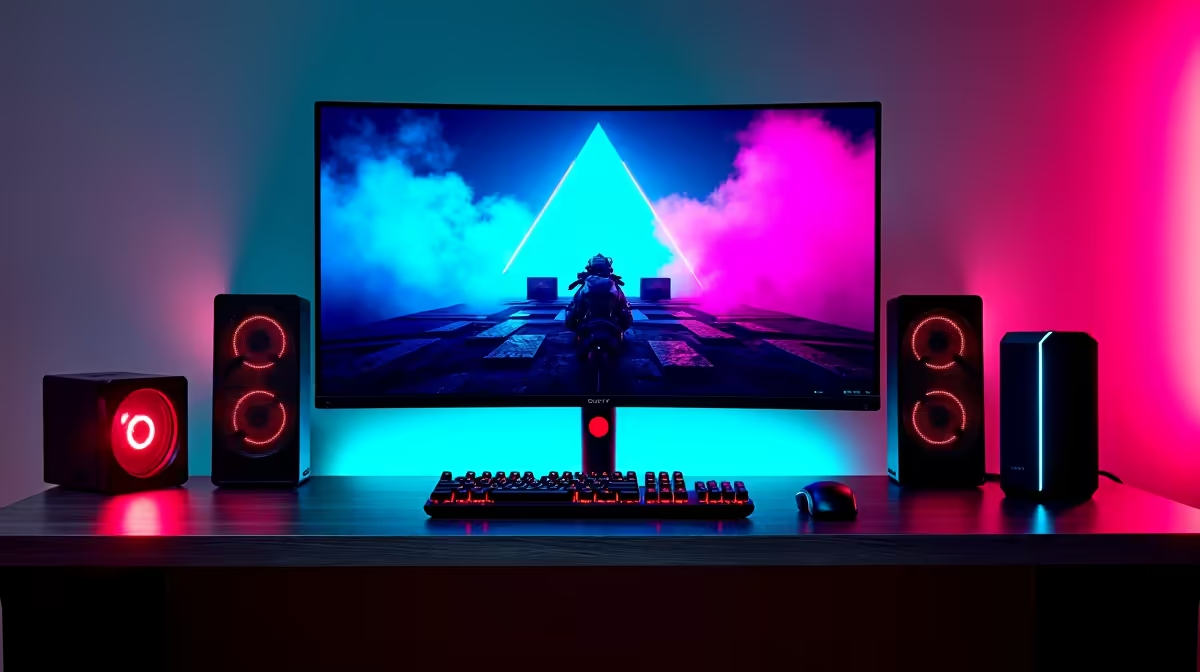
Valorant runs exceptionally well on a pro gaming PC in South Africa, with high-end rigs consistently achieving 300+ FPS at 1080p and well above 200 FPS at 1440p, giving SA competitive players a significant edge in high-refresh rate gameplay.
Valorant is designed as a competitive esport first and a visual showcase second. Riot Games deliberately optimised the game to run at extremely high frame rates even on mid-range hardware, but a pro gaming PC with a dedicated high-end GPU and a fast modern processor takes that performance to another level entirely. South African players competing in VALORANT Champions Tour regional qualifiers or local amateur tournaments need every millisecond of latency advantage they can get.
The relationship between high frame rates and in-game feel is well-documented in the competitive scene. At 300+ FPS on a 240 Hz or 360 Hz monitor, the perceived smoothness of mouse tracking and the responsiveness of ability animations is noticeably sharper than at 60 or even 144 FPS. SA players also deal with the additional latency of connecting to Johannesburg servers - typically 10-30 ms for most regions of the country - making local hardware performance even more critical since it is the one variable entirely within your control.
A pro gaming PC configuration featuring a current-generation CPU and a high-end GPU will push Valorant well beyond what most monitors can even display. At 1080p with Competitive settings (Medium quality across the board, Multithreaded Rendering enabled), frame rates comfortably exceed 350-450 FPS on top-tier hardware. Even at 1440p with similar settings, you are looking at consistent 250-350 FPS output.
The key settings that professional players and SA serious competitors use include: Limit FPS On Always turned off, Multithreaded Rendering set to On, Material Quality at Medium, Detail Quality at Medium, and all bloom and distortion effects disabled. These settings maximise CPU utilisation across all available cores and strip out post-processing overhead that does nothing to help you spot enemies. Shadows can be turned down to Low without any gameplay impact - they are largely cosmetic in Valorant's stylised art style.
For South African players who experience power outages during load shedding, it is worth ensuring your UPS is sized appropriately. A pro gaming PC with a high-end GPU can draw 400-600 W under load, and most home UPS units are rated for 600-1000 VA. Factor this into your setup to avoid match-ending shutdowns.
The highest priority component for Valorant performance is CPU clock speed and single-core performance. Valorant's engine scales well with multiple cores but benefits enormously from high single-core frequencies. Pairing a fast modern processor with a dedicated GPU that has enough headroom to not be the bottleneck is the right approach. RAM speed also contributes - 32 GB of DDR5 at 6000 MHz is a solid target for a pro build.
Monitor choice is equally important on the output side. There is limited value in a 450 FPS frame rate if your display is capped at 144 Hz. SA gamers competing at a high level should target a 240 Hz or 360 Hz IPS or TN panel paired with their pro gaming PC. The combination of maximum rendered frames and a high-refresh display is what delivers the competitive edge the hardware promises.
A: Valorant is more CPU-dependent than most games, but at very high frame rate targets (300+ FPS), both the CPU and GPU contribute. For most pro builds, the CPU sets the ceiling while the GPU needs to be capable enough not to create a bottleneck. A mid-range GPU is sufficient for high frame rates, but a pro-tier GPU ensures no rendering overhead holds you back at high resolutions.
A: At 1080p Competitive settings, 350-450+ FPS is achievable on top-tier hardware. At 1440p, expect 250-350 FPS. These numbers assume Multithreaded Rendering is enabled and quality settings are tuned for performance rather than visuals.
A: Server location affects network latency, which your PC cannot change. However, having high local frame rates reduces input latency (the time between your mouse movement and screen update), which is entirely hardware-dependent. This is why South African players benefit from high-FPS builds even when server ping is fixed at 15-30 ms.
Also at Evetech: Graphics Card Deals | Evetech Best Sellers
Ready to Find Your Perfect Match? Shop at Evetech
Valorant Performance on Pro Gaming PC in available at Evetech.co.za with local warranty and fast delivery.
Valorant Performance on Pro Gaming PC in - check Evetech for latest stock and SA pricing.
Depends on your use case. Valorant Performance on Pro Ga offers good value at current Rand pricing.
Headset Stock Levels in Bloemfontein: January. Current stock data & price tracking for SA buyers. See what is available and where prices are heading.
Read more
iMac for Medical Practice: Patient Management. SA-focused analysis with local pricing data, real-world insights & actionable buying advice.
Read more
RTX 5060 Fortnite Ultra Settings at 1080p: FPS. Real-world benchmark data, FPS numbers & performance analysis. What SA gamers can actually expect.
Read more
Headset Stock Levels in Cape Town: August Report. Current stock data & price tracking for SA buyers. See what is available and where prices are heading.
Read more
Eskom Load Shedding During Video Call: Solutions. SA-focused analysis with local pricing data, real-world insights & actionable buying advice.
Read more
LoL Performance on Extreme Gaming PC. Real-world benchmark data, FPS numbers & performance analysis. What SA gamers can actually expect.
Read more
Is a Ultra Short Throw Projector Good for Gaming?. Diagnosis steps, proven fixes & when to seek professional help. SA-specific support info included.

Is a Short Throw Projector Good for Gaming? Input. Diagnosis steps, proven fixes & when to seek professional help. SA-specific support info included.

Top Mouse Settings for Competitive FPS: Sensitivity picks evaluated on performance, value & SA availability with current Rand pricing from Evetech.

Top Speakers for MacBook Desk Setup picks evaluated on performance, value & SA availability with current Rand pricing from Evetech.

Is a Ergonomic Chair Better Than a Standard Office Chair for Gaming Detailed answer with SA data, expert analysis & practical recommendations for local buyers.

Use Spotlight Search Like a Pro on macOS. Step-by-step instructions with SA-specific tips, common pitfalls to avoid & expert recommendations.

wireless keyboard Fan Noise Too Loud: Quiet. Everything you need to know with SA pricing, step-by-step instructions & expert recommendations.

Connection Timeout: Troubleshooting Guide #2. Diagnosis steps, proven fixes & when to seek professional help. SA-specific support info included.
Headset Stock Levels in Bloemfontein: January. Current stock data & price tracking for SA buyers. See what is available and where prices are heading.
iMac for Medical Practice: Patient Management. SA-focused analysis with local pricing data, real-world insights & actionable buying advice.
RTX 5060 Fortnite Ultra Settings at 1080p: FPS. Real-world benchmark data, FPS numbers & performance analysis. What SA gamers can actually expect.
Headset Stock Levels in Cape Town: August Report. Current stock data & price tracking for SA buyers. See what is available and where prices are heading.