


Headset Stock Levels in Bloemfontein: January 2026 Report
Headset Stock Levels in Bloemfontein: January. Current stock data & price tracking for SA buyers. See what is available and where prices are heading.
Read moreVirtual Memory Too High: What's Wrong. SA-focused analysis with local pricing data, real-world insights & actionable buying advice.
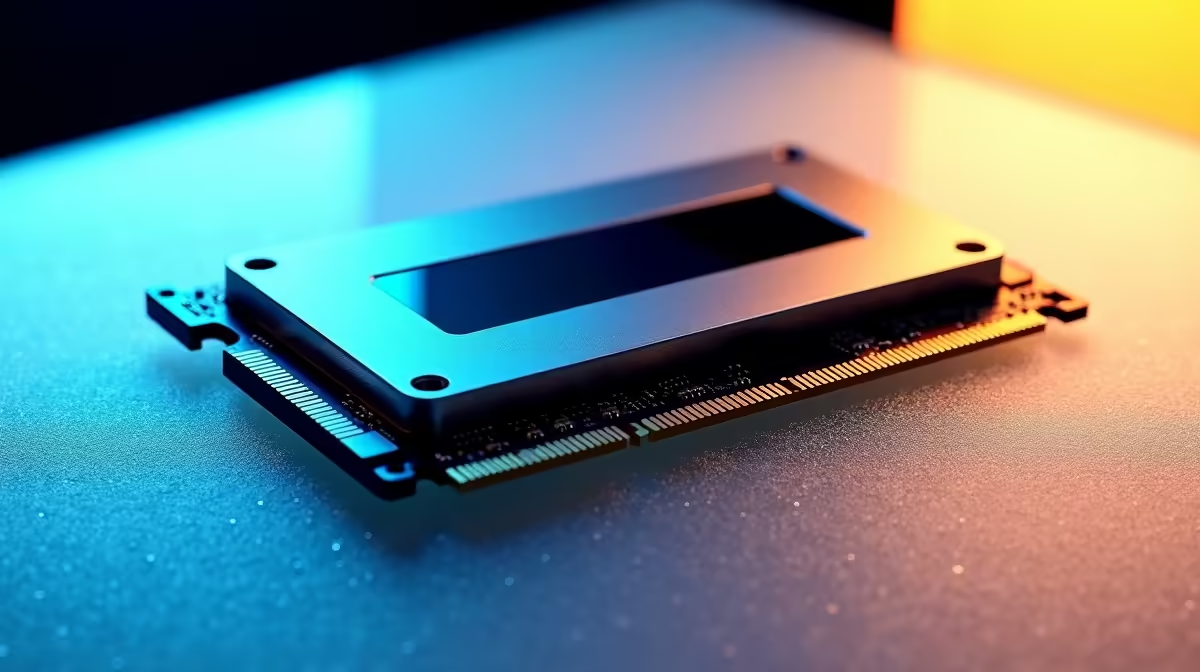
If your system’s virtual memory too high, you’ll notice sluggishness and stuttering—especially when gaming or running heavy apps. South African gamers relying on fibre to stream or multitask can find this frustrating ⚡. Virtual memory acts as an overflow for your RAM, but when it’s consistently maxed, you’re hitting a bottleneck. Understanding what causes this can save you from needing a costly upgrade.
Virtual memory uses your hard drive space to simulate additional RAM when physical memory runs out. If your PC constantly uses too much virtual memory, it means your RAM can’t keep up. Common culprits include running too many background apps or memory leaks from poorly optimised software. For instance, games with hefty textures or programs like video editors push your memory limits.
In South Africa, many gamers upgrade from laptops or pre-builts to custom rigs to tackle this. Evetech’s range of pre-built PC deals offers excellent options with ample memory configurations. For those on a budget, a laptop with sufficient RAM can also reduce reliance on virtual memory; browse the latest notebooks for sale for balanced performance.
Before jumping into hardware upgrades, try these fixes:
Changing your page file size to ‘System managed’ usually optimises virtual memory without manual hassles.
For choosing the right RAM upgrade, check out the latest memory modules to speed things up. Many South African gamers find a 16GB minimum ideal for modern titles while 32GB is wise for multitasking and streaming.
Gamers competing in titles like Fortnite or Cyberpunk 2077 feel the pain when virtual memory spikes. Systems with inadequate RAM force more frequent use of slow disk swapping, resulting in stutter and input lag. Buying a solid gaming PC can drastically reduce these issues. Evetech’s best gaming PC deals highlight rigs tailored for smooth gameplay and balanced memory allocation.
Remember that solid SSD storage also helps virtual memory run faster than older platter drives. South African gamers who upgraded to NVMe SSDs saw dramatic reductions in load times and lag spikes.
Investing in more RAM is the most straightforward fix for high virtual memory use, but supplying your rig with a faster SSD and a capable CPU matters too. Evetech’s specials page often has bundles that offer good value on these upgrades.
When picking components, consider compatibility with your motherboard and your daily use-case. For mixed workloads—gaming, streaming, and editing—aim for balanced specs that let your system breathe.
Upgrade Your PC's Memory Today Don’t let high virtual memory hold you back. Shop now at Evetech for memory upgrades that keep your system fast and smooth under pressure.
Virtual Memory Too High: What's Wrong available at Evetech.co.za with local warranty and fast delivery.
Virtual Memory Too High: What's Wrong - check Evetech for latest stock and SA pricing.
Depends on your use case. Virtual Memory Too High: What' offers good value at current Rand pricing.
Headset Stock Levels in Bloemfontein: January. Current stock data & price tracking for SA buyers. See what is available and where prices are heading.
Read more
iMac for Medical Practice: Patient Management. SA-focused analysis with local pricing data, real-world insights & actionable buying advice.
Read more
RTX 5060 Fortnite Ultra Settings at 1080p: FPS. Real-world benchmark data, FPS numbers & performance analysis. What SA gamers can actually expect.
Read more
Headset Stock Levels in Cape Town: August Report. Current stock data & price tracking for SA buyers. See what is available and where prices are heading.
Read more
Eskom Load Shedding During Video Call: Solutions. SA-focused analysis with local pricing data, real-world insights & actionable buying advice.
Read more
LoL Performance on Extreme Gaming PC. Real-world benchmark data, FPS numbers & performance analysis. What SA gamers can actually expect.
Read more
Is a Ultra Short Throw Projector Good for Gaming?. Diagnosis steps, proven fixes & when to seek professional help. SA-specific support info included.

Is a Short Throw Projector Good for Gaming? Input. Diagnosis steps, proven fixes & when to seek professional help. SA-specific support info included.

Top Mouse Settings for Competitive FPS: Sensitivity picks evaluated on performance, value & SA availability with current Rand pricing from Evetech.

Top Speakers for MacBook Desk Setup picks evaluated on performance, value & SA availability with current Rand pricing from Evetech.

Is a Ergonomic Chair Better Than a Standard Office Chair for Gaming Detailed answer with SA data, expert analysis & practical recommendations for local buyers.

Use Spotlight Search Like a Pro on macOS. Step-by-step instructions with SA-specific tips, common pitfalls to avoid & expert recommendations.

wireless keyboard Fan Noise Too Loud: Quiet. Everything you need to know with SA pricing, step-by-step instructions & expert recommendations.

Connection Timeout: Troubleshooting Guide #2. Diagnosis steps, proven fixes & when to seek professional help. SA-specific support info included.
Headset Stock Levels in Bloemfontein: January. Current stock data & price tracking for SA buyers. See what is available and where prices are heading.
iMac for Medical Practice: Patient Management. SA-focused analysis with local pricing data, real-world insights & actionable buying advice.
RTX 5060 Fortnite Ultra Settings at 1080p: FPS. Real-world benchmark data, FPS numbers & performance analysis. What SA gamers can actually expect.
Headset Stock Levels in Cape Town: August Report. Current stock data & price tracking for SA buyers. See what is available and where prices are heading.