

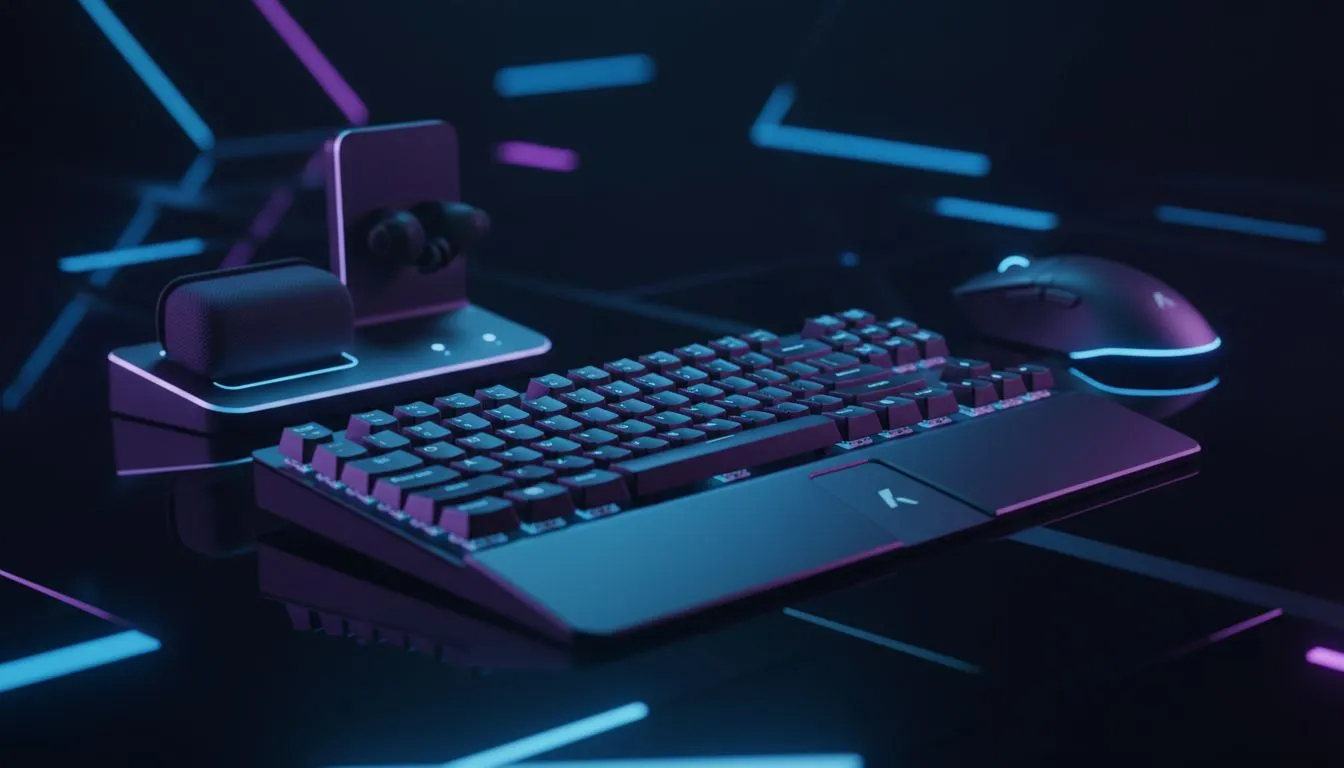
Cut the Cord: Best Wireless Peripherals Under R5,500 SA
Is your desk looking like a bowl of cable spaghetti? We’ve all been there… trying to flick a headshot in CS2 only to get snagged on a coffee mug cable tangle. It’s frustrating. Fortunately, latency-free gaming is no longer a luxury reserved for the elite. You can build a stunning, clutter-free setup with the best wireless peripherals under R5,500 SA. Let's upgrade your battlestation 🚀.
Precision Without the Drag
The biggest myth in PC gaming is that "wireless equals lag." That might have been true in 2015, but today’s 2.4GHz dongles are often faster than cheap wired connections.
Start with your aim. A lightweight wireless gaming mouse allows for unrestricted movement. Whether you are a low-DPI arm aimer or a high-sensitivity wrist flicker, removing the cable drag makes the mouse feel like an extension of your hand. Look for options with long battery life so you aren't scrambling for a charging cable mid-match.
Pair that with a clean deck. You can buy the cheapest gaming keyboard in South Africa that offers mechanical switches and wireless connectivity without breaking the bank. A 60% or TKL wireless board opens up massive amounts of desk real estate for your mouse pad.
Immersive Audio and Control
Nothing ruins immersion like being tethered to your tower. High-quality wireless headphone headsets have become essential for modern gaming. They allow you to communicate with your squad clearly and, crucially, let you walk to the kitchen for a snack between rounds without taking your gear off.
For those who prefer Rocket League, Elden Ring, or racing sims, a keyboard isn't always the right tool. Buy gaming controllers that support dual-mode connectivity (Bluetooth for your phone/laptop and 2.4GHz for your PC) to get the most value out of your purchase.
Connection Stability Tip ⚡
When setting up wireless gear, plug your 2.4GHz USB dongles into the front I O of your PC or a USB extender on your desk. Plugging them into the back of the case can cause signal interference from the metal chassis and other cables, leading to micro-stutters.
The Stream-Ready Aesthetic
Going wireless is often the first step toward building a content creation studio. A clean desk looks significantly better on camera. If you are looking to start broadcasting, check out our streaming essentials to pair with your clutter-free look.
While audio is key, you don't always need a boom arm right in your face. Modern wireless microphones (or high-quality headset mics) are getting surprisingly good for casual streaming, keeping your visual frame open and tidy.
To truly appreciate a clean setup, you need a display that manages the few cables you do have. Many modern PC monitors come with built-in USB hubs. This is a pro-tier hack: plug your mouse and keyboard dongles directly into the monitor to keep the signal strong and your PC tower completely hidden away.
Speed Inside and Out
A wireless setup feels fast and futuristic, so don't let your internal components drag you down. There is no point in having a millisecond-response mouse if your game takes five minutes to load. Buy solid state drives (NVMe M.2) to ensure your system snaps to attention as quickly as your wireless peripherals do ✨.
Building a wireless setup under R5,500 is entirely possible in South Africa if you prioritise value and performance over hype.
Ready to Cut the Cord? Freedom from cables is just a click away. Whether you need a precision mouse or a headset that lasts all week on a single charge, we have the gear to suit your budget. Shop our full range of wireless peripherals and build the cleanest setup on the block.











