

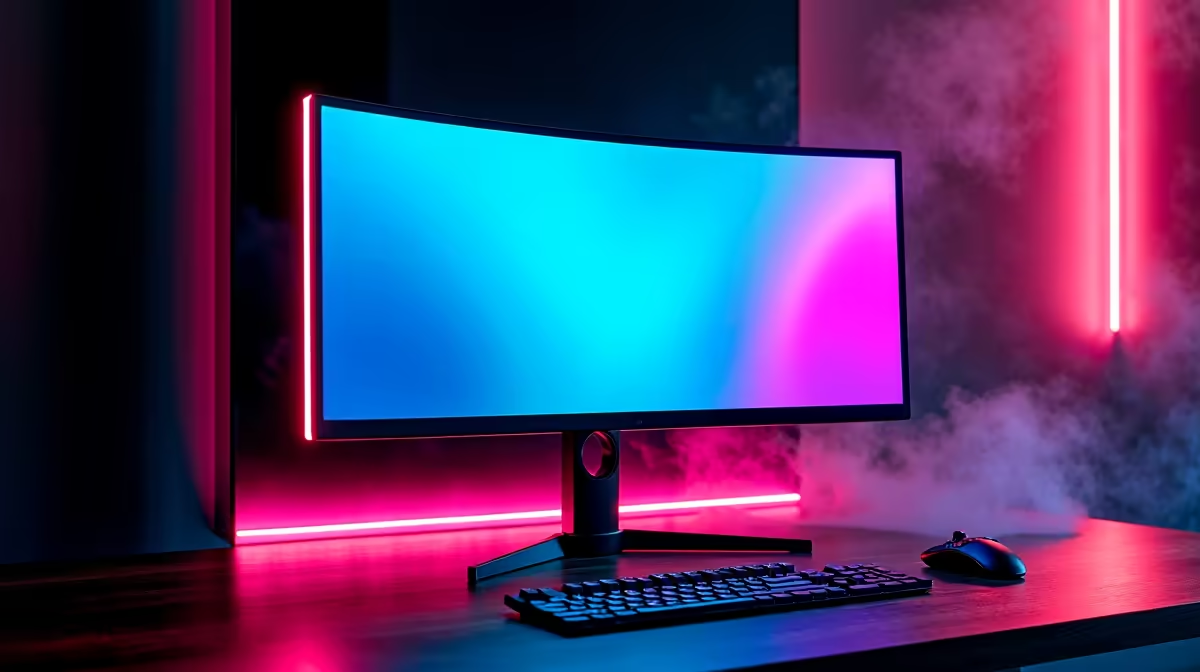
Staring at a screen tear in the middle of a tense Warzone firefight is enough to make any South African gamer want to throw their mouse. That jagged, broken line across your display isn't just ugly; it's a distraction that can cost you the match. What if you could banish it for good? Right now, Evetech's FreeSync & G-Sync sale in South Africa is making buttery-smooth, tear-free gaming more affordable than ever. Let's dive in.
Unlocking Smooth Gameplay: FreeSync vs. G-Sync Explained
Screen tearing happens when your graphics card (GPU) sends out frames faster or slower than your monitor can display them, causing a visual mismatch. The solution is called Adaptive Sync.
This clever technology synchronises your monitor's refresh rate directly with your GPU's frame output, creating a seamless one-to-one experience. No more tearing, less stutter... just pure, fluid motion. The two main players are:
- AMD FreeSync: An open standard that works with AMD GPUs (and more recently, NVIDIA cards). It's widely available and often found on more budget-friendly PC monitors.
- NVIDIA G-Sync: Uses a dedicated hardware module inside the monitor to sync with NVIDIA GPUs. It often comes with a premium price but guarantees a rigorously tested, high-quality experience.
Ultimately, both aim for the same goal: to make your games look and feel incredibly responsive.
Score Big in Our FreeSync & G-Sync Sale in South Africa
For years, this kind of smooth-gaming tech felt like a luxury. Not anymore. The technology has matured, and with our latest promotions, you can find some of the best PC monitor deals in the country.
Whether you're rocking a top-tier NVIDIA RTX card or a value-focused AMD Radeon GPU, this is the perfect time to upgrade. Getting one of these displays is one of the most significant upgrades you can make to your gaming setup, and our current FreeSync and G-Sync deals make it an easy choice. The difference is truly something you have to see to believe. 🚀
Beyond Refresh Rates: What Else to Look For
Finding the right monitor isn't just about the sync technology. When browsing all gaming monitors, you need to balance a few key specs to match your gaming style and budget.
Resolution and Immersion
For competitive players, 1080p or 1440p at a high refresh rate (144Hz+) is the sweet spot. But if you love sinking into gorgeous single-player worlds like Cyberpunk 2077 or Baldur's Gate 3, the incredible detail of 5K and 4K monitors is unmatched. For an even more immersive experience, consider one of the many curved monitors available, which wrap the action around your field of view.
Don't Forget to Flip the Switch! 🔧
Buying a FreeSync or G-Sync monitor is only half the battle. Many gamers forget to enable it! For NVIDIA, open the NVIDIA Control Panel, go to "Set up G-SYNC," and check the box. For AMD, open the Radeon Software, navigate to the "Gaming" tab, then "Display," and toggle AMD FreeSync to "On." You also need to use a DisplayPort cable for the best results.
Portability and Niche Uses
Gaming isn't always tied to a desk. If you're a student, a frequent traveller, or love a good old-fashioned LAN party, a portable monitor can be a fantastic second screen for Discord, OBS, or your laptop.
Fine-Tuning Your Battlestation ✨
Once you've chosen your screen, the final step is perfecting its placement and performance. A good monitor arm can free up desk space and give you perfect ergonomic positioning, while high-quality cables ensure you're getting the full refresh rate and colour depth you paid for. Investing in the right monitor accessories can make a world of difference to your comfort and the monitor's longevity.
Ready to Banish Screen Tearing Forever? The difference a FreeSync or G-Sync monitor makes is night and day. Stop letting stutter ruin your K/D ratio. Explore our massive range of gaming monitor deals and find the perfect screen to elevate your game.











