

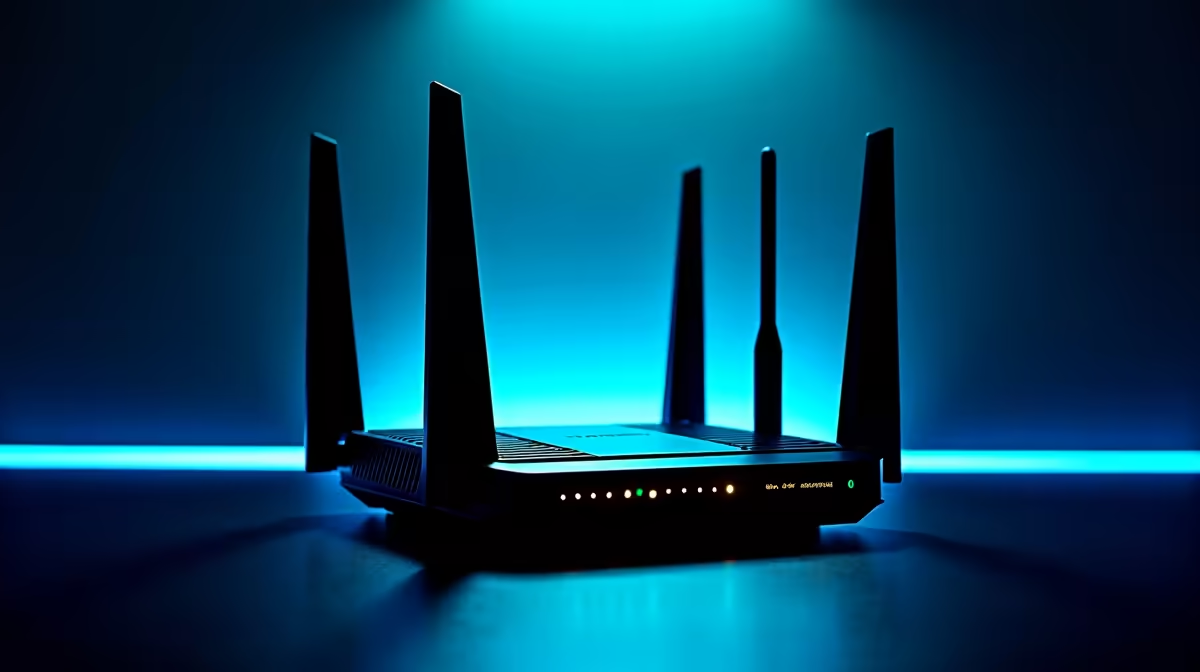
For Johannesburg homeowners and businesses, protecting networking equipment from power-related damage is a year-round priority. Electrical events - surges from storms, spikes from municipal infrastructure switching, and brief outages during maintenance - remain a real threat to routers, switches, ONT devices, and the modems that keep fibre connections alive. Understanding surge protection and backup power for your network gear is essential for any serious SA home or office setup.
Quick Answer
To protect your router and networking equipment in Johannesburg, use a line-interactive UPS rather than a basic surge strip. A 600VA–1000VA UPS provides surge suppression, automatic voltage regulation (AVR), and battery backup in a single device - maintaining your internet connection through power events and protecting hardware from electrical damage.
⚡ Why Routers Are Especially Vulnerable
Routers operate on sensitive low-voltage DC power converted from mains AC. Electrical surges - caused by Johannesburg's afternoon lightning storms (October–February), municipal grid switching, or nearby appliance inrush - can damage router power supplies instantly or degrade them over time. Unlike computers with robust internal power regulation, routers often have simpler power supply units that are less tolerant of voltage variation. A destroyed ONT or router means total connectivity loss while ISP technicians are scheduled, which can take days. A quality UPS from Evetech actively conditions incoming power, filtering surge events before they reach connected equipment. Line-interactive models add automatic voltage regulation (AVR), compensating for brownouts that damage router power supplies even without a full power interruption.
🌐 Sizing Your UPS for a Home Network
For a typical Joburg home setup with a single router and ONT (fibre terminal), a 600VA UPS provides 4–6 hours of battery runtime on a 25–30W network load. If you add a network switch, NAS, or additional access points, step up to a 1000VA–1500VA model. Calculate your total load from each device's power adapter wattage: routers typically draw 10–20W, ONTs 5–15W, and switches 10–30W. For home offices where connectivity loss means missed meetings, choose a UPS with USB management interface for runtime monitoring and low-battery alerts. Your ONT must be on the same UPS as your router - protecting only one leaves you without internet regardless. Browse power protection options to match capacity to your specific setup.
❓ FAQ
Q: Will a surge protector strip protect my router from lightning? A: A basic strip offers limited protection against minor surges but won't reliably handle lightning strike-induced spikes on your mains wiring. A UPS with built-in AVR and surge suppression is substantially more protective. During severe electrical storms, physically disconnecting equipment remains the most reliable safeguard.
Q: How long will a UPS run my router during a power event? A: A 600VA UPS powering a 25–30W network setup provides approximately 4–6 hours practical runtime (accounting for battery aging). Replace UPS batteries every 3 years for reliable operation - degraded batteries reduce runtime dramatically without obvious warning signs.
Q: Should I also power my ONT (fibre terminal) from the UPS? A: Absolutely. Your ONT is the single most critical point in your home network. If it loses power, your internet goes down regardless of router status. Power both ONT and router from the same UPS to maintain end-to-end connectivity.
Evetech stocks Networking & Routers and Graphics Card Deals — shop online with fast delivery across South Africa.
Ready to Find Your Perfect Match? Protect your home network with a quality UPS - browse power solutions at Evetech.











