

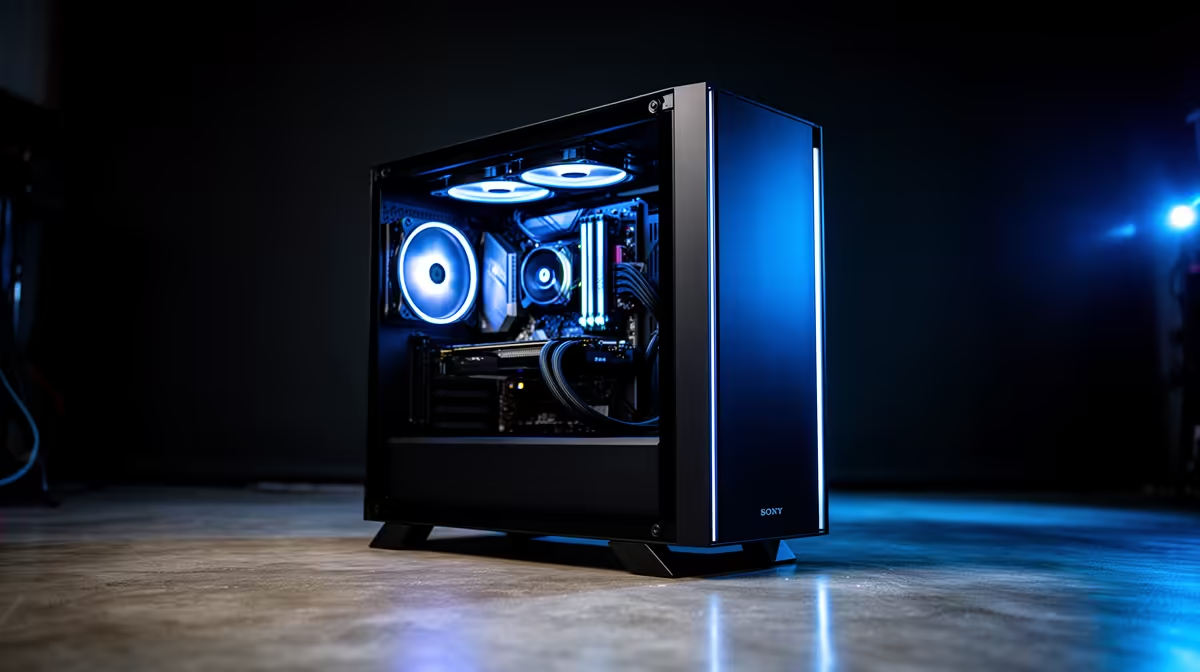
So, you’re ready to become South Africa’s next big content creator, but the price of professional editing software makes you want to throw your mouse? We get it. The good news is, you don’t need to spend thousands of Rands on software subscriptions to produce incredible videos. The secret is pairing a powerful, purpose-built machine with amazing free tools. This guide shows you how to find the perfect video editing PC with free software from Evetech.
Why a Dedicated Video Editing PC is Essential
Ever tried editing a 1080p video on an old laptop? The lag, the stuttering playback, the endless render times… it’s a creativity killer. A proper video editing PC isn’t just a luxury; it’s a necessity for a smooth workflow. It’s about having a machine that can handle multiple video layers, colour grading, and effects without breaking a sweat. This is where a powerful CPU is non-negotiable, and you'll find excellent options in both our Intel PC deals and AMD selections.
Think of it this way: your PC is the engine, and the software is the driver. You need a powerful engine to get anywhere fast. 🚀
Finding the Best PC Deal for Free Software
The beauty of today’s tech landscape is the sheer power of free, professional-grade software. Tools like DaVinci Resolve offer Hollywood-level editing, colour correction, and audio post-production for exactly R0.00. But there’s a catch: this software loves powerful hardware, especially a beefy graphics card.
This is why a gaming PC is often the best-value video editing PC with free software. They are already optimised for intense graphical tasks. A system with a dedicated GPU from our range of NVIDIA GeForce gaming PCs will make scrubbing through your 4K timeline as smooth as butter, thanks to features like CUDA acceleration.
Editing Pro Tip ⚡
DaVinci Resolve is fantastic, but 4K footage can still challenge even strong PCs. To fix this, use proxies! In the Media Pool, right-click your high-res clips and select "Generate Proxy Media." This creates smaller, low-res versions for editing, ensuring super-smooth playback. Resolve automatically switches back to the original high-quality files for the final export.
Key Components for Your Editing Rig
When browsing for your perfect machine, focus on these three core components:
- CPU (The Brains): For video editing, more cores and higher clock speeds mean faster rendering. A multi-core processor from our AMD Ryzen PC deals can chew through export tasks, saving you valuable time.
- GPU (The Muscle): Your graphics card accelerates effects, playback, and colour grading. Whether you choose NVIDIA or one of our powerful AMD Radeon gaming PCs, a dedicated GPU with plenty of VRAM (8GB+) is crucial.
- RAM & Storage (The Workspace): 16GB of RAM is the minimum, but 32GB is the sweet spot for smooth multitasking. For storage, an NVMe SSD is a must for your operating system and applications—it makes the entire system feel incredibly responsive.
For those who are running a small production house or need certified stability for professional client work, stepping up to dedicated Workstation PCs can provide that extra layer of reliability and performance optimisation for specific creative applications. ✨
Ultimately, the goal is to get a balanced system that lets you focus on creating, not waiting.
Ready to Create Your Masterpiece? Stop letting slow renders and expensive software hold you back. A powerful PC is the ultimate canvas for your creativity. Explore our incredible range of Pre-Built PC Deals and find the perfect machine to bring your vision to life.











