

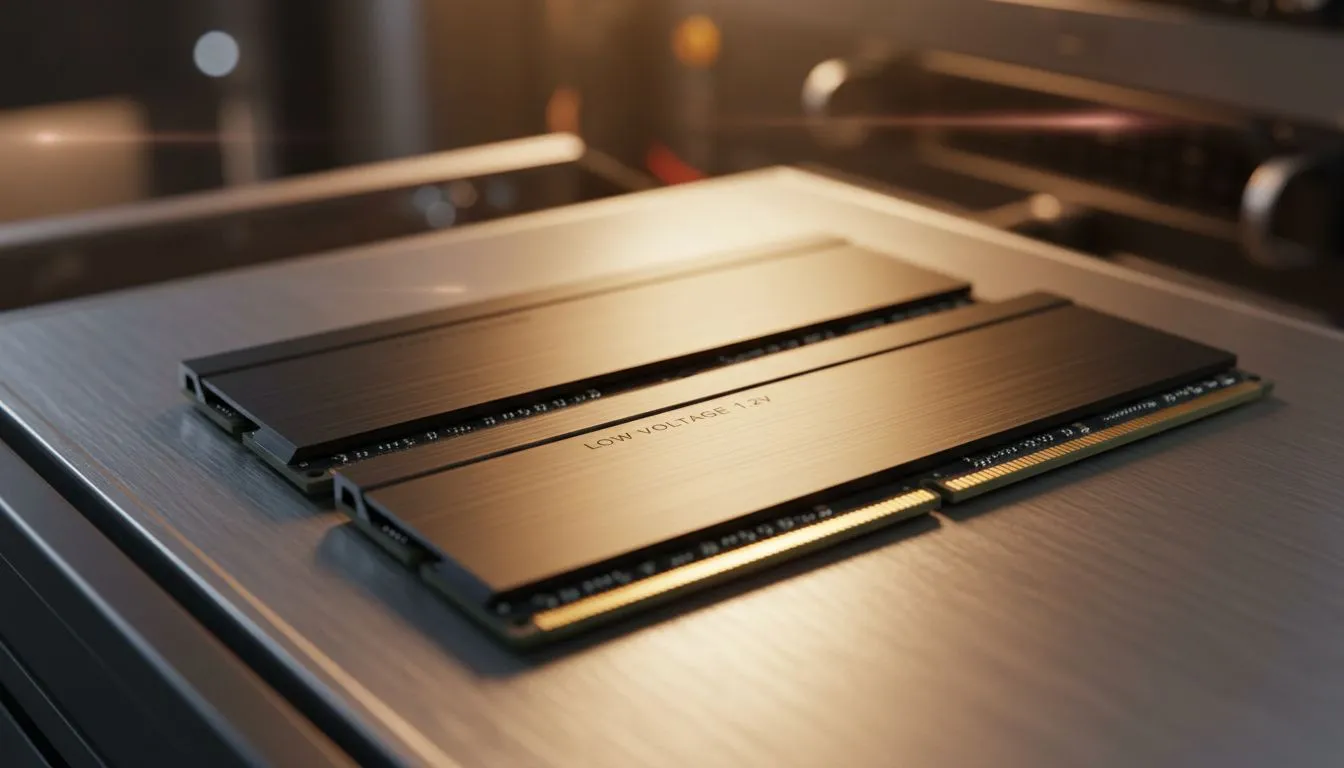
Ever had your PC crash mid-raid or during a final render? It's infuriating. While you might blame your CPU or GPU, a tiny detail on your memory spec sheet could be the real culprit: voltage. Modern 1.2V RAM isn't just a number; it's a core feature that underpins the stability and efficiency of your entire system. Understanding why this low voltage matters is key to building a reliable rig that won't let you down.
The Power of Lower Voltage
At its simplest, RAM voltage is the amount of power your memory modules need to operate. Think of it like the fuel pressure in an engine. For years, standards hovered around 1.5V or even higher for enthusiast kits. The shift to lower voltages, especially with DDR4 and DDR5, was a deliberate move to solve a fundamental problem: heat.
More voltage equals more power consumption, which generates more heat. ♨️ Excess heat is the enemy of performance, leading to instability, random errors, and even a shorter lifespan for your components. This is why the evolution from older, hotter DDR3 gaming RAM modules to newer, cooler standards was so important.
Key Benefits of 1.2V RAM
Opting for low voltage RAM isn't just about following the latest trend; it delivers tangible advantages for any PC user in South Africa, from casual gamers to hardcore overclockers.
Rock-Solid System Stability
The biggest win is stability. Because 1.2V RAM runs cooler, it's less prone to the kind of data errors that cause blue screens and application crashes. For anyone running long, demanding tasks... think a marathon gaming session of Apex Legends or a 4K video export... this thermal efficiency is non-negotiable. Most modern DDR4 memory kits nail this balance perfectly, making them a fantastic, stable choice for the majority of builds today.
Better Energy Efficiency
While a single RAM kit won't drastically change your electricity bill, every watt adds up. A system built with efficient components, including low voltage memory, draws less power from the wall. This means a slightly lighter load on your power supply and, over the years, a small but real saving on your energy costs. Every little bit helps, right? 💰
Pro Tip: Check Your BIOS! 🔧
Just installing your RAM isn't enough. Motherboards often default to a lower, safe speed. To get the performance you paid for, head into your BIOS UEFI and enable the XMP (for Intel) or EXPO (for AMD) profile. This automatically sets your RAM to its advertised speed, timings, and voltage, ensuring you get optimal stability and performance.
Low Voltage in the Modern DDR5 Era
The latest generation of DDR5 memory pushes the efficiency-first philosophy even further, with a base standard of just 1.1V. However, you'll see many high-performance kits from brands like Kingston running at 1.2V, 1.25V, or more.
So, is that a step backwards? Not at all. The underlying technology is so much more efficient that even at these slightly higher voltages, the kits produce less heat for the incredible speeds they achieve. Premium brands like ADATA pour immense research into creating modules that hit insane frequencies without becoming unstable heat-monsters. The principle remains the same: start low and provide power cleanly and efficiently. ✨
Ready to Boost Your PC's Stability? Whether you're upgrading an older machine or building a new beast, choosing the right RAM is crucial. Efficient, low-voltage memory is the foundation of a reliable rig. Explore our massive range of DDR5 memory and find the perfect kit to power your performance.











