

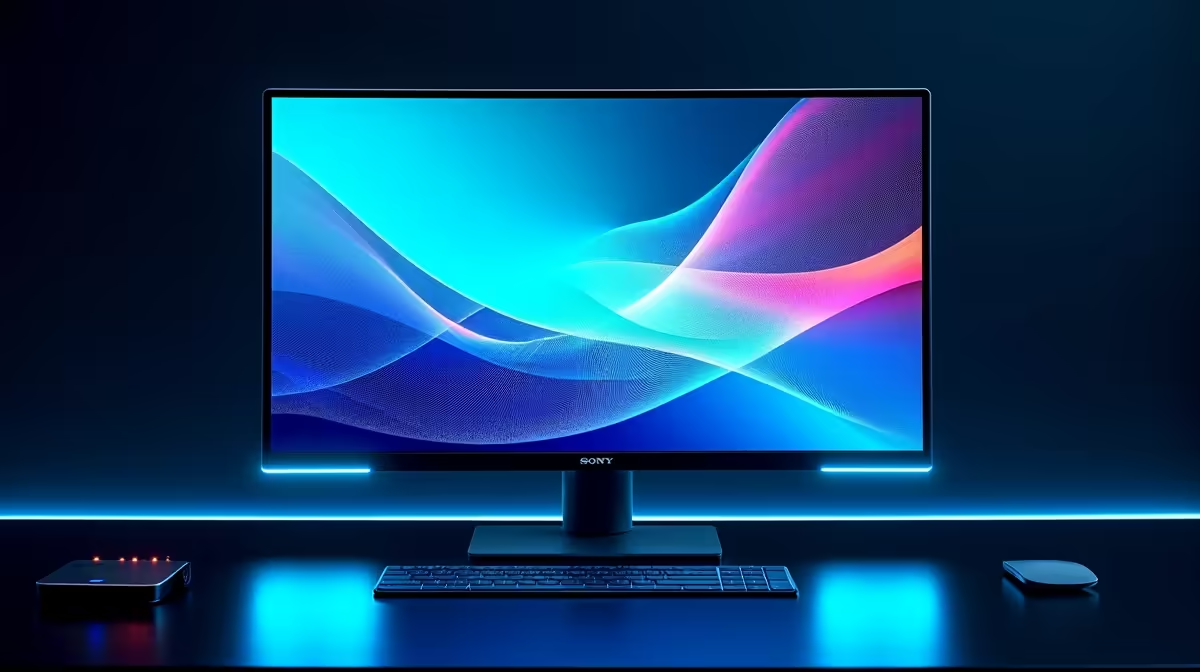
Tired of those one-person presentations where a single colleague clicks through slides while everyone else just... watches? It’s a common scene in South African offices and creative studios. Imagine instead a dynamic session where your whole team can pinch, zoom, and annotate directly on screen. This isn’t science fiction; it’s exactly how 10-point touch monitors boost team collaboration, turning passive viewers into active participants and making teamwork feel intuitive and genuinely connected. 🚀
What Makes a 10-Point Touch Monitor Different?
Let's quickly break down the tech. Your smartphone screen is a touch monitor, but it usually handles one or two touch points at a time (like pinching to zoom). A "10-point" multi-touch display, however, can simultaneously track ten different touch points. That means two people can use all their fingers at the same time on the same screen.
This capability is what transforms a standard display into a collaborative powerhouse. It's the difference between watching a demonstration and joining a hands-on workshop. While many of us are used to the immersive solitude of curved gaming monitors, the goal here is the exact opposite: shared, interactive experiences.
From Boardroom Brainstorms to Creative Studios
The real magic happens when you see how a 10-point touch monitor boosts collaboration in practice:
- Digital Whiteboarding: Sketch out ideas, drag and drop elements, and map out workflows together in real-time. No more taking photos of a messy whiteboard.
- Interactive Presentations: Let clients or team members directly manipulate data, models, or designs on the screen. It’s far more engaging than a laser pointer.
- Paired Problem-Solving: Developers, designers, or engineers can work side-by-side on a single interface, troubleshooting code or refining a 3D model without passing a mouse back and forth.
This technology isn't just for the office. Imagine planning your next raid in World of Warcraft or drawing strategies for a Valorant match on a large touch display. It adds a whole new layer of tactical planning, even if you typically use dedicated all-gaming monitors for the actual gameplay.
Choosing the Right Touch Monitor for Your Team
When you decide to upgrade your collaborative workspace, not all touch screens are created equal. You need to consider a few key factors to ensure you get the right tool for the job.
First, resolution is crucial. For detailed work like graphic design or analysing spreadsheets, a high-resolution screen makes a world of difference. The crisp detail on modern 5K and 4K monitors ensures that even with multiple people crowded around, every pixel is sharp and clear. ✨
Size and portability also matter. A large 27-inch or 32-inch display is fantastic for a fixed boardroom, but what if your team is constantly on the move? Thankfully, a growing range of portable monitors now include touch functionality, giving you a collaborative canvas wherever you go.
Pro Tip: Keep It Clean & Calibrated
A touch screen is only as good as its accuracy. After setting up your monitor, run the built-in Windows Touch Calibration tool. It helps the screen precisely map your touch. Also, use a microfibre cloth and a screen-safe cleaning solution to wipe away fingerprints regularly for a smooth and responsive experience!
Finally, don't forget the ecosystem. The right monitor accessories, like an active stylus for precision drawing or an ergonomic stand that allows the monitor to lay flat, can significantly enhance its collaborative potential. These small additions can truly complete your interactive setup. By focusing on these elements, you can find the perfect fit from a wide selection of PC monitors available today.
Ready to Revolutionise Your Teamwork? Stop talking and start doing... together. Explore our curated selection of monitors and find the perfect interactive display to bring your team's ideas to life. Check out the best PC monitor deals at Evetech and transform your collaborative workflow today.











