

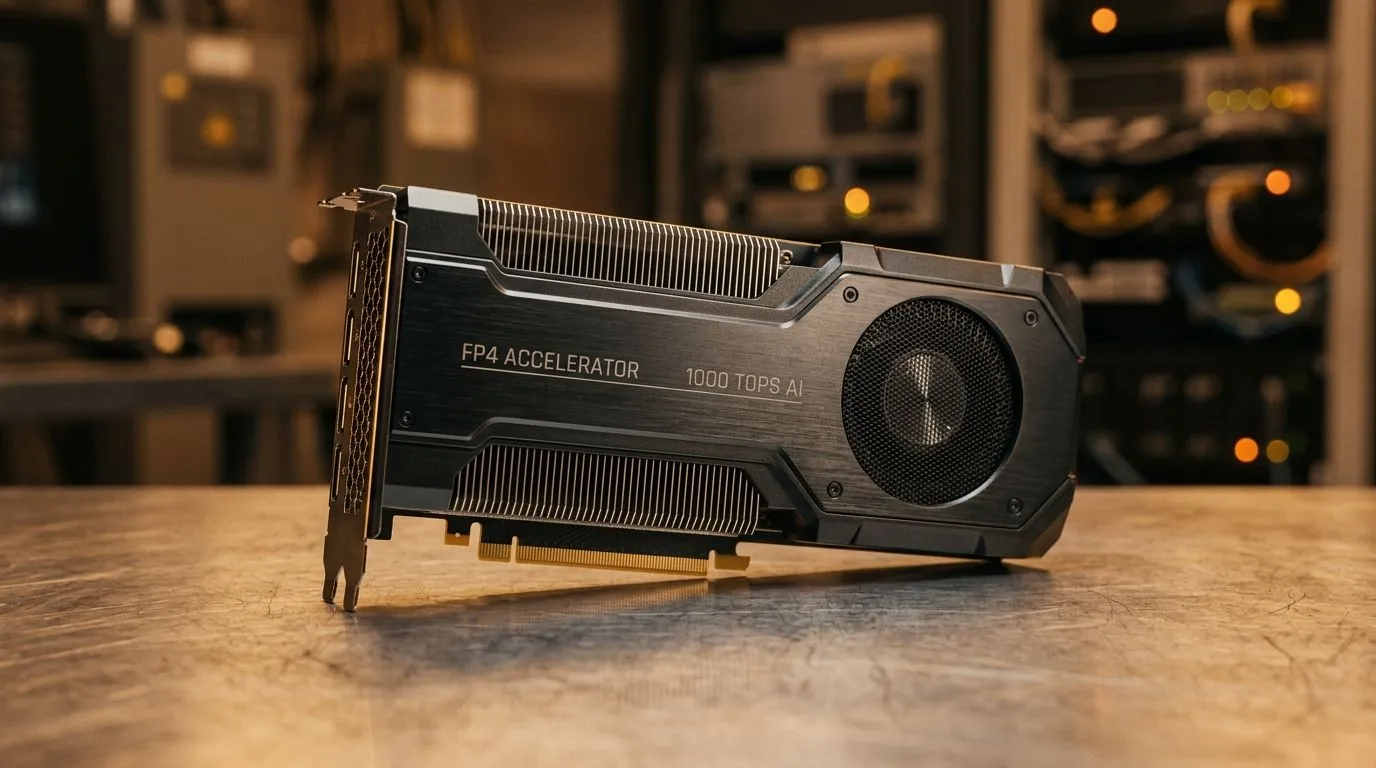
1000 AI TOPS FP4 Performance for Real-Time AI Applications: Why SA gamers should care (and soon)
If you’ve ever tried to run AI tools while your PC is also gaming, you know the pain… stutters, slow previews, and “why is it compiling again?” 🕹️ The good news is that newer NPU designs and sharper model formats are pushing more AI work closer to the edge. That’s where 1000 AI TOPS FP4 Performance for Real-Time AI Applications starts sounding real, not marketing fluff.
In this Deep Dives guide, we’ll break down what FP4 usually means in practice, what “TOPS” can and can’t tell you, and how to pick the right mini PC for AI + everyday tasks in South Africa. 🚀
1000 AI TOPS FP4 Performance for Real-Time AI Applications: What FP4 and TOPS mean in real life
First, a quick translation. TOPS (Tera Operations Per Second) is a vendor-style metric for AI compute throughput. Higher numbers often suggest faster inference… but they don’t guarantee smooth performance for your specific model.
FP4 refers to a low-precision floating-point format. In plain terms, it helps AI hardware run certain networks using less memory bandwidth and faster math. When the model and software stack are tuned for it, you can get quicker responses with lower overhead.
What matters for you:
- Model support: Not every AI workload runs well at FP4.
- Software pipeline: Driver maturity, runtime choices, and OS integration can make or break “real-time”.
- Thermals and power: A mini PC can hit the headline performance in short bursts, then throttle under sustained load.
If you’re buying for AI-assisted editing, local chat, or tool-based workflows alongside gaming sessions, you want a system that stays stable, not just fast for 30 seconds.
1000 AI TOPS FP4 Performance for Real-Time AI Applications: Mini PC picking guide for SA buyers
Mini PCs are popular here because they’re compact, quiet, and can sit under the desk without taking over your setup. If you’re aiming for AI-ready performance, focus on the full build, not only compute numbers.
Here’s a practical checklist:
- Look for strong CPU + enough RAM for your OS, browser tabs, and the AI runtime.
- Prioritise cooling design: sustained inference needs consistent thermals.
- Check connectivity for your peripherals and storage (external SSDs for cache can help).
For example, you can browse Evetech’s mini PC selection starting with:
Then compare models in the current mini PC range:
If you’re leaning towards Minisforum specifically, Evetech also lists branded options:
And if you prefer MSI builds, you can filter directly:
For Ninkear configurations:
1000 AI TOPS FP4 Performance for Real-Time AI Applications: A quick sanity test before you commit 🔧
Productivity Pro Tip ⚡
On Windows, test your AI workload with Task Manager and keep an eye on sustained clocks, temps, and CPU utilisation while the model runs. If you see heavy throttling or high system bus activity, you’ll feel it as lag even if the marketing TOPS looks great. Run the same prompt 3 times and watch how consistent the response time is.
Real-time isn’t just speed. It’s repeatability.
1000 AI TOPS FP4 Performance for Real-Time AI Applications: What to expect from “real-time”
In everyday terms, “real-time” usually means:
- prompts return quickly enough to feel interactive
- image or text generation doesn’t freeze your workflow
- background tasks like syncing, uploads, and Discord voice remain smooth
Even with strong NPU numbers, your experience depends on scheduling between CPU, GPU, and the AI runtime. The best approach is to treat AI as a workflow tool, not an always-on background load.
If you’re planning a new build, aim for balance: decent CPU responsiveness, enough RAM for your apps, and reliable thermals for sustained AI runs. ✨
1000 AI TOPS FP4 Performance for Real-Time AI Applications: Build the setup you’ll actually use every day
The smartest move is choosing a mini PC that fits your real usage. Maybe you’re doing local transcription between matches… or setting up AI-assisted overlays for your stream. These workflows demand consistency, not just peak specs.
So, before you chase the biggest number on a spec sheet, match the system to your software and your patience level. Then let performance do the talking.
Ready to Find Your Perfect Match? The Mac vs Windows debate is complex, but for maximum power, choice, and value in South Africa, Windows is hard to beat. Explore our massive range of laptop specials and find the perfect machine to conquer your world.











