

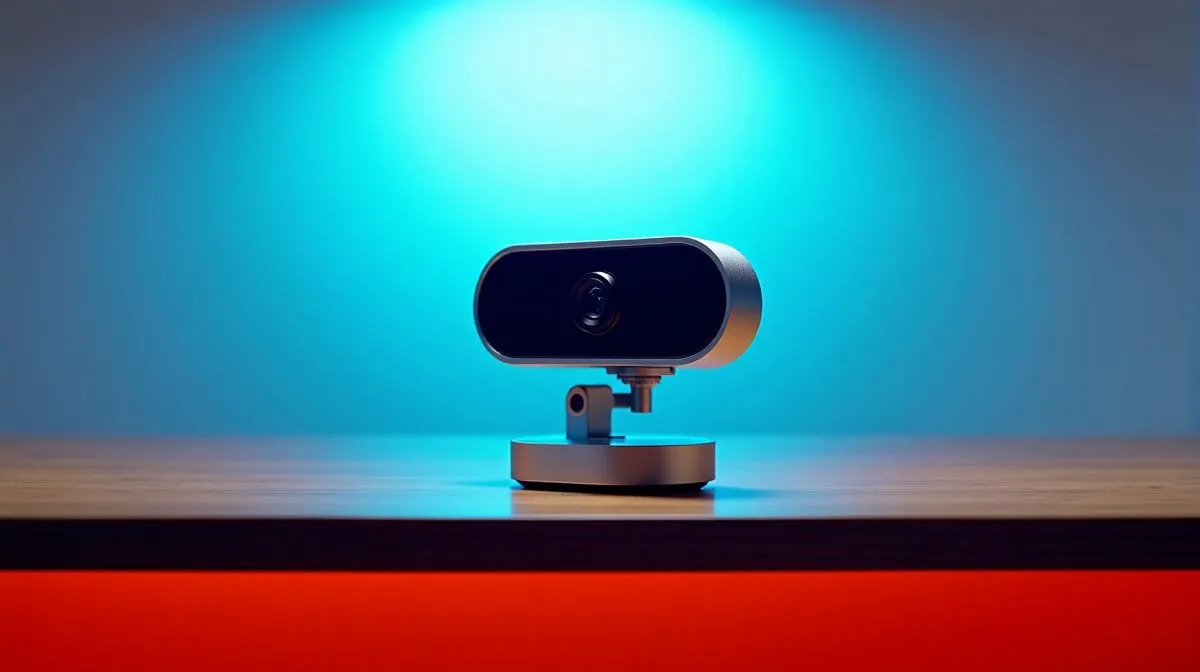
1080p Pan-and-Tilt Camera vs Desktop Webcam for South Africa
If you work, stream, or study from home in South Africa, your camera choice matters fast. One bad angle can make a polished call look awkward. One noisy image can flatten your whole setup. The real question is simple: do you need a flexible 1080p pan-and-tilt camera, or a straightforward desktop webcam? For Zoom, Teams, gaming chat, and content creation, the answer depends on your room, budget, and how you actually use your desk 🔧
1080p Pan-and-Tilt Camera vs Desktop Webcam for South Africa: what each one does best
A desktop webcam is built for one job... sitting on top of your monitor and giving you a clean, fixed frame. It is simple, compact, and usually easy to set up. If you want a reliable plug-and-play option, start by browsing Evetech’s webcam range.
A 1080p pan-and-tilt camera adds movement. That means you can shift the lens left, right, up, or down to track a room, a whiteboard, or a better angle on your face. This is handy if you move around during presentations or teach from a shared space. For buyers watching spend, webcams under R1000 are often where the simplest desktop models live.
1080p Pan-and-Tilt Camera vs Desktop Webcam for South Africa: image quality and setup reality
Here’s the thing... 1080p tells you the resolution, not the whole picture. A webcam can still look sharper than a pan-and-tilt camera if it has better optics, sensor tuning, and light handling. South African homes often deal with mixed lighting too, from bright windows to dim load-shedding setups. That makes automatic exposure and decent low-light performance more important than the label on the box.
For office calls, a standard webcam often wins on simplicity. It sits neatly above your screen and needs little adjustment. For more flexible framing, a pan-and-tilt model can be worth it, especially if you want to show more than just your face. If you’re shopping a middle ground, check webcams under R2000 for broader feature options.
A practical South African buying angle
If your internet is stable and your workspace is fixed, a desktop webcam is usually the smarter buy. If your room doubles as an office, study area, and streaming corner, pan-and-tilt flexibility can feel worth every rand. Think about your actual desk, not just spec sheets.
Quick Buy Tip ⚡
A webcam’s microphone can be useful, but a separate mic often sounds better. If you already own a headset or USB mic, prioritise camera framing and image quality first. That gives you more value per rand, especially when comparing entry-level and mid-range options.
1080p Pan-and-Tilt Camera vs Desktop Webcam for South Africa: who should buy what?
Choose a desktop webcam if you:
- want the easiest setup
- mostly sit in one place
- need a neat monitor-mounted solution
- care about value first
Choose a 1080p pan-and-tilt camera if you:
- want more flexible angles
- present in a shared room
- film product demos or teaching content
- prefer adjusting the camera without moving your monitor
If your budget stretches higher, webcams under R3000 are the place to look for stronger build quality, better features, and more refined video performance. That matters if your camera is part of your daily work life, not just an occasional call. 🚀
1080p Pan-and-Tilt Camera vs Desktop Webcam for South Africa: final verdict
For most South African buyers, the best choice comes down to use case. A desktop webcam is the safe, simple pick for everyday calls and gaming chat. A 1080p pan-and-tilt camera makes more sense when angle control matters more than neatness.
If you want the easiest path, keep it simple. If you want more control, go flexible. Either way, buy for your room, your lighting, and your routine... not the marketing headline.
Ready to Find Your Perfect Match? The Mac vs Windows debate is complex, but for maximum power, choice, and value in South Africa, Windows is hard to beat. Explore our massive range of laptop specials and find the perfect machine to conquer your world.











