

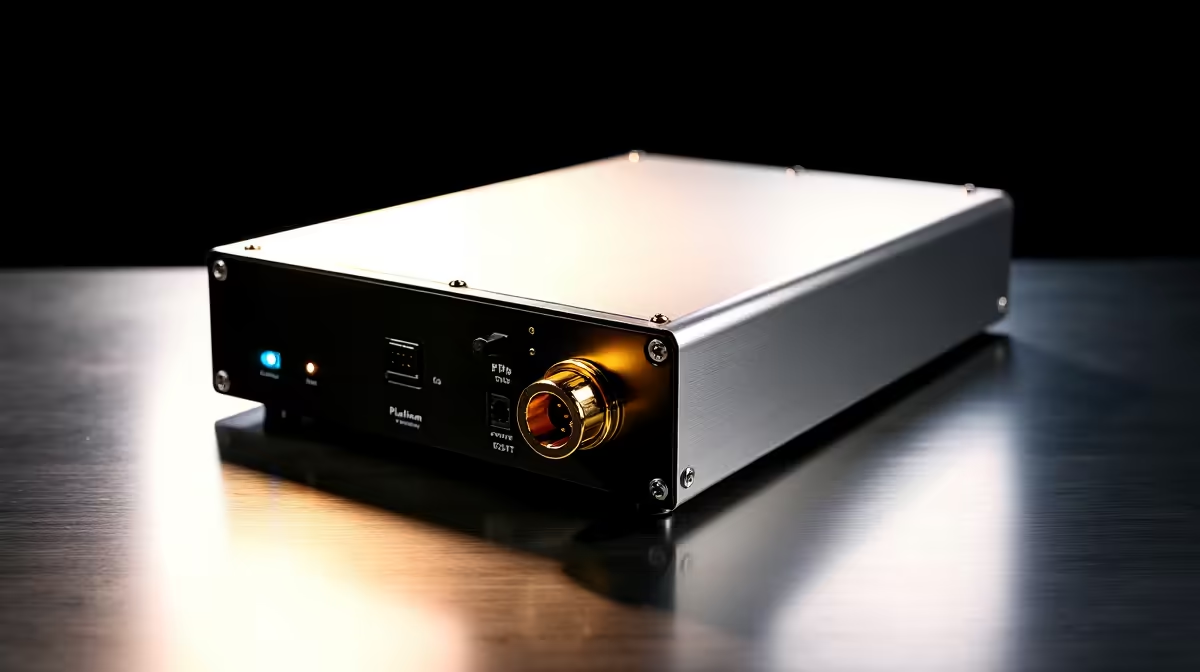
Upgrading your rig to handle the latest titles in 4K? You need serious, stable power. In South Africa, where electricity fluctuations are a reality, a high-quality power supply is your first line of defence. A premium unit protects your entire investment from unexpected surges. If you just dropped serious ZAR on top-tier components, do not risk them with a cheap PSU. Welcome to our 1200W Platinum Installation Guide for Your PC... designed to help you build safely.
Why You Need a 1200W Platinum PSU
Modern hardware is incredibly power-hungry. When you start looking at the latest graphics cards, you will notice massive power draw spikes. A 1200W Platinum unit delivers 92% or higher efficiency under load. This means less wasted heat and lower electricity bills over time. It also gives you absolute peace of mind during intense gaming sessions.
Unlike high-performance laptops that use custom power bricks, your desktop relies entirely on this internal powerhouse. Whether you are rendering heavy 3D scenes or pushing frame rates to the limit, clean power delivery is simply non-negotiable.
Installation Pro Tip ⚡
Always install your modular cables into the power supply before mounting it inside the case. Trying to plug cables into a mounted PSU in a tight basement compartment is a frustrating experience that will cost you time and scraped knuckles.
Step-by-Step PSU Mounting 🔧
First, ensure your PC is entirely unplugged from the wall. Ground yourself by touching a metal part of your chassis. If you have ever admired the optimised cable routing in our pre-built PCs, you know that preparation is everything.
Slide the power supply into the case bracket carefully. Make sure the fan faces the correct ventilation mesh... which is usually at the bottom of the case. Secure it tightly with the four provided screws so it does not vibrate during heavy use.
Connecting the Hardware
Now comes the fun part. You need to route your cables carefully. Taking your time here prevents frustrating troubleshooting later on. Start with the bulky 24-pin motherboard cable. Next, route the 8-pin EPS cables to the top left of your motherboard for CPU power.
If you are aiming for one of the best gaming PC setups, you probably have a beefy GPU. Connect the dedicated PCIe cables directly from the PSU to your graphics card. Avoid daisy-chaining cables for high-draw cards... it can lead to severe system instability.
Final Checks and Cable Management 🚀
Before you close up the side panels, double-check every connection. They should all click securely into place. Use zip ties or Velcro straps to bundle excess cable length neatly behind the motherboard tray. Proper cable management is not just about aesthetics... it directly impacts your thermal performance. Good airflow is essential for keeping your system cool and quiet.
If you are still shopping for parts to complete your dream build, keep an eye on our latest component specials to stretch your ZAR further. Following this 1200W Platinum Installation Guide for Your PC ensures your system runs flawlessly from day one.
Ready to Power Up Your Dream Rig? Building your own PC is incredibly rewarding, but sometimes you just want to plug in and play. If you want guaranteed performance without the hassle of building it yourself, explore our massive range of desktop specials and find the perfect machine to conquer your world.











