

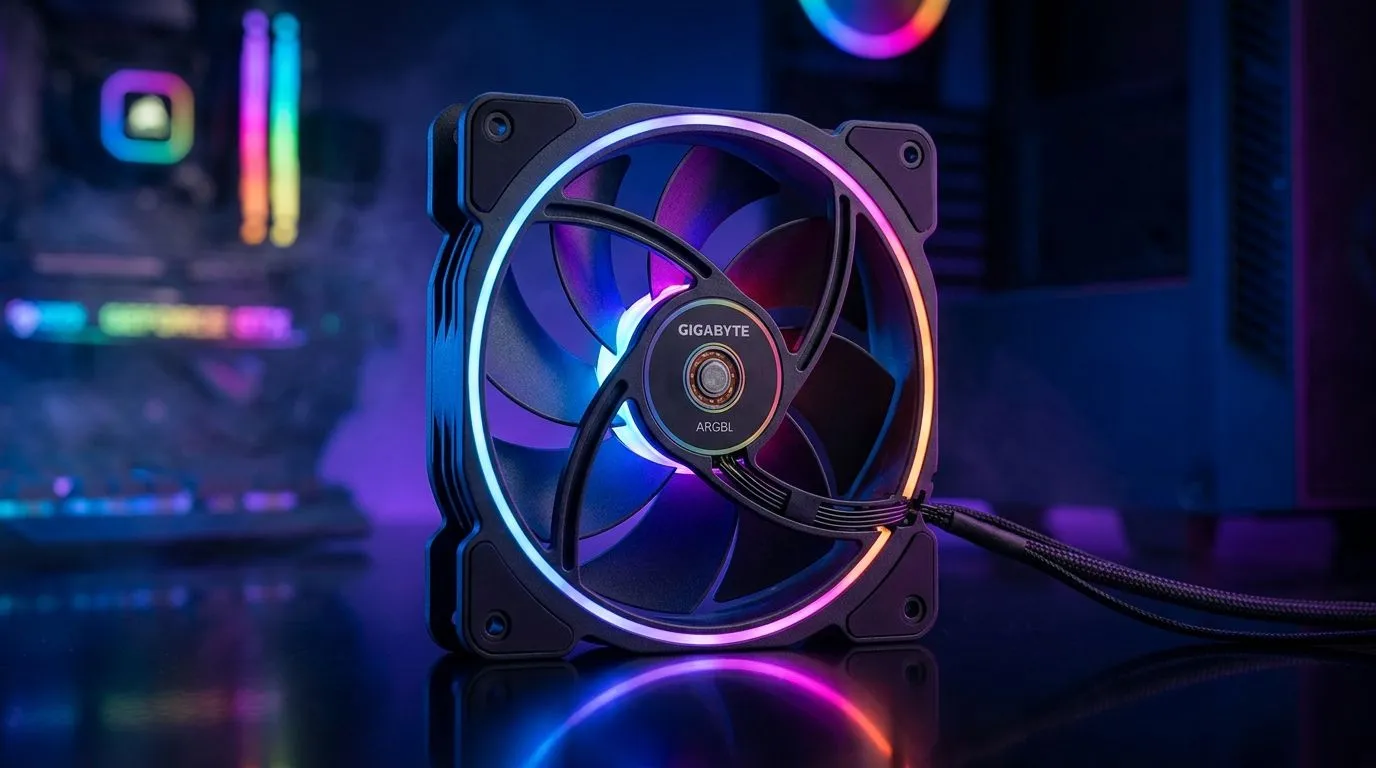
Budget SA airflow starts with the right 120mm ARGB fan features
If you’re building a budget PC in South Africa, it’s rarely the GPU that bottlenecks first… it’s heat. A clean case with good airflow can keep your CPU boosting longer and your GPU running closer to its best. And yes, ARGB can look awesome while doing it ✨.
The tricky part? Not all “120mm ARGB” fans actually deliver the basics. This guide breaks down the 120mm ARGB fan features that matter most for budget SA gamers, so you can buy once and stop guessing.
120mm ARGB fan features that matter most for budget SA gamers
When you’re choosing fans for a tight budget (and tight case space), prioritise performance and compatibility first. RGB is fun, but airflow is survival 🔧.
1) Airflow and static pressure (the non-negotiables)
- Airflow (CFM) helps with open mesh fronts and roomy cases.
- Static pressure (mmH₂O) helps when air has to push through restrictive parts like radiator fins and filter mesh.
If you’re planning a radiator later, don’t treat fans as “decor”. Pick fans that suit the job. You can browse case-fan options here:
- Explore Evetech’s case fans for fitting choices: Case fans on Evetech
2) ARGB lighting that actually syncs with your build
ARGB is only “worth it” if it works with your motherboard or controller. Look for:
- 12V 3-pin ARGB (5V is another standard)
- Clear syncing support (manufacturer-specific compatibility matters)
If ARGB is a must-have, filter the catalog by lighting effects:
Prefer a cleaner look? Plenty of builds go “stealth” with just the right amount of glow:
3) 120mm size fits more builds than you think
Most budget cases support 120mm fans, and the 120mm size is a sweet spot for noise vs movement of air. Start here:
Not every case likes 120mm though. Some use 140mm for better low-RPM airflow:
4) Brand ecosystem and build confidence (especially on a budget)
Budget buys fail when parts don’t fit your system or the lighting doesn’t sync. Buying from brands that have consistent ecosystem support can reduce headaches.
For example, if you’re leaning into Corsair ecosystem lighting:
And if you prefer DeepCool for solid value and popular ARGB options:
Quick buying checklist for 120mm ARGB fan features (so you don’t waste money)
You want your fans to cool today and still make sense if you upgrade tomorrow. Use this checklist:
- Match fan size to your case mounts (120mm vs 140mm)
- Plan radiator vs airflow use (static pressure matters)
- Confirm ARGB connector type before you buy
- Decide on noise tolerance (your ears will judge the build daily) 🙂
Productivity Pro Tip 🔧
a fresh build, set a simple fan layout first: front intake + rear exhaust. Then, in BIOS, run a quiet curve for gaming hours and a higher curve during benchmarks. This keeps temps stable without turning your case into a wind tunnel.
Before you checkout: the fast way to choose your fan layout
Here’s a micro-story from every South African student setup… it starts with “I’ll just add one more fan”. A week later, the PC is louder, airflow is uneven, and RGB doesn’t sync properly. The fix is usually layout plus controls.
Aim for:
- Balanced intake/exhaust
- ARGB on only when it’s synced
- Clean cable routing so your front intake isn’t fighting a spaghetti obstacle course ⚡
If you’re ready to upgrade your airflow and lighting properly, start with Evetech’s case-fan range and filter down by size and lighting.
Ready to Find Your Perfect Match? The Mac vs Windows debate is complex, but for maximum power, choice, and value in South Africa, Windows is hard to beat. Explore our massive range of laptop specials and find the perfect machine to conquer your world.











