

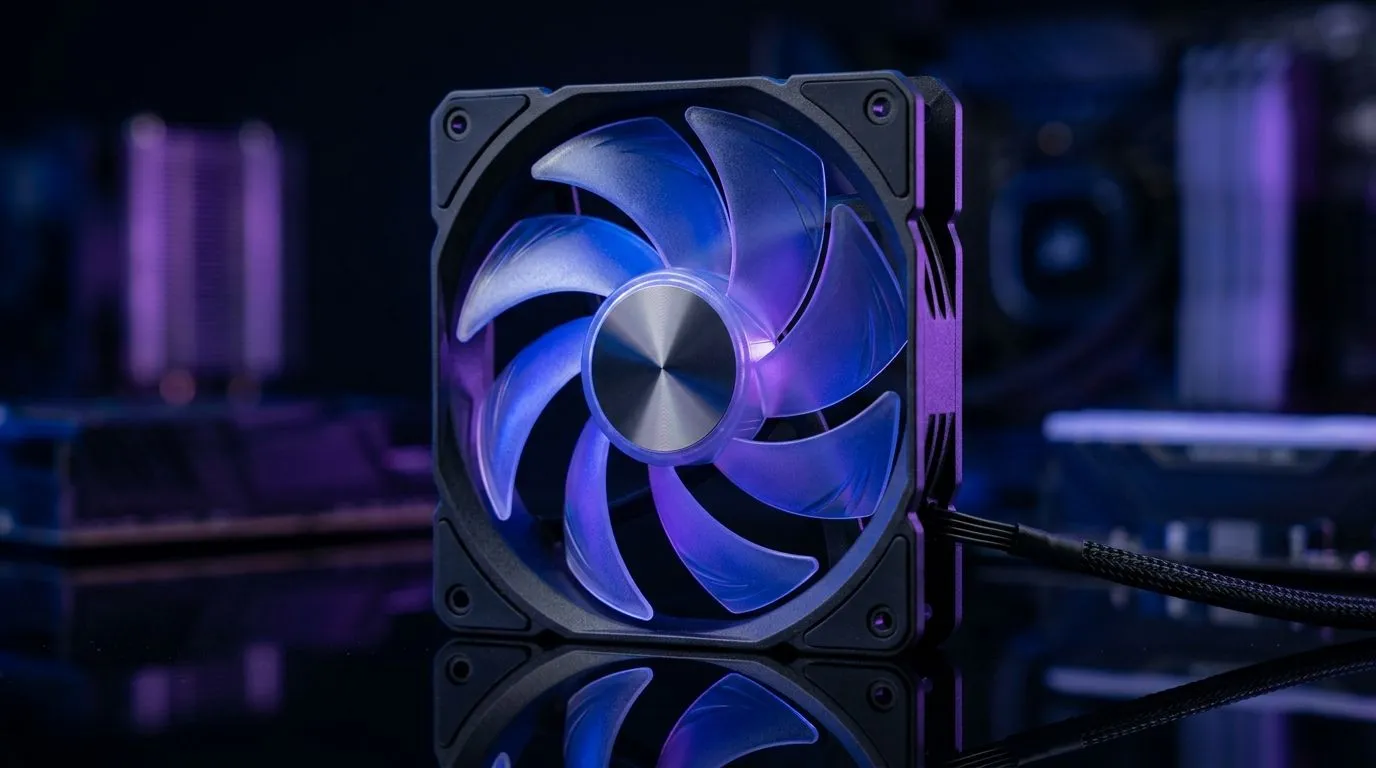
120mm Case Fan Airflow, RPM, and Noise Levels Explained (and why you should care)
If your PC sounds like a small jet engine, the fix is often hiding in the case fans. South African gamers feel this fast... especially in warm rooms and summer LAN days. A 120mm fan can cool brilliantly, or annoy you with a high-pitched whine. The difference usually comes down to airflow, RPM, and noise levels. Let’s break those down clearly, so you can choose the right fan without wasting money.
Understanding 120mm airflow: CFM, pressure, and real-world cooling
“Airflow” is how much air a fan moves. But it’s not just one number. Fans also have static pressure (how well they push through restrictions like dust filters, tight heatsinks, or radiator fins). In practice:
- Higher airflow helps with open airflow setups (more room, fewer obstacles).
- Higher static pressure helps when air has to squeeze through filters and radiators.
When comparing options, look beyond marketing. Use consistent specs and match your use case (front intake vs radiator vs exhaust). This is where many builds end up “almost right”… until temperatures creep up under load.
RPM basics: why more isn’t always better
RPM (revolutions per minute) tells you how fast the fan spins. Higher RPM often means higher potential airflow… but it also tends to raise noise. The key is matching RPM to how the fan will be controlled:
- Fixed-speed fans can feel loud, especially at higher loads.
- PWM fans let the motherboard adjust speed more smoothly.
- Fan curves matter a lot. A gentle curve can keep idle quiet and ramp only when gaming starts.
Productivity Pro Tip 🔧
your next build, set a simple fan curve in your motherboard BIOS: keep fans low at idle (for silence), then ramp aggressively only after GPU CPU temps rise. You’ll avoid the “constant spin-up” frustration while still protecting your system during raids and ranked matches. In practice, this reduces perceived noise more than buying a louder fan with higher RPM.
Noise levels explained: the part your ears notice
Noise is subjective, but measurements aren’t. What you want is a fan with acceptable dB(A) at the RPM it will actually run at in your case. A few realities:
- Higher RPM usually increases noise, especially tonal whines.
- Fan blade design affects how “smooth” the sound feels.
- Your build affects noise: poor fan mounting, loose screws, and vibration can turn normal cooling into a buzz.
So even if two fans share similar RPM numbers, their noise character can be totally different. Choose the fan for your placement: intake fans often run quieter than exhaust fans if you set the curve thoughtfully.
Picking the right 120mm fan for your build
For 120mm fans, think placement first:
- Front intake: favour balanced airflow, keep dust in mind (filters add resistance).
- Top exhaust: often benefits from consistent pull, but set a curve so it doesn’t scream at idle.
- Radiators (if you use 120mm on a rad): static pressure becomes more important than raw airflow.
If you’re building a quieter gaming rig, start with a fan that fits your size and control needs, then refine via BIOS settings. For comparisons across brands and models, browse the fan selection on Evetech and filter based on size, lighting, and likely use.
Explore options here:
- Browse a wide selection of case fans on Evetech: case fans on Evetech
- Looking specifically at Corsair models? CORSAIR case fans
- Prefer Deepcool? Deepcool case fans
Want to match your build aesthetics or keep it clean and stealthy?
- RGB models are easy to match with your setup: RGB case fans
- Or go minimal with non-RGB: Non-RGB case fans
And yes, size matters... a lot:
- For dedicated 120mm choices, use the size filter: 120mm case fans
- If you’re reworking a radiator or airflow plan, also check 140mm: 140mm case fans
Ready to dial in cooling without the headache
Once you understand airflow vs static pressure, RPM vs noise, and why fan curves change the outcome, picking fans becomes way easier. Start with the right placement, choose the right type for your restrictions, then tune in BIOS. That’s how you get cool temps during “just one more match” without the constant background roar. ✨
Ready to Find Your Perfect Match? If you want the right balance of airflow, control (PWM), and quieter operation, Evetech is the place to shop. Explore our massive range of laptop specials and find the perfect machine to conquer your world.











