

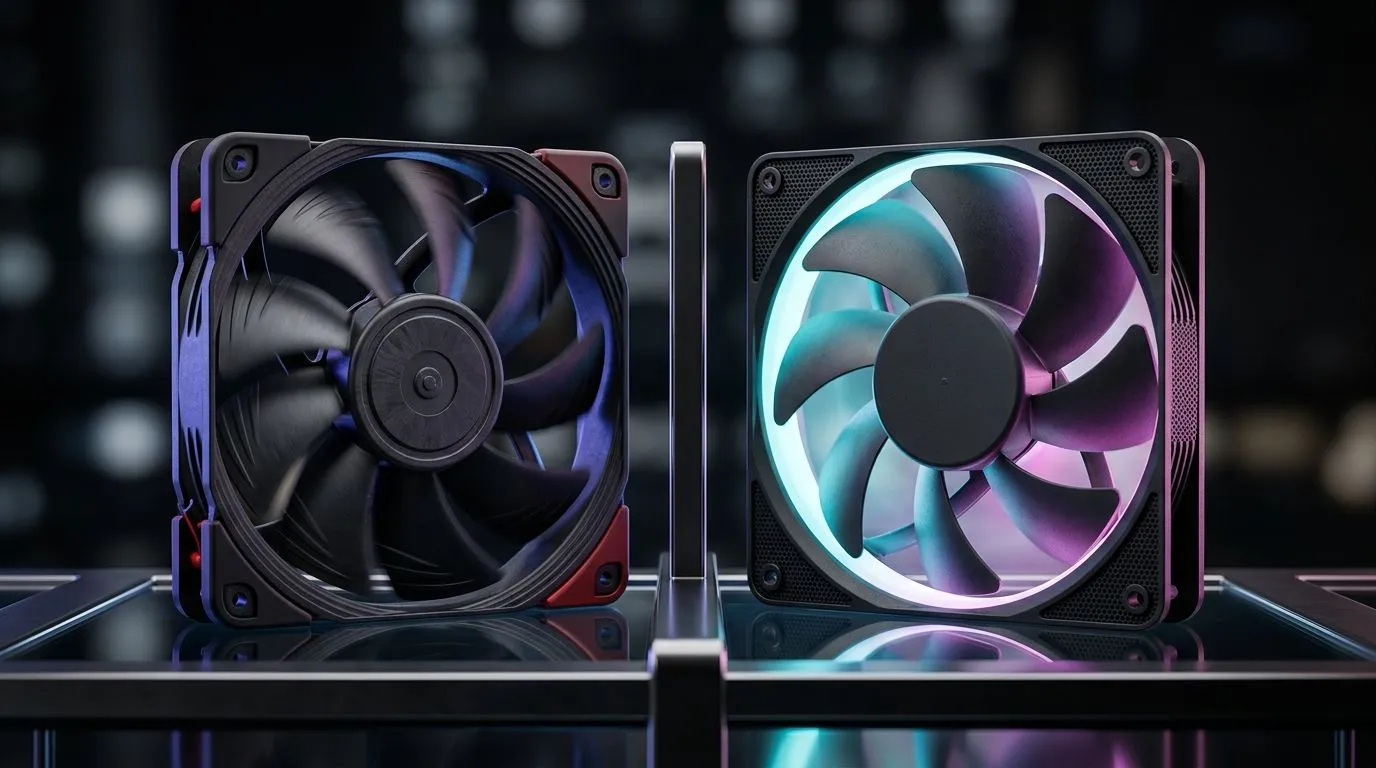
120mm High-RPM Fans vs Low-RPM Silent Fans: the cooling choice that matters for your FPS 🎮
If your PC sounds like a vacuum cleaner under load, you are not alone. South African gamers chase smooth frames and cool silicon… but case airflow is where the battle is won. Whether you’re running a budget build or a pricey RGB setup, the decision between 120mm high-RPM fans and low-RPM silent fans affects temperatures, noise, and even fan longevity. Let’s break down what changes when the RPM climbs, and when “silent” is actually the smarter buy. 🔧
120mm High-RPM Fans vs Low-RPM Silent Fans: airflow basics that actually explain the trade-off ✨
Fan performance is about how much air moves, not just how fast the blades spin. High-RPM 120mm fans generally push more airflow at the cost of more noise. Low-RPM models often reduce noise, but they need good case ventilation and a balanced fan layout to avoid heat buildup.
A simple mental model:
- High-RPM: more cooling headroom, louder at higher fan curves.
- Low-RPM: quieter, but you must plan intake/exhaust paths carefully.
In real builds, the “best” approach depends on your case design, GPU heat output, and whether you’re gaming indoors in a hotter room (hello, summer heat). ⚡
120mm High-RPM Fans vs Low-RPM Silent Fans: when RPM helps and when it doesn’t 🚀
High-RPM 120mm fans shine in these situations:
- Your case is more restrictive (solid front panel, less mesh).
- You run a high-heat GPU and the top exhaust area is limited.
- You want lower CPU/GPU temps under sustained loads.
Low-RPM silent fans shine when:
- You already have strong airflow due to mesh front panels and good fan placement.
- You prefer late-night gaming and don’t want your PC to dominate the room sound.
- You’re building for a near-silent experience and tune fan curves correctly.
Important reality check: if you drop RPM too far without enough airflow paths, your CPU boost behaviour can suffer. That’s why fan strategy should be paired, not isolated.
Practical fan-curve strategy (works for both types) 🔧
Instead of setting one fan speed and hoping for the best, tune to your system:
- Start with intake fans slightly higher than exhaust at idle, then balance under load.
- Keep curves gradual to avoid audible “ramping” every time you alt-tab.
- If your temps are acceptable, aim for the quietest RPM that still holds stability during a 20-minute gaming session.
Productivity Pro Tip ⚡
On Windows, use the built-in Reliability Monitor and Resource Monitor to confirm when temps spike during specific tasks. Then tune fan curves based on what you actually run, not just what you think you run.
120mm High-RPM Fans vs Low-RPM Silent Fans: how to pick the right 120mm fan parts from Evetech
The easiest way to upgrade your cooling without overthinking is to compare fan specs by size and features, then choose a layout that matches your case.
Browse options here:
- 120mm case fans for your most common front and bottom mounts: shop 120mm fans on Evetech
- If you have more space in the right spots, consider 140mm for lower noise per airflow: shop 140mm fans on Evetech
- Prefer a visual style? Filter by RGB: RGB case fans
- Or go clean and minimal with non-RGB: non-RGB case fans
If you are choosing by brand, start with the ones many builders trust for airflow and consistency:
- CORSAIR fan options
- Deepcool fan options
- Want to compare everything quickly? Case fans range on Evetech
120mm High-RPM Fans vs Low-RPM Silent Fans: a quick decision guide for South African builds 🧠
Use this shortcut:
- If noise annoys you most and your case has decent intake paths: lean low-RPM silent fans, then raise fan curves only when temps need it.
- If heat throttling or high temps are your problem: lean high-RPM at least for exhaust, then keep idle curves gentle to stay comfortable during downtime.
- If you’re unsure: buy quality fans, start with a balanced layout (2 intake, 1 exhaust is common), and test under a realistic workload.
The right choice is not about “fast vs silent”. It’s about matching airflow to your hardware and your room conditions. Once you tune it, both styles can perform well… you just hear one of them more.
Ready to Find Your Perfect Match? The Mac vs Windows debate is complex, but for maximum power, choice, and value in South Africa, Windows is hard to beat. Explore our massive range of laptop specials and find the perfect machine to conquer your world.











