

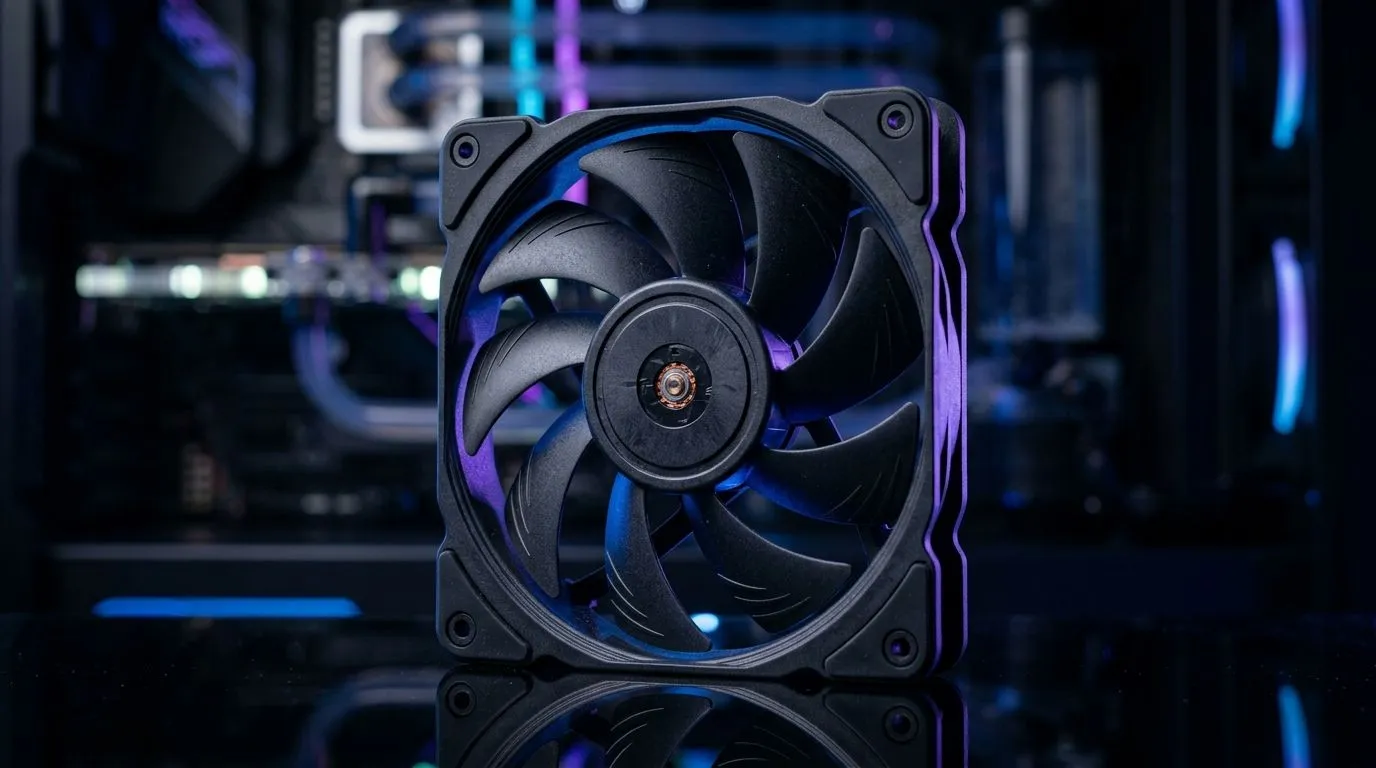
120mm High-Speed Fan Airflow Optimisation Guide for South African PCs
South African gamers know the truth… your rig is only as cool as its airflow. If your CPU thermals creep up during ranked sessions or your GPU runs hot in late-night loadouts, the fix might be hiding in your case fans. 🔧 120mm high-speed fans are popular because they balance static pressure and noise. But “install fan, hope for the best” rarely works. This guide will help you tune 120mm fans for better temps, lower throttling, and quieter performance.
What makes 120mm fans “high-speed” (and what that changes) 🔥
“High-speed” usually means the fan can spin at higher RPM, moving more air. The catch? Airflow isn’t just about RPM. What matters just as much:
- Fan speed control (PWM): lets you ramp up only when needed.
- Fan placement: where the fan pushes air through the case matters more than people think.
- Static pressure: important when air struggles through filters, radiator fins, or dense mesh.
- Fan direction and pressure balance: intake vs exhaust determines whether hot air gets trapped.
A helpful way to start is by matching your fan choice to your location: intake (front/bottom) often benefits from good pressure and clean airflow paths, while exhaust (rear/top) helps clear heat out.
120mm High-Speed Fan Airflow Optimisation Guide: placement that actually works 🚀
A common SA desk-side setup is a front intake, rear exhaust, and possibly top exhaust. That pattern often works because it creates a predictable airflow path.
Front intake, rear exhaust (the baseline)
- Front (intake): cool air in.
- Rear (exhaust): hot air out.
- If you game with long sessions, consider adding top exhaust to remove heat rising in the case.
Radiator and filter reality check
If your fans are pushing through a radiator or a restrictive dust filter, you need stronger performance. High-speed can help, but you’ll still want the correct direction and a clean filter surface.
Productivity Pro Tip 🔧
fan tuning, avoid guessing. Set your motherboard fan curves to start gently, then step up based on temperature. For example: keep fans low below 50°C, ramp between 50°C and 70°C, and only push maximum speed above 70°C. This reduces noise during browsing and keeps gaming stable.
120mm High-Speed Fan Airflow Optimisation Guide: airflow tuning steps (no guesswork) ⚡
Here’s a practical tuning routine you can run in under an hour:
- Clean first: dust reduces real airflow more than you expect.
- Check direction: fans should be consistent with intake/exhaust layout.
- Item
- Use PWM control: if your fans support it, PWM gives you fine control over RPM.
- Re-test under load: watch CPU and GPU temperatures during a gaming benchmark.
For choosing fans that fit your build, browse Evetech’s case fan options. If you want specific brands or features, you can narrow quickly:
- Check general 120mm options here: Case fans.
- If you prefer CORSAIR: CORSAIR case fans.
- For Deepcool fans that are popular for value: Deepcool case fans.
- Want lighting effects? Use the RGB filter: RGB case fans.
- If you want minimal distraction, filter by no lighting: Non-RGB case fans.
- For a strict match to your mount size: 120mm case fans.
When 120mm isn’t the only move
If your case supports it, larger fans can move air more quietly. Evetech also lists 140mm options for builds that can physically fit them. 140mm case fans.
120mm High-Speed Fan Airflow Optimisation Guide: common mistakes to avoid ✨
- Blocked intakes: front intakes need clear paths. Remove obstructions like unused drive bays where possible.
- Mixing directions: one misoriented fan can disrupt the whole flow.
- Over-cranking constantly: if your curve is too aggressive, you’ll hear it all day, not just during gaming.
- Forgetting maintenance: even “good airflow” dies under dust.
If you apply the steps above, you’ll usually see improved stability before you ever change anything else in your hardware stack.
Ready to Find Your Perfect Match? The Mac vs Windows debate is complex, but for maximum power, choice, and value in South Africa, Windows is hard to beat. Explore our massive range of laptop specials and find the perfect machine to conquer your world.











