

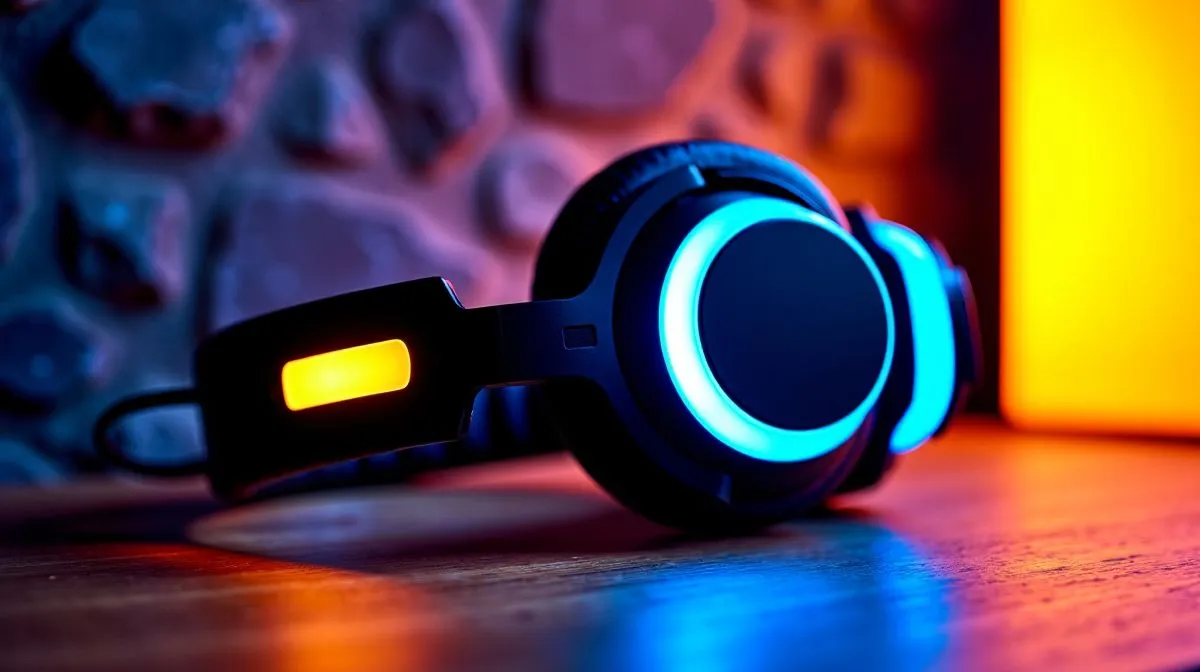
12Hz–28kHz Headset Frequency Range Explained for Immersive Gameplay: what it means for your FPS and music nights
South African gamers notice audio before they see the enemy… often. A headset that “feels” right can sharpen footsteps, explosions, and even voice chat clarity. But then you see a spec like “12Hz–28kHz” and you wonder… is it marketing, or magic? 🤔
The short answer: it’s not a performance guarantee by itself. Still, the frequency range matters for immersion, especially if you play across games with different sound profiles, from competitive shooters to story RPGs. Let’s break it down clearly.
12Hz–28kHz Headset Frequency Range Explained: the science in plain English
A headset’s frequency response is the range of audio it can reproduce, measured in Hertz (Hz).
- Low end (12Hz): extra-deep bass. Think rumble in sci-fi games and bass-heavy tracks.
- High end (28kHz): extended treble. Most humans hear up to roughly 20kHz, so 28kHz is “beyond hearing” for many players, but it can still indicate broad bandwidth and driver capability.
Officially, Evetech categorises and stocks headsets across wireless and wired options, with many models designed for gaming and multimedia. You’ll often see ranges in product listings and spec sheets, but the real-world experience also depends on drivers, tuning, and how well the headset seals on your head. ✨
Why “range” alone doesn’t decide competitive advantage
Even if two headsets claim similar ranges, their tuning can differ. One may boost certain frequencies, making footsteps stand out. Another may deliver “fatter” bass but smear mid detail. Frequency range tells you what the headset can play. Audio tuning tells you what you actually hear.
How to choose 12Hz–28kHz Headset Frequency Range for immersive gameplay (and not get fooled)
Here’s a practical checklist you can use before you buy:
- Prioritise clarity in the midrange (where voices and many footsteps sit).
- Look for closed-back isolation if you game in shared spaces.
- If you care about bass, ensure the headset’s low end is present, not just exaggerated.
- Match the connection type to your setup (wired for simplicity, wireless for distance).
If you want an example of a headset category that Evetech carries for gaming-oriented use, browse their selection here:
- Wired and gaming headset options on Evetech: headphone headsets collection
Frequency range tuning tips that improve what you hear in-game 🔧
Sometimes the headset is fine… your settings aren’t. Quick wins:
- In Windows, set the correct output device and avoid “one-size-fits-all” enhancements.
- In-game, reduce overly aggressive EQ if it pushes footsteps into muddy frequencies.
- If you use Discord, keep voice chat at a consistent volume so you don’t crank music too loud.
Productivity Pro Tip ⚡
On Windows, set up an EQ preset only for gaming, then save your music preset separately. This stops you from accidentally leaving bass-boosted settings on while you aim. If you use an ultrawide monitor, keep Discord and your game volumes visible so you can correct in real time without alt-tabbing.
A quick micro story: the “where are the footsteps?” moment
I’ve seen it happen in SA lobbies: players blame lag, but the real culprit is audio tuning. A headset with heavy bass emphasis can make low rumbles sound great during explosions… while footsteps lose their edge. When you dial back bass and keep mids crisp, suddenly the same match feels “cleaner”.
Explore Evetech headset options built for different listening habits 🚀
If you’re chasing immersive gameplay, you may want wireless freedom, strong tuning, or a specific sound signature.
- Want a clean wireless pick? Check the Razer Barracuda X Chroma deal page: Razer Barracuda X Chroma Wireless Headset (Phantom White)
- Need a broader range of gaming headsets to compare frequency specs and styles? Start here: Razer headphones and headsets range
- Looking for general options to test what fits your ears and head shape? Browse: headphone headsets (collection)
And if you’re the “surround sound” type for single-player immersion or specific game modes, you can also compare 7.1 options here:
Finally, if you want more choices beyond specific brands, this broader category page helps you shortlist:
12Hz–28kHz Headset Frequency Range explained: the takeaway before you click Buy
A 12Hz–28kHz frequency range can support deep bass and extended treble, which supports immersion across different games and media. But your best results come from pairing that spec with the headset’s tuning, fit, isolation, and your own EQ settings.
Ready to pick the right one for your setup in South Africa… and stop guessing?
Ready to Find Your Perfect Match? The Mac vs Windows debate is complex, but for maximum power, choice, and value in South Africa, Windows is hard to beat. Explore our massive range of laptop specials and find the perfect machine to conquer your world.











