

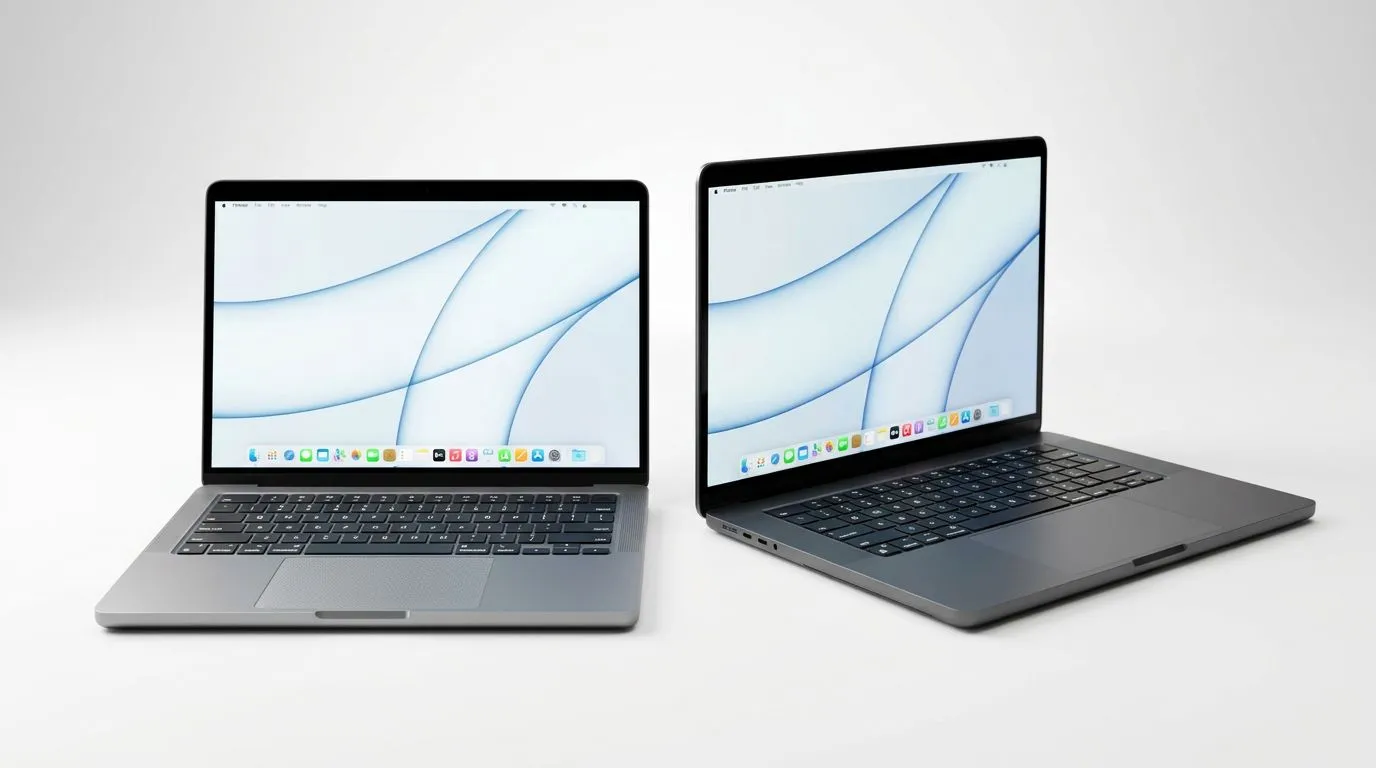
14-Inch vs 15.6-Inch Laptops: Which is best for your workflow?
South African gamers and content creators feel it every day… “Do I carry it or crank it?” A 14-inch laptop is easier to toss into your backpack for campus, LAN days, or work meetings. A 15.6-inch laptop gives you more room for gaming, editing timelines, and spreadsheets without squinting.
But which one actually fits your workflow? Let’s break it down in plain English, then point you to the right Evetech specials. ✨
14-Inch vs 15.6-Inch: Portability, screens, and real-life comfort
14-inch laptops: lighter bag, tighter focus
A 14-inch class laptop usually prioritises portability. That matters in SA where load shedding, commute-heavy days, and “grab-and-go” work sessions are common. You’ll feel the difference when:
- You travel often (work trips, varsity, frequent café sessions)
- You need a laptop that still feels manageable after a long day
- You use mostly docked or external peripherals (mouse, keyboard, screen) at home
You trade off a bit of screen real estate. If you edit video, handle multiple windows, or read spreadsheets, you might end up zooming more.
15.6-inch laptops: more workspace for multitasking
A 15.6-inch laptop often hits the sweet spot for “I want a bigger screen but I still want to move.” It’s a common size for gaming laptops too, because it supports:
- More comfortable layouts for multiple panels
- Easier reading without scaling everything up
- Better “hands on everything” workflows for creators and gamers
If your workflow is mostly on the laptop screen (not external monitors), the extra space can make you faster… and less tired.
14-Inch vs 15.6-Inch: Performance expectations (and why size isn’t the whole story) ⚡
Here’s the honest bit. Screen size alone doesn’t decide performance. Your CPU, GPU, RAM, cooling design, and storage do. However, 15.6-inch laptops more often land in the “gaming sweet spot” because they can fit larger cooling solutions and higher power components.
If your goal is gaming plus editing (or school work plus creative apps), you’ll likely be happier starting with deals targeting gaming-grade machines.
For concrete options, explore:
- Intel laptop specials you can grab right now: Intel laptops on special
- Ryzen deals with strong value for everyday performance: Ryzen laptop deals
- Broader gaming laptop pricing and configurations: best gaming laptop deals
14-Inch vs 15.6-Inch: Creator and gamer workflow recommendations 🚀
If you’re a student or “mobile creator”
Choose 14-inch if you regularly work away from home and you’re happy using:
- An external monitor when you’re at your desk
- A phone or tablet for quick review and messaging
- Cloud storage for assets and backups
You’ll still get solid results, especially if you pick a model with enough RAM and an SSD. The key is not “small vs big”… it’s whether your workload fits the screen.
If you edit videos, animate, or do serious multitasking
Choose 15.6-inch if you often:
- Edit on a timeline with lots of clips
- Keep references open while working (docs, browser tabs, asset folders)
- Run a game and a communication app side-by-side
That extra screen space reduces friction. And reduced friction is how you save time over weeks, not days.
If you’re buying a gaming laptop in SA
If gaming is the priority, start with budget ranges and GPU expectations, then let screen size follow. Deals under common budget tiers can be surprisingly strong when you choose the right configuration.
Check budget-friendly options here:
- buy gaming laptops under r20k And when you want NVIDIA GeForce-powered options specifically:
- GeForce RTX gaming laptops on special
14-Inch vs 15.6-Inch: What to look for (so you don’t regret the purchase) 🔧
If you’re comparing two laptops that look similar on paper, verify these first:
- RAM (aim for enough to avoid constant swapping): Multitasking and creative apps punish low memory.
- SSD capacity: Video projects grow fast. Make sure storage won’t force constant clean-ups.
- GPU class: For gaming and GPU-accelerated workflows, the GPU matters more than the screen size.
- Cooling and power: Sustained performance depends on thermal design, not just the advertised specs.
- Screen brightness and comfort: If you work outside or in bright rooms, brightness helps.
Productivity Pro Tip ⚡
On Windows, use the PowerToys FancyZones utility to create custom snap layouts for your windows. It's a lifesaver for managing multiple apps on a 15.6-inch screen (or a 14-inch with scaling) so your timeline, preview, chat, and asset folders stay organised without constantly resizing windows.
14-Inch vs 15.6-Inch: Quick decision guide (pick your best match)
- Pick 14-inch if you value portability above all, use external monitors sometimes, and your workflow doesn’t require constant side-by-side panels.
- Pick 15.6-inch if you want comfortable multitasking, better on-screen readability, and you’re leaning towards gaming or creator workloads.
Want the fastest way to decide? Choose the workflow first, then filter deals by the specs that support it. Screen size is important, but it shouldn’t be the only factor.
Ready to Find Your Perfect Match? The Mac vs Windows debate is complex, but for maximum power, choice, and value in South Africa, Windows is hard to beat. Explore our massive range of laptop specials and find the perfect machine to conquer your world.











