

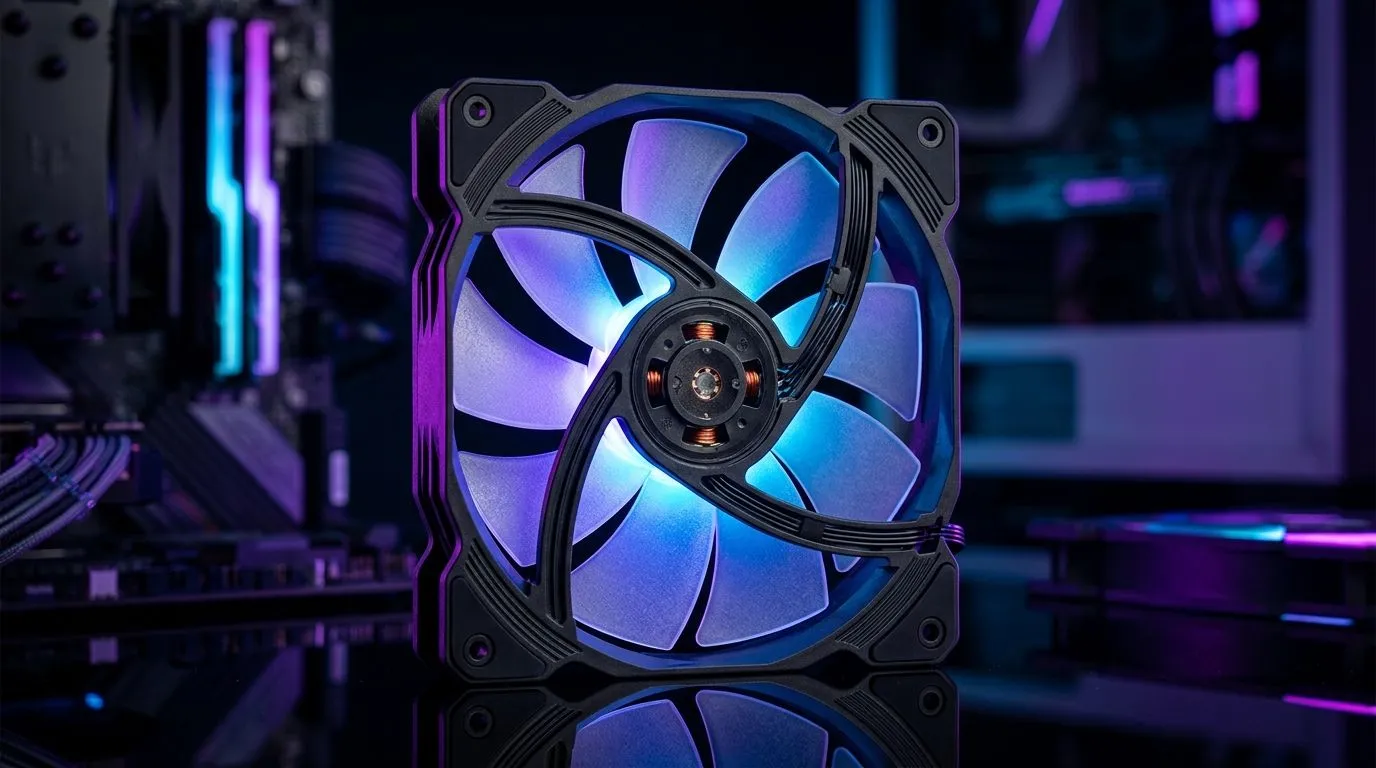
140mm ARGB Case Fan basics (and why SA gamers notice the difference)
If you’ve ever built a “runs fine” gaming PC that suddenly sounds like a vacuum cleaner in Call of Duty… you already know the real issue is airflow. Then there’s the fun part: that smooth ARGB lighting when your room goes dark. ✨
An 140mm ARGB case fan: what to look for in gaming PCs isn’t just about looks. It’s about cooling performance, noise levels, and fitment in your specific tower. Let’s break it down like a quick checklist you can actually use.
140mm ARGB Case Fan: size, airflow, and fitment first 🔧
A 140mm fan is often the sweet spot for gaming builds. Bigger blades usually move more air with less noise at the same fan speed. But only if it physically fits.
Before you order, check:
- Supported radiator and fan mounts in your case manual (front, top, rear).
- Fan thickness (common sizes are 25mm, but not always).
- Clearance around the motherboard, PSU shroud, or GPU.
Evetech has a full selection here: 140mm and other case fan options at Evetech.
Fan specs that matter in daily gaming
When comparing fans, look for:
- Airflow (CFM or m³/h): helps keep your CPU and GPU temps under control.
- RPM range: higher RPM can help cooling, but may raise noise.
- Bearing type: more reliable bearings tend to last longer (especially if you run fans hard).
- Static pressure: important if you mount fans on a radiator or restrict airflow through dust filters.
If your case has restrictive mesh or a radiator setup, static pressure becomes more valuable.
RGB vs ARGB vs “None”: picking the right vibe ⚡
RGB is great, but ARGB is usually the better choice for more detailed lighting effects (think individually addressable zones). Your motherboard (or controller) must also support the right header.
Here’s where Evetech filters make life easier:
Controller and header check (so you’re not stuck with “half lit” fans)
Make sure you match:
- Motherboard ARGB header (often 5V, 3-pin)
- Fan hub/controller requirements
- Whether you need SATA/Molex power for bigger lighting setups
A small mismatch can cost you hours. Better to confirm before you click “buy”.
Productivity Pro Tip 🔧
On Windows, use the PowerToys FancyZones utility to create custom snap layouts for your windows. It's a lifesaver for managing multiple apps on an ultrawide monitor, letting you organise your timeline, preview window, and asset folders perfectly for video editing.
140mm ARGB Case Fan: matching brands and balancing your airflow plan 🚀
Different brands tune their fan curves differently. In practice, that means the same RPM can feel quieter on one model, while another balances performance more aggressively.
Evetech makes it easy to browse by brand:
Now, the airflow plan:
- Front/bottom intake: cool air in
- Rear/top exhaust: hot air out
- Keep pressure balanced to avoid “stale” pockets near your GPU
If you’re unsure, start with one extra exhaust and monitor noise and temps during a 15-minute gaming session.
When 140mm isn’t the answer
Some cases are tight for 140mm, and you’ll need 120mm fans instead. Don’t force it. Use the correct mount size and you’ll get the performance you paid for.
If you want to compare across sizes and features quickly, start here:
Ready to Find Your Perfect Match?
Ready to Find Your Perfect Match? The Mac vs Windows debate is complex, but for maximum power, choice, and value in South Africa, Windows is hard to beat. Explore our massive range of laptop specials and find the perfect machine to conquer your world.











