

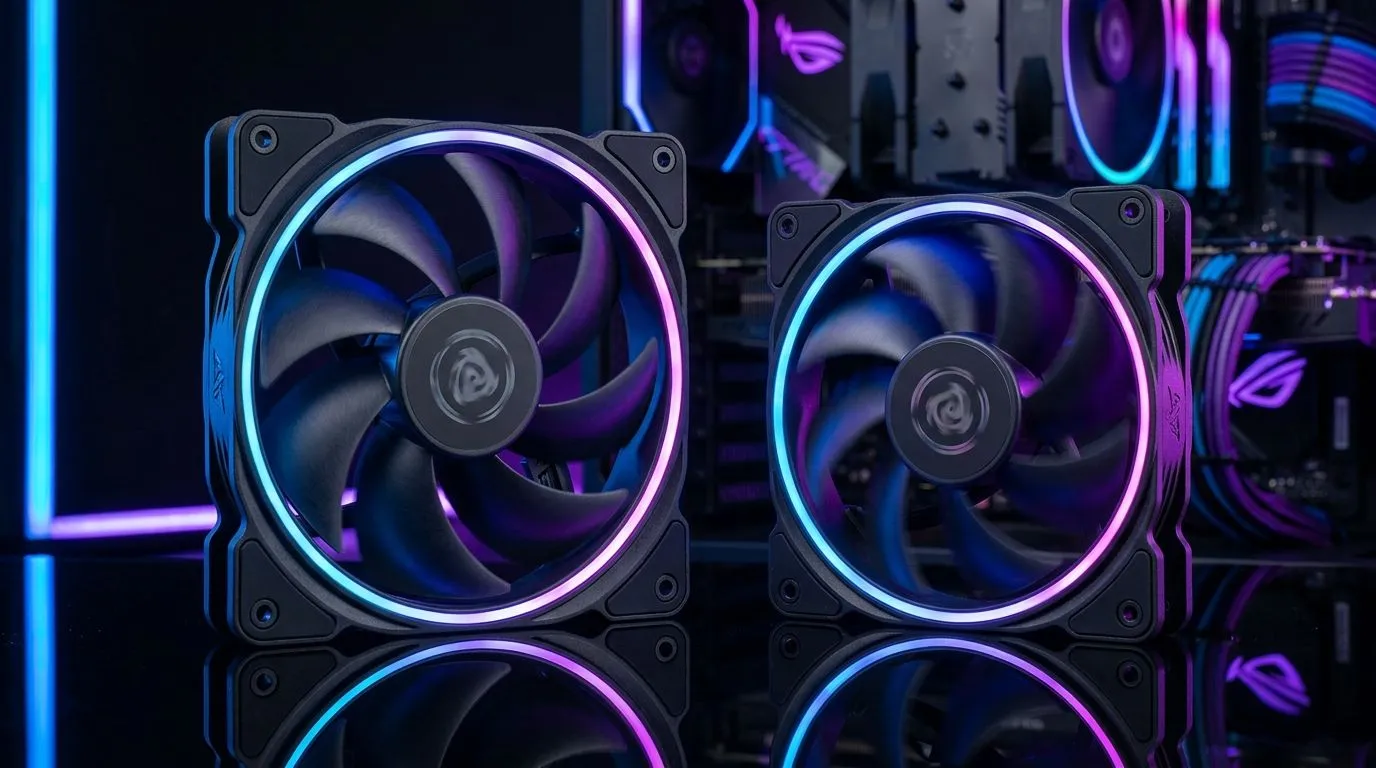
140mm vs 120mm Case Fans: Airflow, Noise & Cooling
Choosing between 140mm and 120mm case fans feels simple… until you’re staring at your airflow numbers and wondering why your GPU temps won’t budge. For South African gamers building a PC for Warzone, Helldivers 2, or even streaming on the side, fan choice affects comfort (noise) and performance (cooling) every single day. Let’s break down 140mm vs 120mm case fans: airflow, noise & cooling in plain terms, with the practical setup advice you can use today. 🔧
The airflow difference: what 140mm vs 120mm fans really changes
Fan size changes two big things: blade sweep area and how much air the fan can move at a given RPM. In general, a 140mm fan can move similar airflow to a 120mm fan at lower RPM, because it has more surface area pushing air.
Lower RPM usually means:
- less tonal noise (the “whine” you hear across rooms)
- less vibration transmitted through the case
- quieter gaming nights when your headset battery dies mid-match 😅
But there’s a catch. 140mm fans need space. Many cases support both sizes only in certain front or side positions, and clearance near the motherboard heatsinks can be tight. Before you buy, check your case’s supported fan mounts.
A practical way to think about airflow (without the marketing fluff)
Instead of hunting for vague “high CFM” claims, aim for this mindset:
- If your case supports both sizes, prefer the fan size that fits with good cable management and unobstructed intake.
- If you’re limited to one size, focus on static pressure for radiator and filter-heavy setups.
For reference while shopping, browse Evetech’s full case fan selection here: Case fans at Evetech
And if you’re building a cleaner-looking setup, filter by size and lighting:
- RGB models: 140mm vs 120mm with RGB options
- Non-RGB options: Minimal lighting case fans
Noise and “feel”: why 140mm fans often win for comfort
Noise is not just “louder or quieter”. It’s also:
- the pitch you hear at distance
- how quickly the fan ramps under load
- whether the fan has airflow turbulence behind the blades
With a larger fan, you often get smoother control at lower speeds. That matters in South African homes where rooms get warm, and you don’t want your PC sounding like a small drone during ranked.
When 120mm can be the smarter choice
120mm fans still make sense if:
- your case supports 120mm in the most critical positions (front intake, side intake)
- you plan a compact build where 140mm spacing isn’t available
- you want higher RPM capability in a smaller package
Evetech makes it easy to compare sizes directly while shopping:
Cooling performance in real builds: intake vs exhaust matters more than size
Here’s the truth most guides skip. Even with perfect fans, cooling can fail if your airflow path is wrong. What you want is a steady flow:
- front/side intake
- top/rear exhaust
- minimal blockage from cables and filters
In many gaming setups, the GPU runs hotter because intake air is starved. If you’re using a mesh-front case, 140mm intakes can help because they’re calmer at the same performance level.
Cooling checklist before you change fans 🔧
Productivity Pro Tip ⚡
you’re already running a fan-heavy setup, do a 10-minute “airflow audit” first: check that front intake fans are actually pulling air into the case (not pushing back), and ensure radiator hoses are not blocking the fan’s path. Then, in your BIOS or fan control software, set a gentle curve so fans ramp gradually. A quieter curve often improves comfort without harming temps.
Choosing by brand, build style, and budget (ZAR matters)
You’ll also notice differences in build quality and bearing design. Some fans handle dust and long-term running better than others, which matters if you’re gaming through long, hot summers.
If you’re shopping by brand, start with what you trust. For example, you can filter fans here: CORSAIR case fans or browse Deepcool options: Deepcool case fans
And yes, it’s worth thinking in ZAR. A quieter fan isn’t always “better”, but paying for reliable cooling can save you money later by avoiding thermal throttling, unstable boost clocks, and the time you’ll spend troubleshooting. 🚀
Ready to Find Your Perfect Match? The Mac vs Windows debate is complex, but for maximum power, choice, and value in South Africa, Windows is hard to beat. Explore our massive range of laptop specials and find the perfect machine to conquer your world.











