Quick Answer
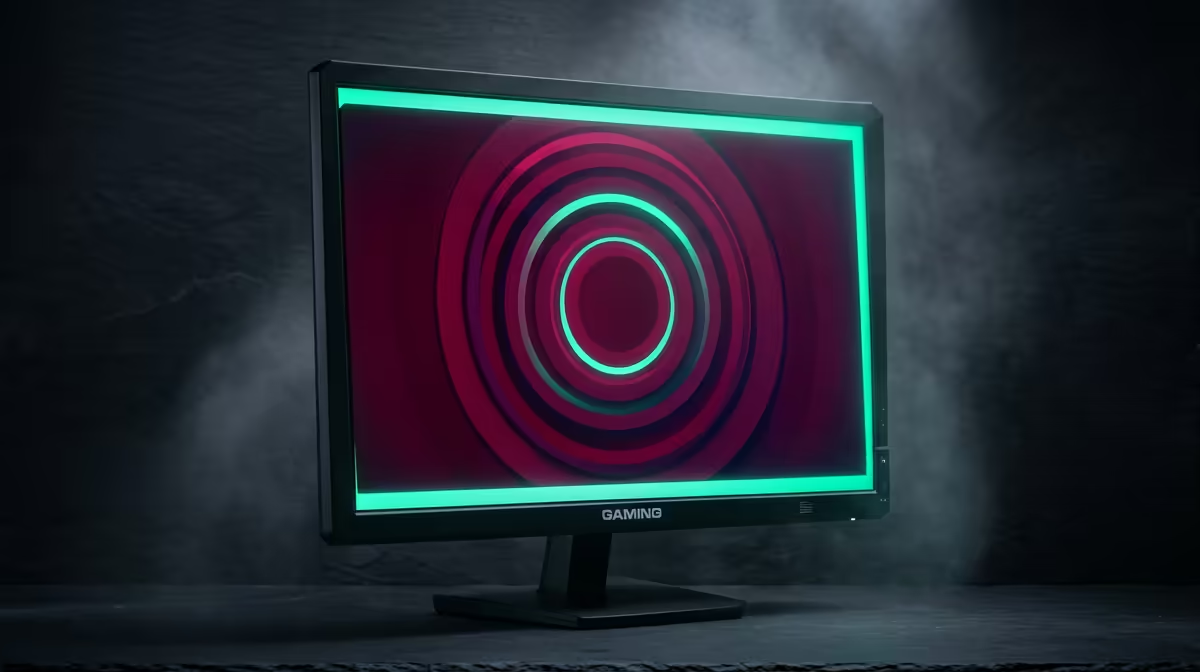
For SA competitive esports, a 1440p 27-inch IPS panel at 165Hz–240Hz with 1ms response is the sweet spot — sharp enough to spot enemies, fast enough for the frames a mid-range GPU can push. Budget roughly R5,500–R9,000 at Evetech. Pair it with an RTX 4060 or RX 9060 XT that holds 165+ fps at 1440p in titles like CS2 and Valorant.
Refresh Rate and Response Are King for Esports
Competitive play lives on motion clarity, so prioritise refresh and response over colour gamut. A 1440p 165Hz panel is the practical floor; 240Hz is the upgrade if your GPU can feed it. CS2 and Valorant run well past 200 fps at 1440p on an RTX 4070-class card, so a 240Hz screen pays off. Look for 1ms GtG and a real backlight strobing or 'clear motion' mode for crisp targets at speed.
Panel and Size: 27-Inch IPS at 1440p
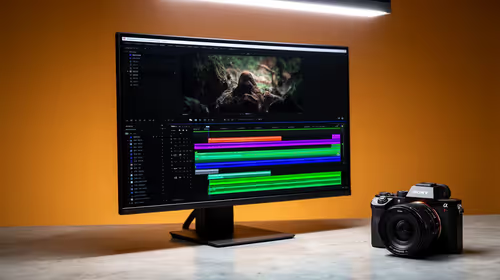
27 inches at 1440p gives a 109 PPI desktop that is sharp without forcing scaling — ideal for reading the minimap and small UI in tournaments. Fast IPS now matches old TN response while keeping viewing angles, so it is the default. Confirm FreeSync Premium or G-Sync Compatible to kill tearing, and check the stand has height and tilt for a proper esports posture.
Match the Monitor to Your GPU
A 240Hz 1440p panel only earns its price if your card can drive it: an RTX 4060/RX 9060 XT comfortably exceeds 165 fps in esports titles at 1440p, while an RTX 4070 Super pushes well past 240. If your GPU is entry-level, a 165Hz panel is the honest match and saves rand for a faster card later.
FAQ
Is 1440p too demanding for competitive esports?
No — esports titles like CS2 and Valorant are light, so a mid-range RTX 4060 or RX 9060 XT clears 165+ fps at 1440p. The sharper image actually helps target acquisition over 1080p.
165Hz or 240Hz for competitive play?
165Hz is the value sweet spot and feels excellent. Step to 240Hz only if your GPU consistently pushes 200+ fps in your main game, otherwise the extra refresh sits idle.
Does panel type matter for esports?
Fast IPS is now the default — it matches TN response (1ms) while keeping colour and viewing angles. Choose IPS unless you find a specifically faster TN at a meaningful discount.
Pro Tip
Enable your panel's backlight strobing or 'clear motion' mode and cap fps to the refresh rate — it sharpens fast-moving targets more than a higher resolution ever will.