

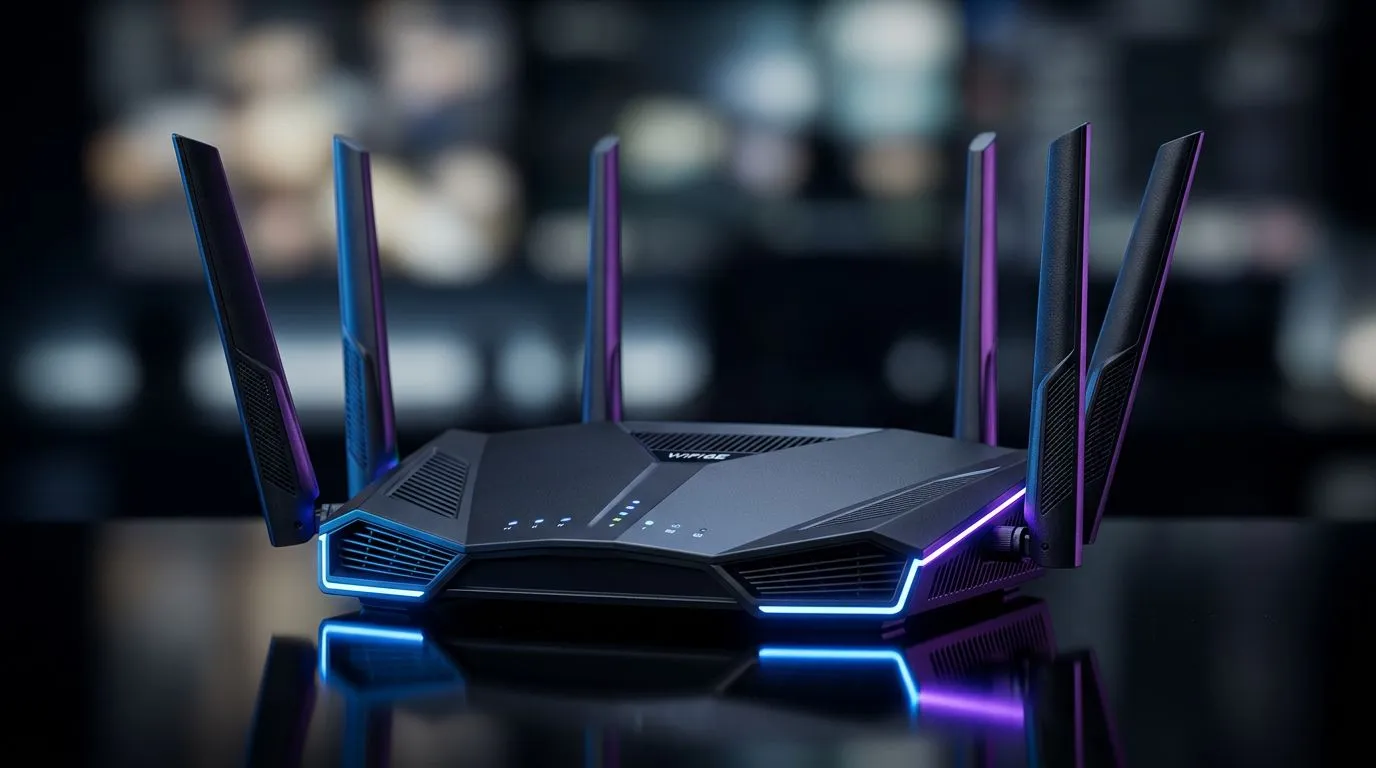
Understanding 160MHz WiFi Channels and Wireless Speed
If you are tired of your ping spiking during a clutch moment in Valorant or your 4K stream buffering just as the movie reaches the climax, your router might be the culprit. Most standard home setups operate on crowded frequencies, leading to congestion that slows down your entire network. By moving to 160MHz WiFi channels, you are essentially opening a multi-lane highway for your data, allowing for significantly higher throughput and a smoother digital experience for your home office or gaming den. ⚡
Why Channel Width Matters for Your Connection
Think of your WiFi channel width like the width of a pipe. A standard 20MHz or 40MHz channel is like a narrow garden hose, while a 160MHz channel is a massive industrial conduit. More width means more data can travel simultaneously, which is essential if you have multiple devices streaming, gaming, and working in the same household.
If your current hardware is struggling to keep up with your high-speed fibre line, it might be time to browse our wireless networking solutions to see if an upgrade is overdue.
Compatibility and Hardware Requirements
To actually utilise these wider channels, both your router and your client device must support the standard, typically found in WiFi 6 (802.11ax) or WiFi 6E equipment. If you are gaming on a desktop and notice inconsistent speeds, installing one of our high-performance wireless adapters can provide a more stable connection than older, integrated motherboard chips. 🔧
Optimisation Pro Tip ⚡
Always check your router's settings page to see if 'Channel Width' is set to 'Auto' or fixed at 160MHz. Sometimes, routers default to 80MHz to avoid interference from nearby neighbours, so manually forcing the 160MHz setting can provide an immediate boost in raw download speeds.
Building a Robust Home Network
Even with 160MHz enabled, physical obstacles like thick walls or steel-reinforced concrete—common in many South African homes—can dampen your signal. Investing in modern wireless routers is the first step, but you may also need wireless range extenders to cover those dead zones in the far corners of the house. 🚀
Finally, ensure your gateway device is up to the task. If you are still using the entry-level unit provided by your ISP, switching to dedicated fibre routers often provides better processing power, which is vital for managing the increased traffic load that 160MHz channels introduce. ✨
Ready to Boost Your Connection? Don't let a slow network hold you back from your next win. Whether you need a high-end router or a simple adapter upgrade, we have the gear to keep you connected at top speeds. Browse our complete networking category to find the perfect hardware for your home setup.











