

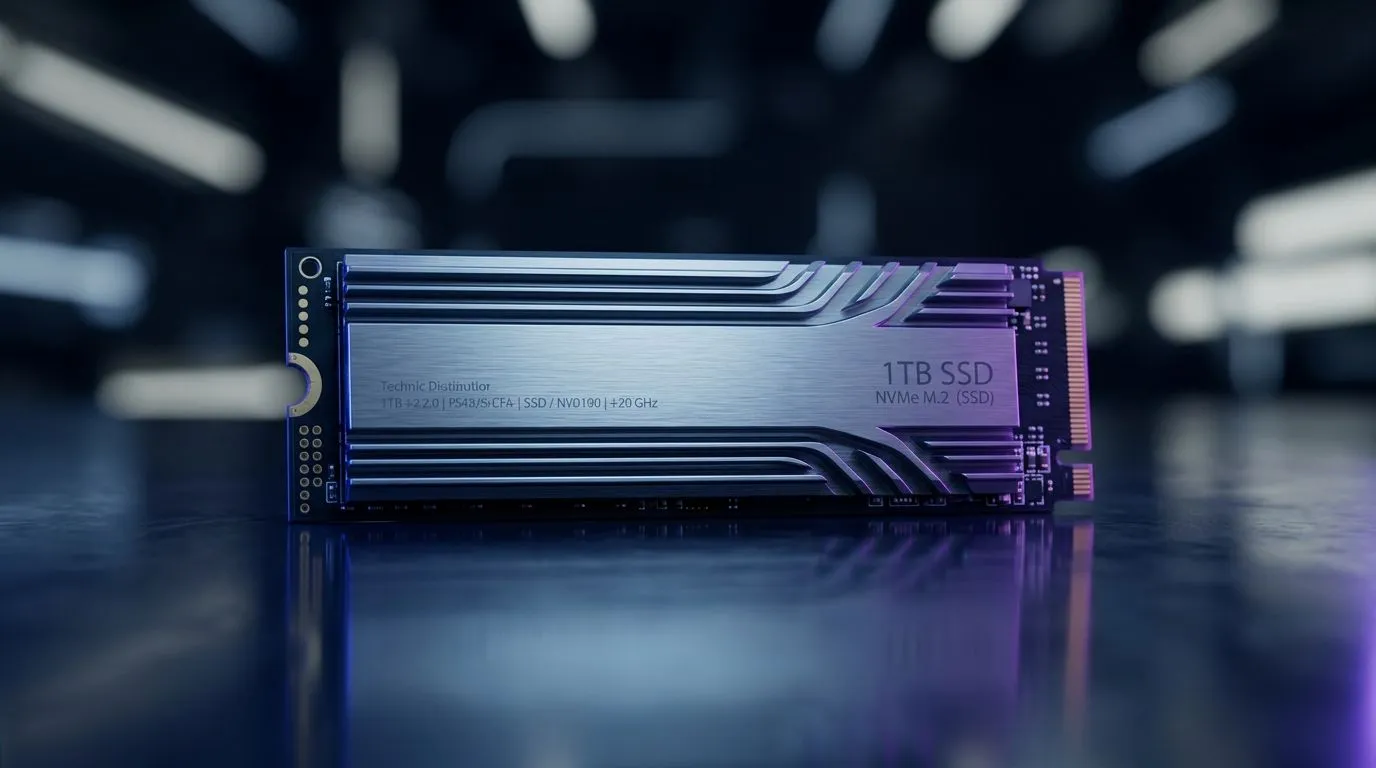
1TB SSD Storage Best Practices for Work, Gaming, and Media: Stop Wasting Space (and FPS) ✨
If your PC feels “almost fast”… you might not need a new CPU. Often, it’s storage habits. A 1TB SSD can power work files, game installs, and media libraries. But only if you set it up right. In South Africa, where budgets are real and electricity is never guaranteed, you want reliability and smart use… not constant reinstall cycles and messy folders. Let’s get your 1TB SSD working like it should 🔧
1TB SSD Storage Best Practices: Know Your Use Case Before You Buy
Most people use a 1TB SSD in three main ways:
- Work: large project files, browser caches, downloads, and app data
- Gaming: installs, shader caches, and frequent updates
- Media: photos, video renders, audio libraries, plus thumbnails
Before settings, decide your priority. If gaming is top, your SSD should hold games and launchers. If video editing wins, keep active projects on the SSD and move archives to cheaper storage.
When you’re selecting the right drive, Evetech’s SSD range is a good starting point: Browse SSD options from Evetech
If you already know you prefer a specific brand, filter by brand: Shop ADATA SSDs for 1TB builds Shop Kingston SSDs for 1TB builds
1TB SSD Storage Best Practices for Work: Set Up Folders That Don’t Fight Back ⚡
A clean folder structure saves time later. It also reduces the “where is that file?” stress when deadlines hit.
Recommended layout for a 1TB drive:
\Projects\(your current work)\Media\(footage and exported assets)\Games\(if you’re combining use cases)\Downloads\(temporary only)\Cache\(leave system-managed if possible)
Move downloads out of the SSD once they stop being “active”. Also, keep your OS drive free enough to avoid slowdowns. You don’t need to baby it, but leaving some headroom helps performance stability across many SSDs.
Productivity Pro Tip ⚡
On Windows, use the PowerToys FancyZones utility to create custom snap layouts for your windows. It's a lifesaver for managing multiple apps on an ultrawide monitor, letting you organise your timeline, preview window, and asset folders perfectly for video editing.
1TB SSD Storage Best Practices for Gaming: Install Smarter, Update Cleaner 🚀
Gaming is where 1TB often gets eaten fast. Not just by games, but by updates, shader caches, and launchers that duplicate assets.
Try this approach:
- Install the launcher and main games on your SSD.
- Create one
\Games\folder and keep each title consistent. - After a big update, restart the PC once. It helps some launchers finish writes cleanly.
If you’re choosing between drive types, form factor matters. Many newer builds use M.2 drives for speed and cable-free installs: Find M.2 2280 SSD options at Evetech
1TB SSD Storage Best Practices for Media: Protect Renders and Keep Exports Consistent ✨
Media workflows can be brutal on storage because video editing creates lots of temporary files. A simple rule helps: active projects on SSD, completed exports can move.
Good habits:
- Keep “scratch” or temp directories on the SSD for speed.
- Export to a separate folder like
\Exports\. - Archive older projects to another drive when you’re done.
If you’re also looking at next-gen interfaces, Evetech lists drives by interface options, including Gen 5 capable categories: Explore SSDs with Gen 5 interface options
1TB SSD Storage Best Practices: Quick Checklist Before You Start
- Leave headroom on your 1TB SSD for normal operation.
- Keep downloads temporary. Move archives off the SSD.
- Organise one consistent folder tree for work, games, and media.
- Choose the right form factor (like M.2 2280) for your system.
- If you’re building or upgrading, start with Evetech’s SSD selection and match brand and interface to your motherboard.
These steps don’t just “save space”. They reduce rework, reinstall stress, and slowdowns when you’re mid-session.
Ready to Find Your Perfect Match? The Mac vs Windows debate is complex, but for maximum power, choice, and value in South Africa, Windows is hard to beat. Explore our massive range of laptop specials and find the perfect machine to conquer your world.











