

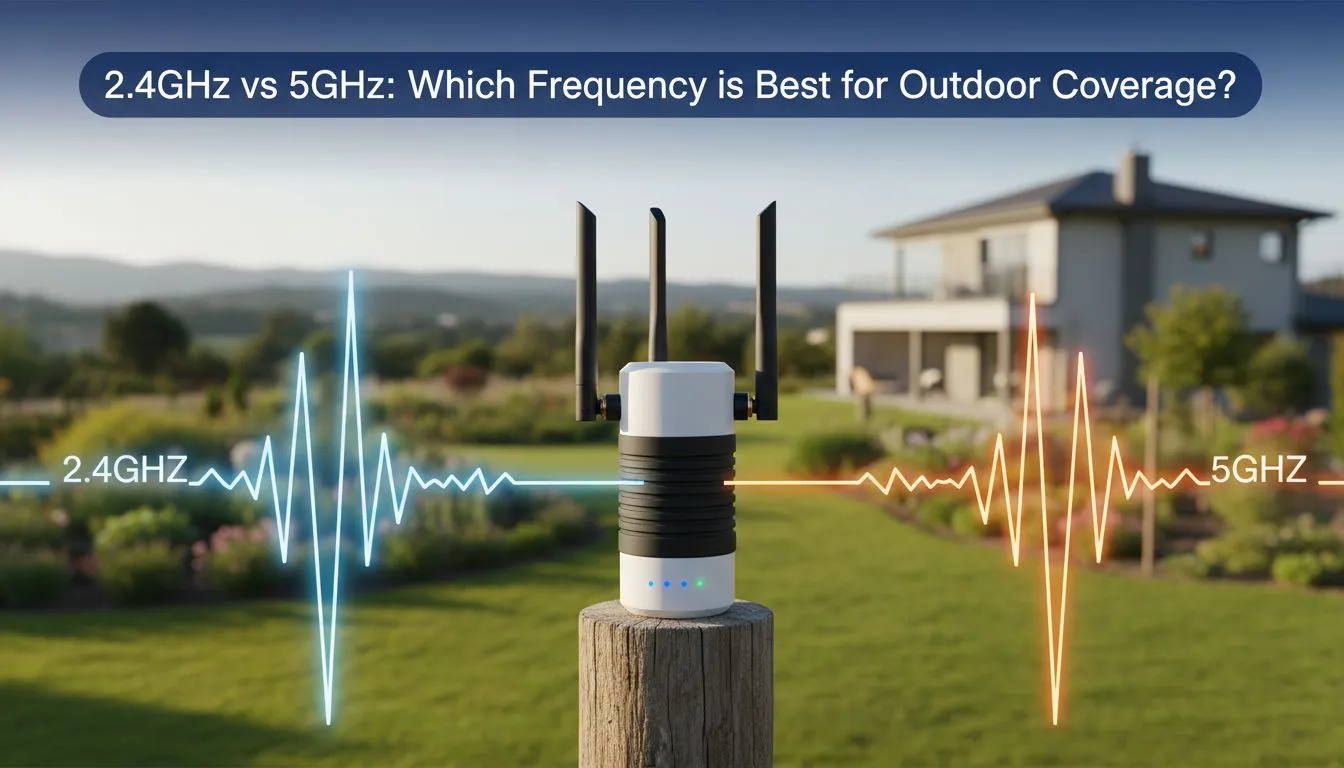
Thinking of moving your gaming setup to the patio for a summer braai? South African homes are built tough... usually with thick brick and mortar. This makes the 2.4GHz vs 5GHz: Which Frequency Is Best for Outdoor Coverage? debate very relevant. If your Wi-Fi signal dies the moment you step outside... you need to understand the physics of your frequency to stay connected. 🚀
Understanding the Reach of 2.4GHz
When it comes to pure distance, the 2.4GHz band is the undisputed heavyweight champion. It uses longer waves that are much better at penetrating solid objects. In a typical local home, those "solid objects" are often double-brick walls or concrete slabs. If you are sitting fifty metres away in the garden, 2.4GHz is likely the only signal your device will see.
To get the most out of this band, you need one of the latest high-performance wireless routers that can handle multiple connections without dropping the ball. While 2.4GHz is slower than its 5GHz sibling, its ability to wrap around corners and through doors makes it the primary choice for outdoor coverage.
Why 5GHz Struggles in the Garden
The 5GHz frequency is built for speed and low latency. It is perfect for competitive gaming or streaming 4K video when you are in the same room as the router. However, its shorter waves struggle to pass through obstacles. A single thick wall can cut a 5GHz signal in half... and a brick exterior wall might kill it entirely. 🔧
If you insist on using 5GHz outdoors, you will likely need to invest in wireless range extenders to bridge the gap. These devices pick up the signal and rebroadcast it closer to your outdoor area. This helps maintain those high speeds even when you are far from the main hub.
Outdoor Signal Hack ⚡
If you are struggling with dead zones on your patio, try elevating your router. Placing it on a high shelf rather than inside a TV cabinet can significantly reduce signal interference from furniture and floor slabs.
Optimising Your Outdoor Hardware
Sometimes the problem isn't the router... it is the receiver. Older laptops or budget smartphones often have weak internal antennas. Upgrading your PC with dedicated USB wireless adapters can provide a much more stable link to the network. These adapters often feature high-gain antennas that "see" the signal better than standard built-in chips.
For those serious about a permanent outdoor setup, consider weather-proof access points. These are designed to live outside and provide a direct line of sight to your devices. When you mix the right frequency with the right wireless networking gear, you stop worrying about lag and start enjoying the fresh air. ✨
The Verdict: 2.4GHz vs 5GHz
If you want the best possible coverage for a large garden, 2.4GHz is the winner. It offers the stability needed to browse and stream without constant disconnects. If you are close to the house and need maximum speed for gaming, 5GHz is great... but only if the signal doesn't have to fight through too many walls.
Ready to Boost Your Outdoor Range? Choosing the right frequency is only half the battle... you need the right hardware to back it up. Explore our full range of networking solutions and take your connection further than ever before.











