

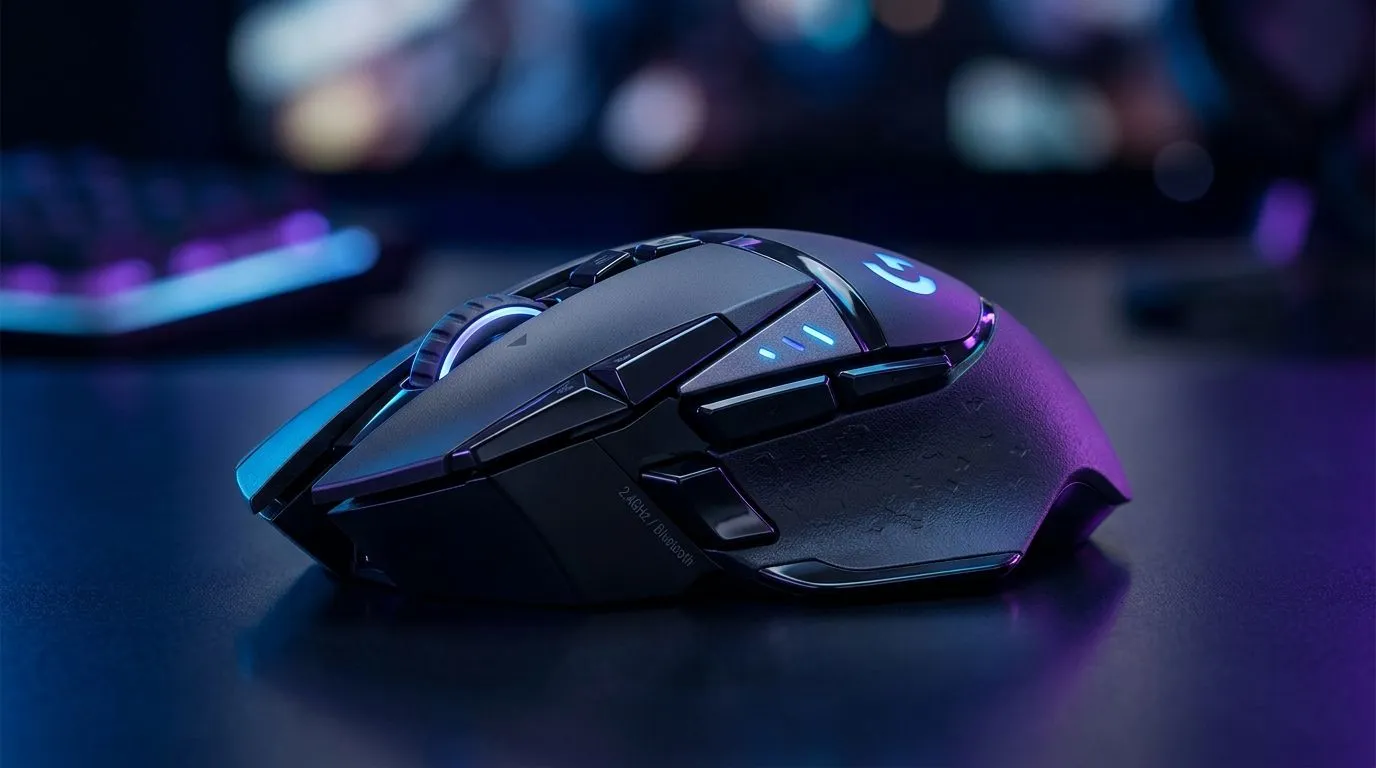
2.4GHz Wireless vs Bluetooth Gaming Mouse: Latency & Convenience for South African gamers
You know the feeling… you flick, you click, and the aim doesn’t quite land where you expected. That’s why the choice between 2.4GHz wireless vs Bluetooth gaming mouse matters in real matches. In South Africa, we also deal with everything from load shedding to stacked desks and Wi‑Fi congestion… so convenience counts as much as speed. Let’s break down latency, reliability, and the practical “which one should I buy?” answer for your setup. 🎮✨
2.4GHz Wireless vs Bluetooth Gaming Mouse: What actually affects latency?
Latency in a mouse comes down to the entire path: sensor polling, wireless link, and device response time. With wireless, the link method is the biggest variable.
2.4GHz wireless: built for low-latency gaming
Most gaming-focused 2.4GHz setups use a USB dongle. A dongle gives a dedicated radio link, typically reducing interference compared to Bluetooth’s shared radio behaviour. In everyday terms: fewer “why did that happen?” moments when you’re moving fast.
Bluetooth: convenient, but not always consistent for shooters
Bluetooth can be excellent for productivity and multi-device switching. But in competitive gaming, Bluetooth can feel more variable depending on your PC, adapter quality, and overall wireless environment. If you share your workspace with other Bluetooth devices (headsets, controllers, speakers), it can get messy.
Productivity Pro Tip ⚡
On Windows, disconnect unused Bluetooth devices (headsets, speakers, smart remotes) before you game, then reconnect only your mouse. This often reduces background radio chatter and can make Bluetooth tracking feel steadier.
2.4GHz Wireless vs Bluetooth Gaming Mouse: Convenience and setup on a real SA desk
Here’s the micro-story: you get home, boots up in 30 seconds, and you just want your mouse to work. That’s the biggest reason people like dongle-based 2.4GHz. Plug in, pair once, and you’re done.
Bluetooth shines when you want one mouse for multiple devices. Think: gaming laptop at home, work PC at the office, then maybe a tablet. If you’re swapping devices often, Bluetooth’s pairing can be worth the trade.
Power and reliability during load shedding
When power drops and systems reboot, some Bluetooth pairings and adapters can behave differently than dongle-based setups. A 2.4GHz mouse with a stable pairing can feel more predictable after restarts. Of course, your actual experience depends on your specific adapter and OS, so the safest approach is to test your setup after any planned outage.
2.4GHz Wireless vs Bluetooth Gaming Mouse: How to choose without guessing
If you mainly play competitive shooters, you’re usually optimising for responsiveness. In that case, look at gaming-grade wireless mice from Evetech’s catalog and choose based on what fits your desk and routine.
If your priority is convenience across multiple devices, Bluetooth can be a better fit, especially for casual gaming and office work.
Before you buy, use Evetech to compare options and then match them to how you play:
- Check gaming mice and accessories here: gaming mouse accessories at Evetech
- If you prefer wired for maximum consistency, browse: wired gaming mice at Evetech
- Want wireless reliability with dongles? Start here: wireless gaming mice at Evetech
Find deals that match your budget (in ZAR)
South African pricing changes fast, so it helps to shop smart. Even a small saving can move you into a better sensor tier.
- Browse current offers: best gaming mouse deals at Evetech
- Compare models by category/spec focus: Evetech gaming mouse range
Ready to Find Your Perfect Match? The Mac vs Windows debate is complex, but for maximum power, choice, and value in South Africa, Windows is hard to beat. Explore our massive range of laptop specials and find the perfect machine to conquer your world.











