

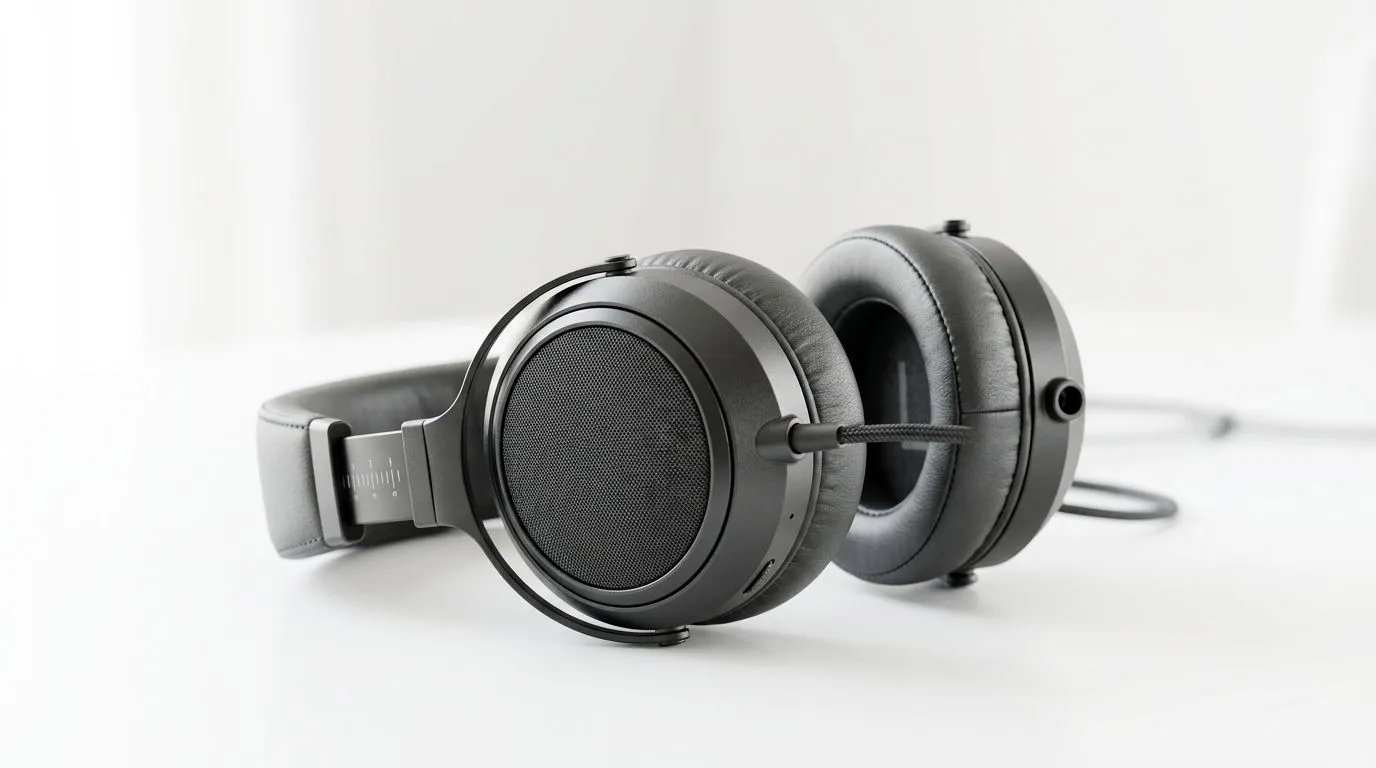
Hear it explained: the 20Hz to 20kHz audible band 🎧
20Hz to 20kHz: what that frequency range actually sounds like — and why it matters for gamers in South Africa. In the next few minutes you'll learn how bass rumble, vocal clarity and sizzling highs map to real in-game moments. Read this if you choose headsets, tweak EQs, or just want your explosions to feel like home. 🔊
Low end (around 20Hz–200Hz): the hit you feel
Sub‑bass lives at the bottom of the 20Hz to 20kHz spectrum. Frequencies near 20–60Hz are felt more than heard — think the deep rumble of a tank or distant thunder. Good gaming headsets reproduce this so you sense direction and weight, not just volume. For a practical try, play a soundtrack with isolated synth bass or use a sub‑bass test tone to feel how your headset handles it. For examples of gaming headsets that claim wide response and low‑end emphasis, see the Razer Barracuda X Chroma wireless headset listing on Evetech. (Product details are on that page.)
Check a selection of Razer headphones if you want similar tuning across models: https://www.evetech.co.za/PC-Components/razer-headphones-headsets-105
Midrange (200Hz–5kHz): where voices and detail live
This is the most critical band for speech, footsteps and guitar twang — basically most gameplay cues. Poor midrange makes dialogue muddy or footsteps hard to localise. Compare two headsets using a voice‑forward track and a footstep test; the one that keeps vocals forward and instruments distinct usually wins for competitive games. Research into human hearing confirms the midrange is vital for recognition and speech clarity (see Britannica on the auditory system for reference).
Highs (5kHz–20kHz): air, sizzle and spatial cues ✨
Treble sits in the top of the 20Hz to 20kHz range. It gives "air" to cymbals, the snap of gunfire and fine spatial hints like leaves rustling. Too much energy here becomes fatiguing; too little, and the mix feels boxed in. Use a bright reference track and reduce harshness with a small cut around 6–8kHz if needed.
How to audition the range: quick tests and listening tracks
- Start with a neutral EQ. Use a high‑quality test tone sweep from 20Hz up to 20kHz and listen for gaps or spikes.
- Use tracks you know well: one bass‑heavy, one vocal‑centric and one with bright percussion.
- Try different volume levels; low volumes hide sub‑bass, loud volumes expose driver distortion. For a wide picking of headphone options and filters, browse Evetech's headphone and headset category to match tuning to your ears: https://www.evetech.co.za/components/headphone-headsets-100
Audio Tip ⚡
testing headsets, play a short loop with isolated bass, vocals and cymbals. Toggle a simple 3‑band EQ: boost bass +3dB, leave mids, cut 6–8kHz by −2dB. If dialogue gets clearer and cymbals less harsh, you found a better balance for long sessions.
Practical picks and why specs only tell part of the story
Frequency response numbers like 20Hz–20kHz describe potential, not performance. Driver quality, enclosure, damping and fit change what you actually hear. A 50mm driver that’s poorly tuned can underperform a smaller, well‑engineered driver. Always audition when you can, or check measured reviews. For a popular wireless pick that balances gaming features and broad frequency coverage, see the Razer Barracuda X Chroma listing on Evetech. (That product page lists connectivity and feature specs.)
Simple EQ recipes by genre
- Competitive shooters: tighten lows slightly, keep mids clear, mild treble boost for spatial cues.
- RPGs / open world: fuller low end, warm mids, gentle treble for ambience.
- Music listening: match EQ to the genre; bass for EDM, neutral for classical.
Final notes on perception and expectations
Everyone’s ears are different. Age, prior exposure and device chain (DAC, amp, headset) shift perceived frequency balance. Use a few trusted tracks and a reference headset you own to judge new kit. Small tweaks to EQ and fit often yield bigger improvements than spending more on a new headset.
Ready to Find Your Perfect Match? The Mac vs Windows debate is complex, but for maximum power, choice, and value in South Africa, Windows is hard to beat. Explore our massive range of laptop specials and find the perfect machine to conquer your world.











