

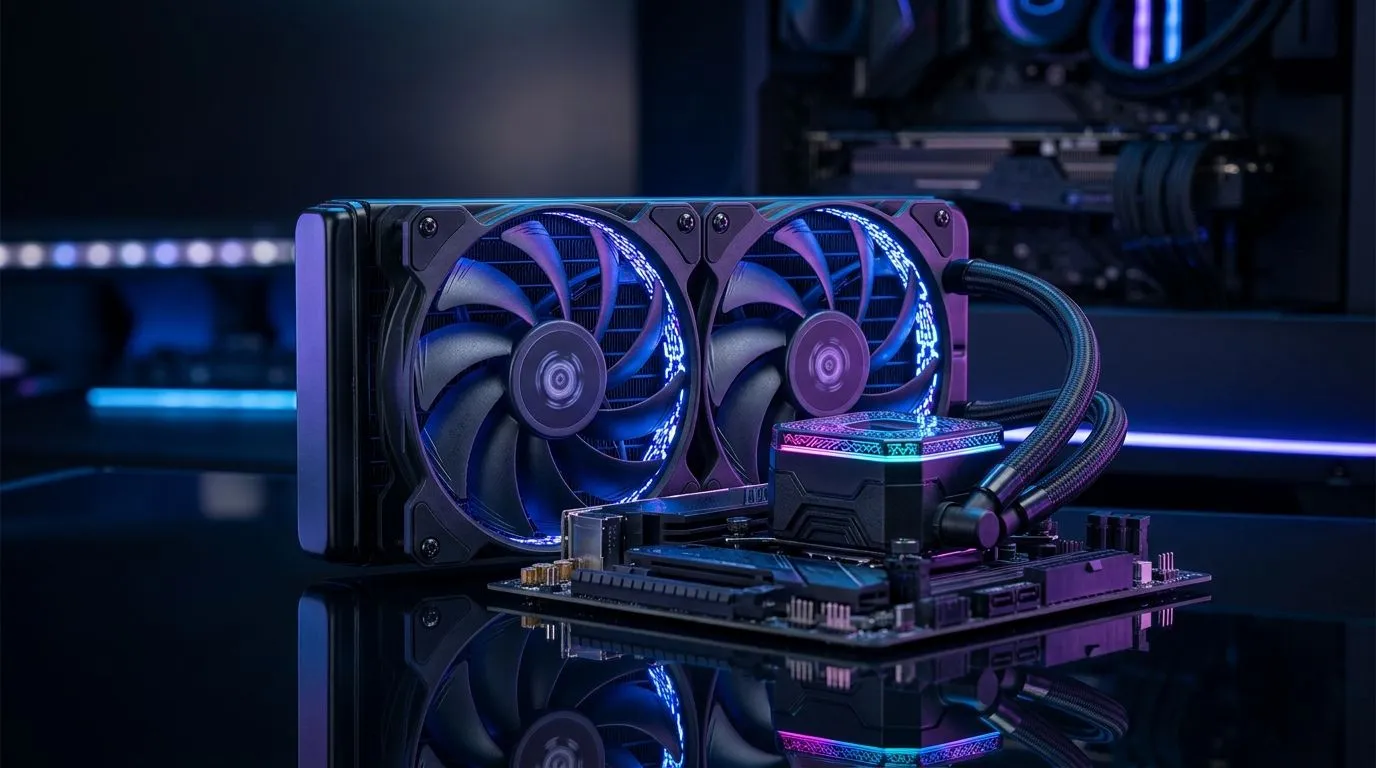
240mm liquid cooler: quick hook 🔧
Stuck between a quieter rig and peak performance? A 240mm liquid cooler can keep your CPU cool during marathon gaming sessions and heavy workstation renders, while staying compact enough for many mid‑tower cases. Read on for the core checks South African builders shouldn’t skip, and a few pro tips that will save you time and headaches.
240mm Liquid Cooler basics for gaming and workstations
A 240mm liquid cooler sits between budget 120mm AIOs and larger 360mm solutions for a balance of performance and case compatibility. When you compare fan size and airflow, remember you’re choosing the fans as much as the radiator. Evetech lists both 120mm and 140mm options; double‑check whether your case supports 120mm or 140mm mounting before you buy (Evetech’s fan pages are handy for specs). https://www.evetech.co.za/PC-Components/case-fans-97.aspx?attributes-size=120mm
Choosing a 240mm liquid cooler for gaming and workstations
Look for radiator thickness and fan performance. Thicker rads with high‑quality fans push more heat but need clearance. If you prefer silent builds, prioritise low‑dB(A) fans or adaptive PWM control. Brands like CORSAIR and Deepcool offer differing mounting systems and warranties — check their product lines on Evetech to match features to your workflow. https://www.evetech.co.za/PC-Components/case-fans-97.aspx?brands=CORSAIR https://www.evetech.co.za/PC-Components/case-fans-97.aspx?brands=Deepcool
Fan selection, RGB and airflow considerations ✨
Fans make or break an AIO’s real‑world performance. If you want visual flair, RGB fans are widely available, but non‑RGB can be cheaper and quieter. Match fan size and blade design to your radiator; many Evetech listings let you filter for RGB and non‑RGB options, helping you decide. https://www.evetech.co.za/PC-Components/case-fans-97.aspx?attributes-lightingeffects=RGB https://www.evetech.co.za/PC-Components/case-fans-97.aspx?attributes-lightingeffects=None
Installation Tip 🚀
When fitting a 240mm AIO, test fan orientation outside the case first. Confirm radiator clearance with memory sticks and VRM heatsinks. This small practice prevents a frustrating refit later.
Case fit, pump noise and long‑term reliability
Measure available radiator mounting depth. Many mid‑towers accept 240mm rads up front or on top, but clearance with PSU shrouds or tall RAM can be an issue. If you build for content creation, a little extra pump headroom helps during long renders. Evetech’s fan size filters make checking compatibility quick. https://www.evetech.co.za/PC-Components/case-fans-97.aspx?attributes-size=140mm
Real‑world tips from local builders
South African gamers often balance performance with noise and budget. If you game and stream simultaneously, choose a cooler with strong sustained performance and consider fan curves that ramp gradually. Keep your loop clean and dust‑free; a fortnightly dust check can preserve cooling efficiency and avoid thermal throttling.
Final checklist before checkout
- Confirm radiator mounting points and clearance.
- Match fan size and airflow to your radiator.
- Check brand mounting brackets and warranty.
- Plan cable routing for RGB or pump headers. For quick browsing and part matching, Evetech’s main case fan page is a useful hub. https://www.evetech.co.za/PC-Components/case-fans-97.aspx
Ready to Find Your Perfect Match? The Mac vs Windows debate is complex, but for maximum power, choice, and value in South Africa, Windows is hard to beat. Explore our massive range of laptop specials and find the perfect machine to conquer your world.











