

Why cooling choice matters
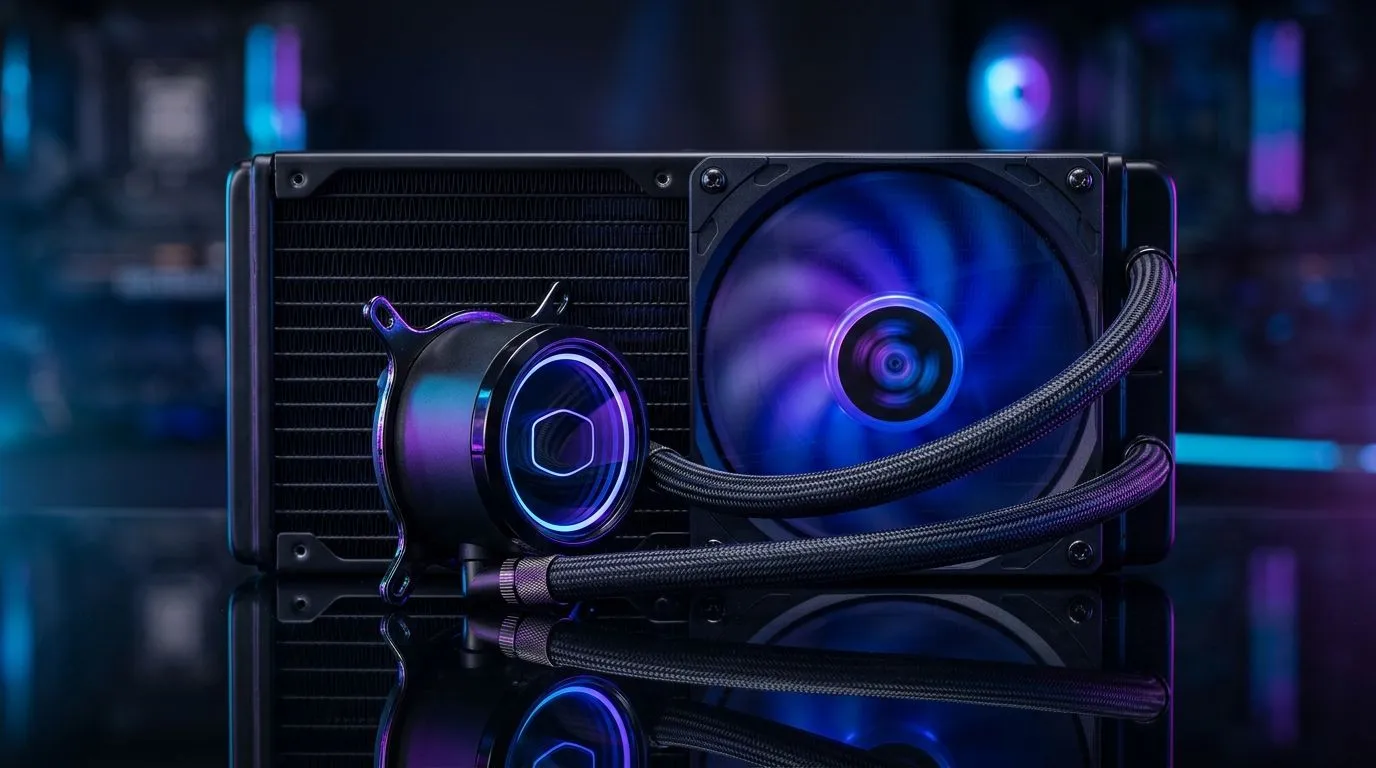
240mm Radiator Cooling Performance vs Air Coolers is the question many Cape Town and Joburg builders ask when aiming to shave degrees off a hot Ryzen or Intel chip. Pick wrong and you'll trade silence for higher temps or compatibility headaches. This short guide gives clear, practical advice so you can choose confidently. 🔧
How 240mm AIOs work vs air coolers
A 240mm all‑in‑one liquid cooler uses a slim radiator and two fans to move heat away from the CPU. An air cooler concentrates cooling into a tall heatsink and one or two fans. Radiators spread heat across a larger surface area; large air coolers rely on mass and direct airflow. For parts like fans and radiator compatibility, check Evetech’s case fans category for sizes and options: https://www.evetech.co.za/PC-Components/case-fans-97.aspx
Real-world performance and noise
In real use, a 240mm radiator often outperforms single‑tower air coolers at high sustained loads. But noise depends on fan quality and RPM. Brands like Corsair offer balanced designs and premium fan curves; see their selection here: https://www.evetech.co.za/PC-Components/case-fans-97.aspx?brands=CORSAIR. Deepcool also makes competitive kits with varied mounting options: https://www.evetech.co.za/PC-Components/case-fans-97.aspx?brands=Deepcool. Use case and fan choices to tune noise versus cooling.
Installation and airflow tips
Before buying, measure your case radiator mounts. A 240mm radiator needs two adjacent 120mm mounts or top/front clearance. If you prefer high static pressure fans, compare 120mm versus 140mm fan setups — some rigs favour larger 140mm fans for lower RPM and noise: https://www.evetech.co.za/PC-Components/case-fans-97.aspx?attributes-size=140mm. Others stick with 120mm for dense radiators: https://www.evetech.co.za/PC-Components/case-fans-97.aspx?attributes-size=120mm. Also decide if you want lighting effects; RGB fans add flair but can cost more: https://www.evetech.co.za/PC-Components/case-fans-97.aspx?attributes-lightingeffects=RGB or keep it stealth with non-RGB choices: https://www.evetech.co.za/PC-Components/case-fans-97.aspx?attributes-lightingeffects=None
Installation Pro Tip ⚡
Install the radiator with fans configured as intake or exhaust to match your case airflow. Front intake radiators often run cooler; top exhaust suits compact cases. Balance positive pressure to reduce dust build-up.
Which should you buy in South Africa?
If you game at 144Hz or stream, choose a 240mm radiator for cooler peak temps and more overclock headroom. If silence, budget and compatibility matter, a premium single‑tower air cooler can be quieter and simpler. Factor in local availability and warranty. Check product pages, compare ZAR prices, and make the call based on case fit and your tolerance for fan noise. ✨
Final thought
Both solutions work; the right one depends on your goals. Match fan quality, case airflow and mounting space to get the best result. Want help picking specific fans and coolers for your build? Browse Evetech’s fan choices and find parts that match your budget and style.
Quick checklist before you buy
Confirm radiator clearance, RAM height, and motherboard VRM cooler interference. Think about fan curves and PWM control; a controller or motherboard headers let you tune noise. Remember dust filters and maintenance — radiators can collect dust and may need occasional rinsing by a professional. Compare warranties and local support in South Africa; that matters more than a small delta in degrees when servicing is needed. Ask Evetech for build advice today.
Ready to Find Your Perfect Match? The Mac vs Windows debate is complex, but for maximum power, choice, and value in South Africa, Windows is hard to beat. Explore our massive range of laptop specials and find the perfect machine to conquer your world.











