

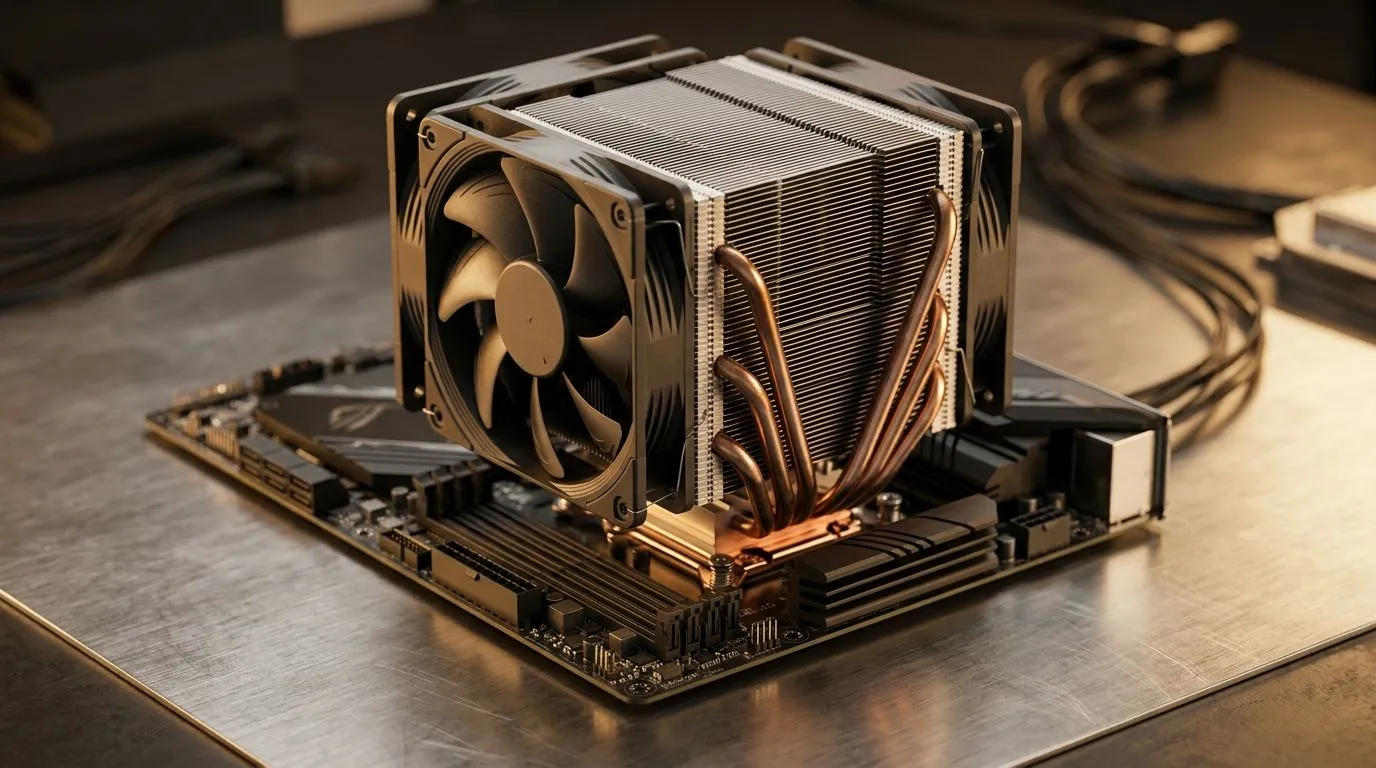
Can a 245W TDP Air Cooler Handle High-End CPUs? (and What to Watch) ✨
South African gamers and PC builders know the pain… you buy a “monster” CPU, but the cooler is the quiet decision that determines whether you stay smooth at 1440p or throttle under load. If you’re looking at a 245W TDP air cooler, the big question is simple: is it enough for high-end CPUs in real game sessions? 🎮
In this Deep Dives guide, we’ll break down what “245W TDP” really means, how to sanity-check your CPU’s heat and power behaviour, and how to choose the right air cooler class without wasting your budget.
Understanding 245W TDP Air Cooler Reality 🔧
Manufacturers list cooler capability using TDP-based assumptions. In practice, real CPU power draw can spike above base TDP when boost clocks kick in, especially during sustained workloads (think long raids, shader compilation, or multi-hour AAA sessions).
So “Is a 245W TDP air cooler enough?” often depends on:
- Your CPU model and boost behaviour (not just base TDP)
- Case airflow (front-to-back, intake fans, exhaust fans)
- Cooler size and fan setup (single vs dual fan impacts)
- Whether you enable aggressive power limits in BIOS
A good rule: if you want consistent gaming temperatures, you usually plan cooler headroom beyond the CPU’s typical sustained draw. That “headroom” is your buffer against warmer rooms in SA summers… and dust buildup over time.
The case airflow part people forget (seriously)
Even a capable cooler struggles in restricted airflow cases. If your case has a mesh front but only one exhaust fan, your CPU temps can look “mysteriously” worse. Keep intake and exhaust balanced, and aim for unobstructed airflow paths.
Cooling Productivity Pro Tip 🔧
On your next build, set a BIOS fan curve that ramps earlier during gaming. Start with moderate RPM at 50–60°C, then increase more aggressively after 70°C. This reduces temperature spikes that can affect boost stability and keeps your system quieter when you’re not under heavy load. (If your BIOS offers it, use a “PWM control” mode for consistent fan behaviour.)
Where Air Cooler Choice Really Matters for High-End Builds 🚀
When you’re shopping for an air cooler that can realistically support high-end CPUs, consider matching the cooler to the class of fans and heatsink it offers. Larger fan sizes and well-designed heatsinks help move heat at lower RPM, which often means better temps and less noise.
Start your shortlist by browsing Evetech’s air cooler selection:
- Explore the full air cooler range here: CPU coolers on Evetech
- If you already know you want air, narrow it down: Air Coolers at Evetech
From there, check fan size and heatsink scale:
- For 120mm-focused options: 120mm Air Coolers
Brand matters too, but mostly as a proxy for build quality and design choices. If you’re comparing similarly-rated coolers, the internals and fan tuning often decide the real-world result:
- Deepcool options: Deepcool air coolers
- EINAREX options: EINAREX air coolers
Quick checklist before you trust “245W TDP” ✅
Use this fast sanity check:
- Confirm CPU model (exact name) and what it boosts to in sustained workloads.
- Measure your case airflow: do you have at least one strong front intake and a rear exhaust?
- Watch cooler clearance: tall coolers can block side panels or RAM clearance.
- Set power limits if needed: if you’re chasing silence or stable boosts, small BIOS adjustments can reduce spikes.
- Plan for seasonal changes: hotter rooms mean less cooling headroom.
If you’re buying on a budget, it can be tempting to “just meet the number”. But for high-end CPUs, paying slightly more for better heatsink coverage or a larger fan setup can protect performance and longevity.
Ready to Find Your Perfect Match?
Ready to Find Your Perfect Match? The Mac vs Windows debate is complex, but for maximum power, choice, and value in South Africa, Windows is hard to beat. Explore our massive range of laptop specials and find the perfect machine to conquer your world.











