

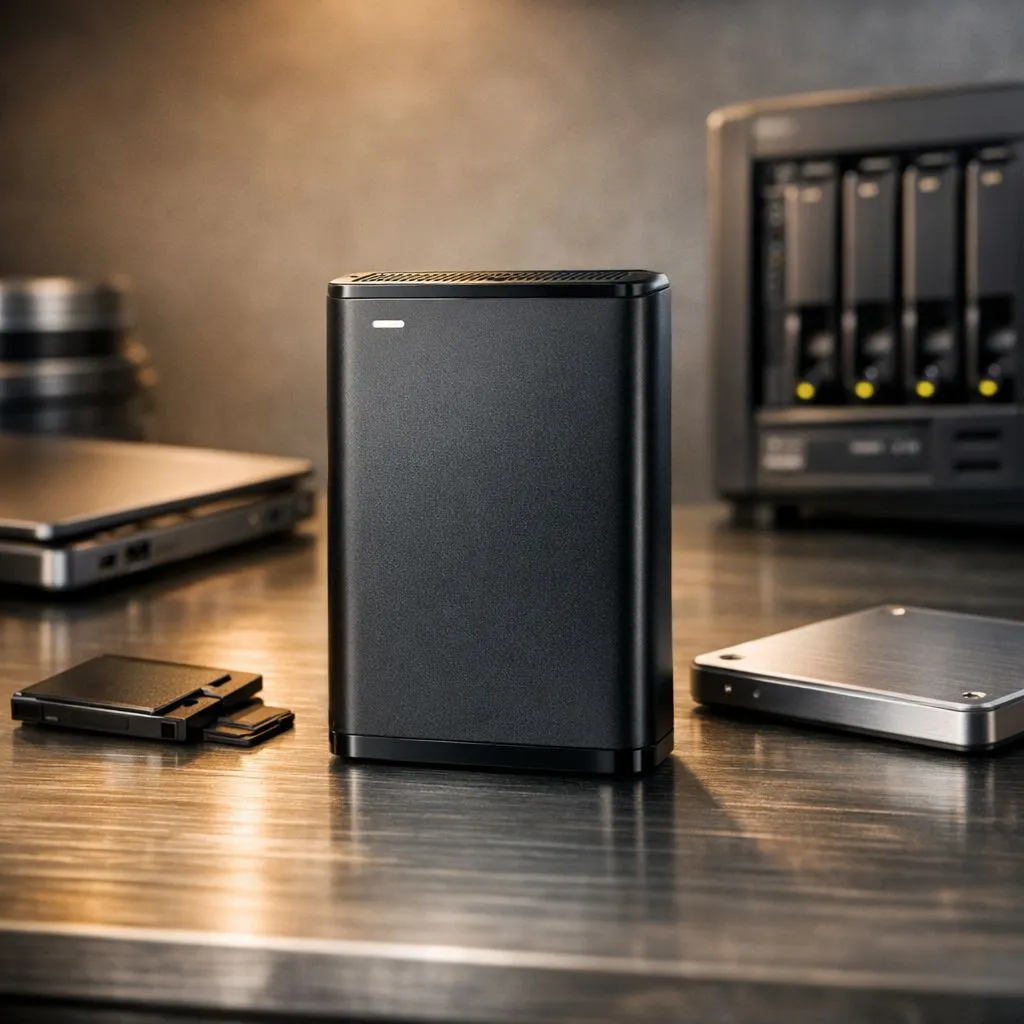
Imagine losing 500 hours of game progress or your work portfolio because of a sudden power surge. In South Africa, load shedding makes hardware failure a very real threat. To keep your files safe, you must follow the 3-2-1 Backup Rule for robust data protection. It is a simple, effective way to ensure your memories and hard work never vanish into thin air. 🔧
Why the 3-2-1 Backup Rule Matters for Your Setup
The core of any reliable backup strategy starts with your primary storage. You should always have at least three copies of your data. This includes your original files and two distinct backups. For your main system, upgrading to high-speed internal SSDs ensures that your operating system and active projects remain responsive.
However, having everything on one drive is a recipe for disaster. If that single component fails, your data goes with it. By maintaining three copies, you significantly reduce the mathematical probability of total data loss.
Diversify Your Media Types
The second part of the rule suggests using two different types of media. Do not just keep two folders on the same physical disk. Instead, look into portable storage solutions to keep a physical copy separate from your PC.
Using a mix of brands can also be a smart move. For instance, pairing your primary drive with reliable ADATA storage options creates a layer of hardware redundancy. Different manufacturers use different controllers and NAND flash... this variety can protect you from batch-specific hardware flaws.
Backup Automation ⚡
Don't rely on your memory to hit 'copy'. Use free tools like Macrium Reflect or Windows Backup to schedule daily mirrors of your most important folders to your secondary drive. It takes five minutes to set up and saves hours of heartbreak later.
Keep One Copy Offsite or Disconnected
The final step is keeping one copy offsite. In a local context, this often means a dedicated external SSD that you keep in a drawer or at a different location. This protects your data from physical threats like theft or fire. 🚀
High-quality Western Digital drives are excellent candidates for these secondary backups. They offer the durability needed for long-term storage. If you are moving massive 4K video files or huge game libraries, you might even consider the latest Gen 5 NVMe tech for your primary workstation to speed up the initial backup process. ⚡
Investing a few hundred ZAR in a solid backup routine today is far cheaper than paying for professional data recovery later. Stay protected and keep your digital life secure. ✨
Ready to Secure Your Digital Life? Don't wait for a drive failure or a power surge to take away your hard work and gaming progress. Explore our massive range of storage specials and find the perfect hardware to implement your 3-2-1 backup strategy today.











