

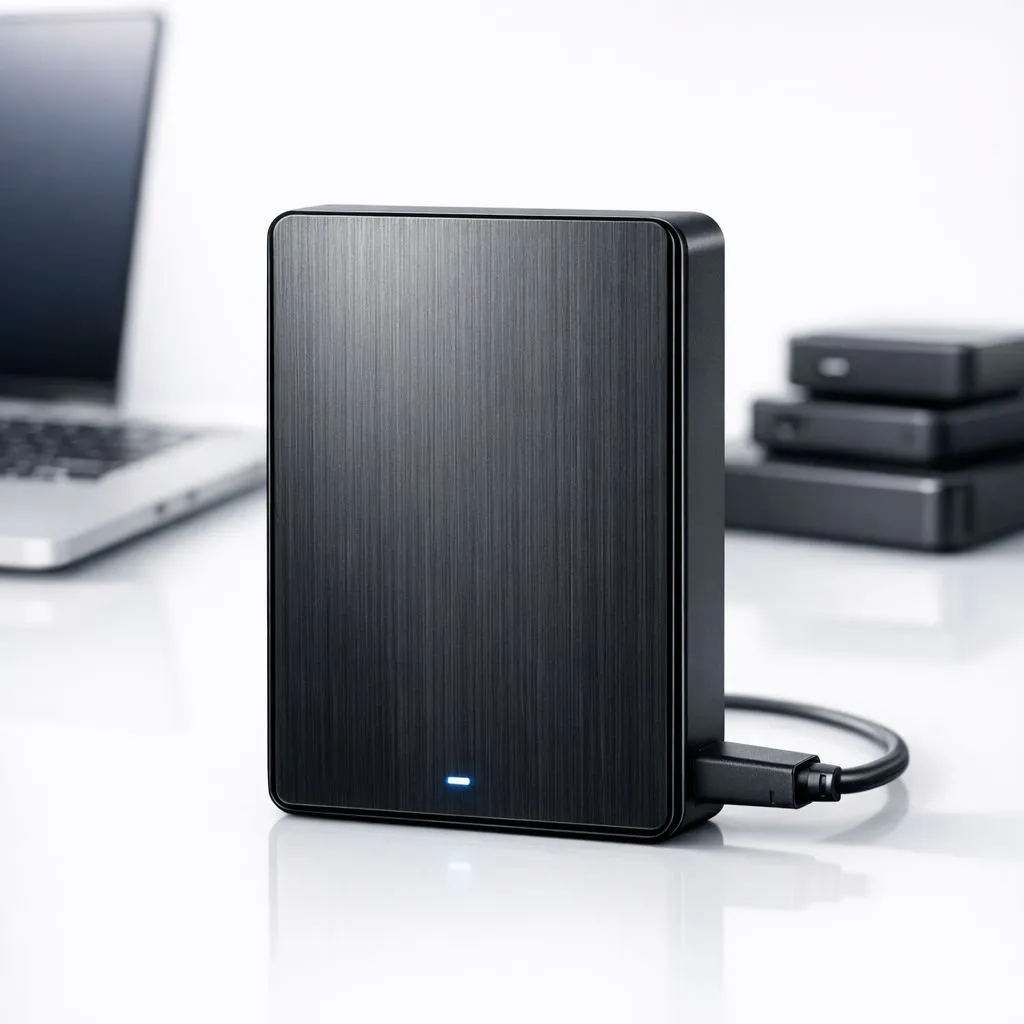
Imagine losing your entire Steam library or five years of family photos in a single power surge. It happens more often than we think in South Africa. Whether it is hardware failure or a sudden spike during load shedding, data loss is devastating. That is where the 3-2-1 backup strategy: High-capacity external drives come into play to save your digital life. 🔧
Understanding the 3-2-1 Backup Strategy
The 3-2-1 rule is the gold standard for data redundancy. It is simple: keep three copies of your data, on two different types of media, with one copy stored offsite. Your primary data lives on your PC, often on high-performance solid state drives that handle your OS and daily tasks. The second copy should be on a different physical device to protect against local hardware failure.
Using a reliable external SSD for your second copy ensures that even if your motherboard fries, your files remain safe. The "one offsite" rule is often handled by the cloud, but for South Africans with capped fibre or slow upload speeds, a physical drive kept at a friend’s house or in a safe works just as well.
Why High-Capacity External Drives are Essential
When you are managing hundreds of gigabytes of game installs or high-res video, capacity is king. Choosing a drive with a specific external form factor allows you to balance portability with storage room. A 2TB or 4TB drive is usually the sweet spot for most gamers and creative professionals in South Africa.
Data Protection Pro Tip ⚡
Always use the 'Safely Remove Hardware' option in Windows before unplugging your drive. Sudden power cuts during a write cycle can corrupt your file system... making your backup useless when you actually need it.
Choosing the Right Hardware for the Job
Not all drives are built the same. If you need rugged reliability for a commute through Johannesburg or Cape Town, ADATA storage solutions often feature shock resistance. For those who prioritise long-term reputation and sleek designs, Western Digital drives offer excellent peace of mind. 🚀
Speed also plays a massive role. While external backups don't always need the bleeding-edge pace of Gen 5 NVME options, having a fast interface means your weekly backup takes minutes instead of hours. Look for USB 3.2 Gen 2 support to ensure you aren't throttled by old tech. ⚡
Automate Your Peace of Mind
The biggest weakness in any 3-2-1 backup strategy: High-capacity external drives approach is human error. We forget to plug the drive in... we forget to click 'copy'. Use free software like Macrium Reflect or Windows Backup to automate the process. Set it to run every Sunday night so you start your week knowing your data is secure. ✨
Ready to Secure Your Digital Life? Don't wait for a hardware failure to start thinking about your data. Whether you need lightning-fast speeds or massive storage room, we have the right tech for you. Explore our massive range of external storage specials and find the perfect drive to protect your world.











