

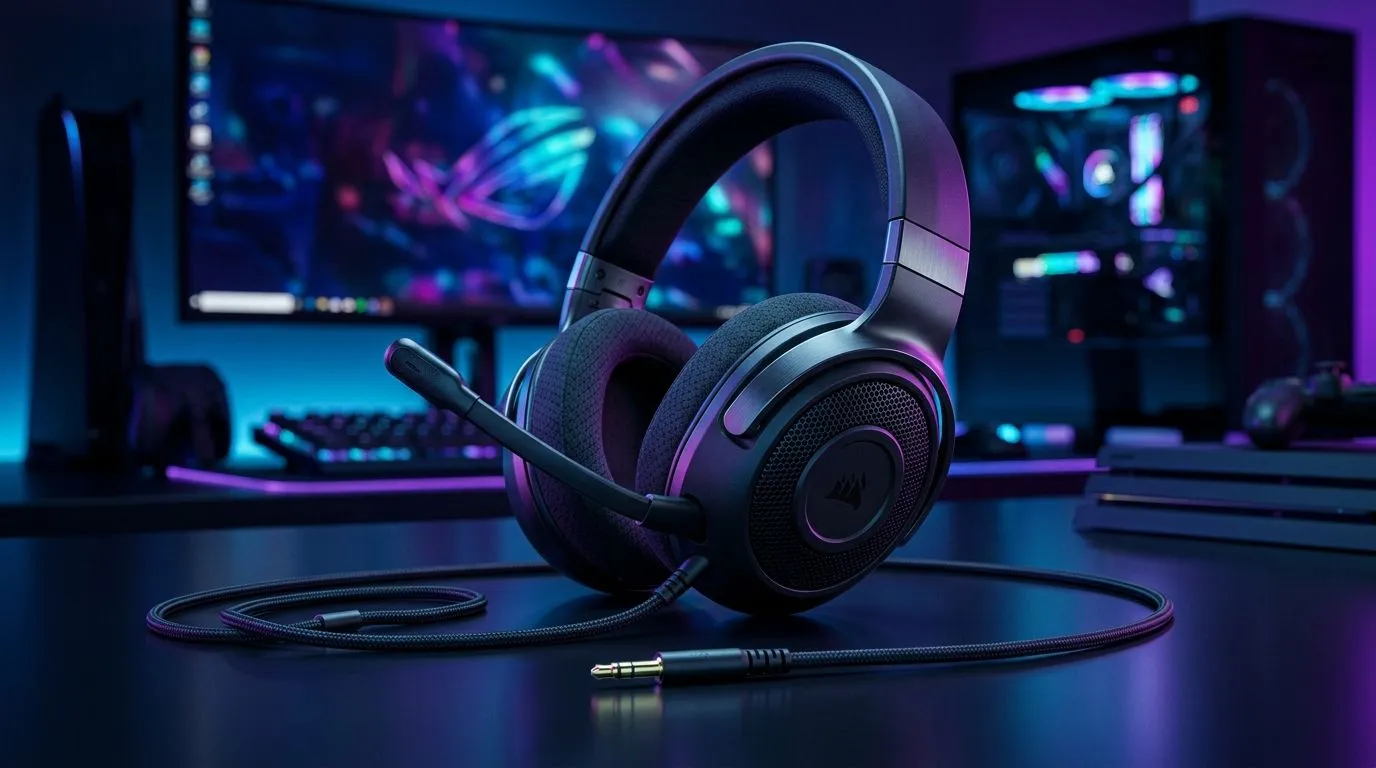
Mastering the 3.5mm Gaming Headset Connection for PC, Console and Mobile 🎧⚡
If you’re a South African gamer frustrated by audio glitches or mic issues, mastering your 3.5mm gaming headset connection is essential. Whether you’re gaming on PC, console, or mobile, knowing the right plugs, adapters, and ports lets you hear every footstep and call your squad without delays. Let’s break down how to connect your headset flawlessly across devices.
How to Connect Your 3.5mm Gaming Headset to Your PC 🎮
Most PCs have separate jacks for headphones and microphones, which can confuse gamers new to PC setups. The key is to identify your PC’s audio jacks:
- Green port: Headphone output
- Pink port: Mic input
If your headset has a single 3.5mm TRRS connector (for headphones + mic), you’ll likely need a splitter cable to separate audio and mic signals. Splitting the microphone and headphone lines maximises sound quality and chat clarity.
Want to elevate your setup? Pair your headset with a precision wired mouse available in South Africa starting from affordable prices on Evetech’s wired mouse selection. A smooth combo can make all the difference for competitive gaming.
Connecting a 3.5mm Gaming Headset on Consoles 🚀
Most modern consoles support 3.5mm headset jacks on their controllers. The Xbox Series X|S, PS5 DualSense, and Nintendo Switch Pro Controller all feature a single 3.5mm port. Simply plug your headset in and configure audio settings in the console menus.
Tip: When gaming on consoles, balance the game audio and voice chat volume in the settings to avoid missing team calls or game cues.
For gamers who focus on ease of movement without wires, Check out how the wireless mouse deals at Evetech can complement your console setup for seamless control.
Mobile Devices and 3.5mm Headset Compatibility 📱
Mobile gaming still thrives in South Africa, but many smartphones no longer include a 3.5mm jack. Here’s what to do:
- Use a USB-C or Lightning to 3.5mm adapter if your phone lacks a headphone port.
- Check if your headset supports inline controls — these might work differently on mobile.
Want to boost your mobile gaming precision? Find the best gaming mice deals on Evetech tailored to South African gamers at Evetech’s best gaming mouse deals from local stock.
Pro Tip for Crystal Clear Audio
Use a headset with gold-plated 3.5mm connectors. They resist corrosion from moisture and South African dust, ensuring long-lasting, stable audio performance. }}
Troubleshooting Common Connection Issues 🔧
If your gaming headset malfunctions or lacks mic audio after connecting:
- Double-check if your PC or console port requires TRS (two-ring) or TRRS (three-ring) connectors.
- Try testing your 3.5mm headset on multiple devices to pinpoint hardware faults.
- Update audio drivers on your PC to fix software conflicts.
Completing your setup with reliable precision gear, like a gaming mouse well-rated by South African users, proves vital. Explore a solid collection of gaming mice at Evetech with warranty and local support.
Find Your Perfect Gaming Combo Ready to unlock full potential? Visit Shop now at Evetech for the best deals and performance-grade gaming accessories priced right for South African gamers.











