

Why the right 3.5mm headset still matters in 2026 🇿🇦
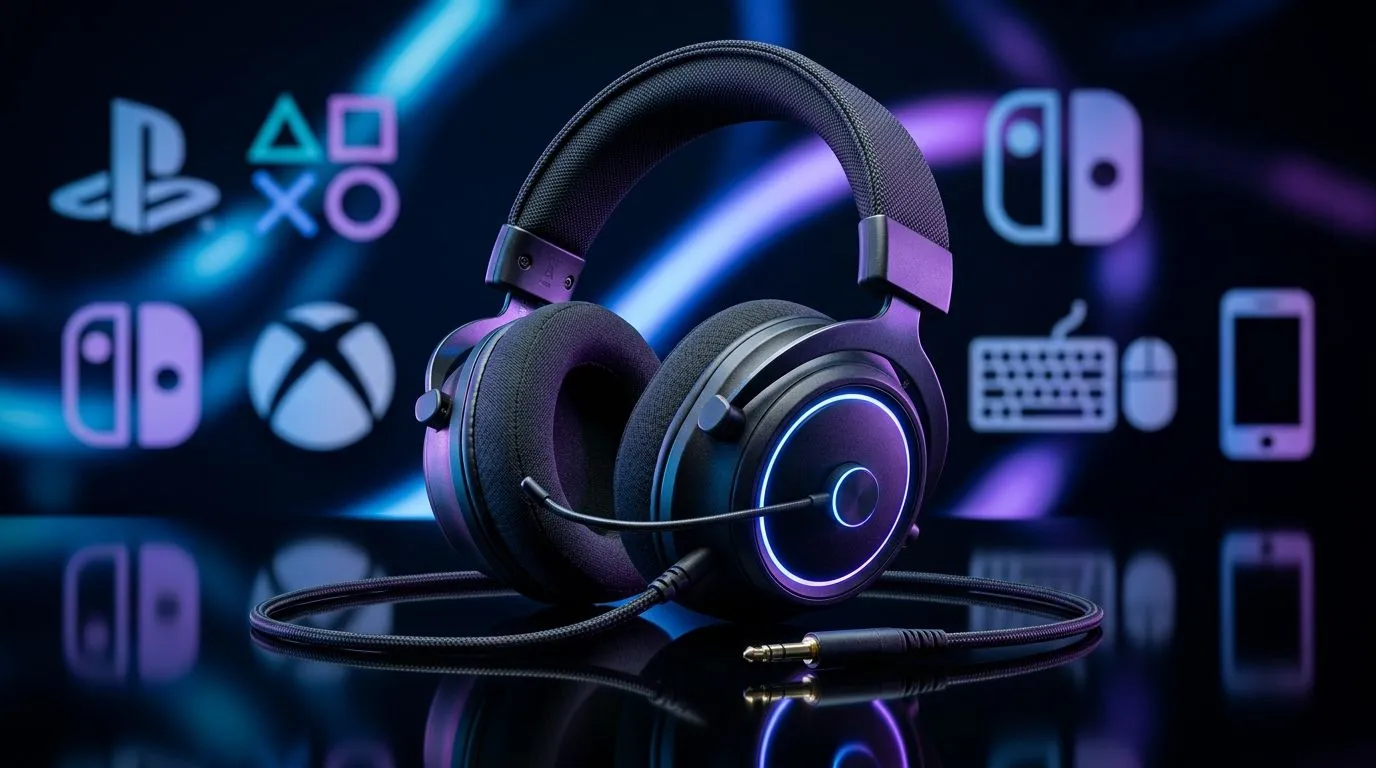
You’ve got a PS5 on the TV, an Xbox in the lounge, and a PC that boots like a champ. Then the weekend hits… and suddenly you’re gaming on your Switch or even your phone during loadshedding. That’s where one simple thing saves you: a reliable 3.5mm Gaming Headset Across PS, Xbox, PC, Switch and Mobile setup that just works, every time.
In this Deep Dives guide, we’ll break down compatibility, what to look for, and how to stop trial-and-error before your next match… and your next purchase.
3.5mm Gaming Headset Across PS, Xbox, PC, Switch and Mobile: compatibility basics 🎧
The 3.5mm (aux) connection is still the most universal wired audio option. Most controllers, consoles, and devices accept a 3.5mm plug, but there are a few gotchas:
- Mic support varies by device. Some platforms accept the full headset (headphone + mic) via a single 3.5mm plug; others may only output audio or may require a separate adapter.
- Volume control and inline mics can differ. What works on a PC doesn’t always work on a console.
- Mobile can be picky about CTIA vs OMTP. Most modern headsets are fine, but it’s worth checking product notes.
Want a quick way to narrow choices? Start with “wired compatibility first,” then match the mic and comfort second.
What to check before you buy (so you don’t return it) 🔧
Look for:
- Detachable or flexible mic (helps with storage and device switching)
- Comfort for long sessions (memory foam vs generic pads feels huge after an hour)
- A cable length you can live with (especially on consoles where distance matters)
If you’re chasing wireless features, the wired 3.5mm route is still a smart fall-back for budget and reliability.
Practical setup tips for a true cross-device routine ⚡
Here’s a micro-routine that prevents most headaches:
- Test audio first on each device (don’t assume the mic is enabled).
- Set default audio on your PC so Discord or game chat routes correctly.
- Use the inline controls to confirm your headset can handle volume changes without switching menus.
- Label your cables if you move between devices daily. Yes, it’s boring… but future you will thank you.
Productivity Pro Tip ⚡
On Windows, open Sound settings and set your headset as the default playback and recording device. Then test in Discord or Teams with the voice test. This saves you from joining a match and realising your mic is still on your webcam.
Recommended Evetech options for wired comfort & value ✨
If you want a headset that’s built for real sessions and simple switching, consider browsing Evetech’s curated headset selection. Here are three places to start:
- For a strong wireless option you can compare against (and understand what you’re trading off with 3.5mm), check out the Razer Barracuda X Chroma deal page: Razer Barracuda X Chroma Wireless Headset Phantom White
- If you want to compare multiple wired headphone styles in one place, explore: Razer Headphones & Headsets
- And for broader choice across different builds and price points, go here: Headphone & Headsets
Quick buying checklist (print this in your head) ✅
Before checkout, confirm:
- 3.5mm plug included
- mic compatibility expectations for your device
- comfort for your session length
- cable length for your room setup
Cross-device gaming shouldn’t feel like tech support.
Ready to Find Your Perfect Match? The Mac vs Windows debate is complex, but for maximum power, choice, and value in South Africa, Windows is hard to beat. Explore our massive range of laptop specials and find the perfect machine to conquer your world.











