

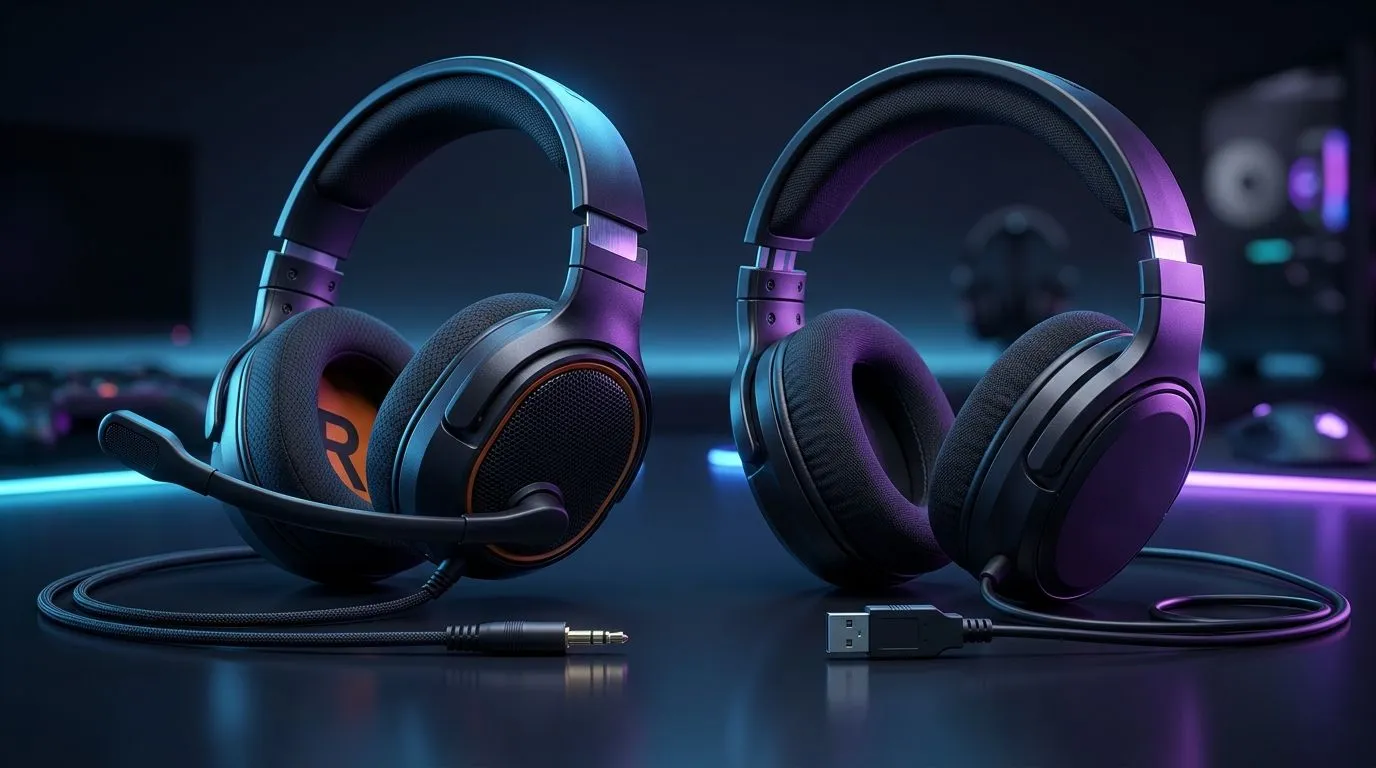
3.5mm vs USB Headsets: Latency, Compatibility, Sound (Why Your Choice Matters in SA)
If you’re gaming on a PS5, PC, or even a handheld setup, the last thing you want is “almost” audio. You want footsteps that land where they should, voice chat that stays clear, and sound that doesn’t fall apart when you switch devices. 🎧
In South Africa, we also care about practicality. Extra dongles? Extra software? Extra cost? That’s why “3.5mm vs USB headsets” keeps coming up in local Discords and LAN talk. Let’s break it down properly.
Latency Breakdown: 3.5mm vs USB Headsets (What You Actually Feel)
In most gaming scenarios, the latency difference is smaller than people think. Here’s the practical reality:
- 3.5mm headsets usually send an analogue signal. Your PC or console handles conversion internally.
- USB headsets can use a built-in digital-to-analogue path and often include a dedicated sound processor.
The catch? USB latency can be extremely low, but it depends on the headset design and the USB/audio stack. On the same device, both can feel “instant” for most players. Where you’ll notice differences is when you switch systems or enable spatial/virtual surround features that add processing.
If you want a wireless option that keeps things simple, consider the Razer Barracuda X Chroma Wireless. It’s built for low-friction switching and comfort, and Evetech lists it here: Razer Barracuda X Chroma Wireless Headset (Phantom White). 🔧
Latency-Pro Tip ⚡
of testing latency with silence, test with consistent samples: a metronome sound for rhythm games, and a short footstep loop for shooters. Try both USB and 3.5mm in the same game map, then disable any “surround” or “audio enhancements” one at a time. What you leave enabled matters more than the connector type.
Compatibility in Real Life: Consoles, PCs, and Phones
“Works on everything” is rarely true in audio. Compatibility is where 3.5mm still wins on paper.
- 3.5mm: usually works wherever there’s a headphone jack (PCs, many controllers, some phones, older laptops).
- USB: can be hit-or-miss on consoles and TVs unless there’s explicit USB audio support.
Even on PC, USB headsets can require driver/software features for EQ, mic monitoring, or surround profiles. That’s fine if you stay on one setup… less ideal if you bounce between devices.
Want a wider look at wired and mixed options? Browse Evetech’s headset range: Headphones & Headsets category. ✨
Sound Quality: Which Connector Gives You Better Audio?
Sound quality isn’t only about the port. It’s about the headset’s drivers, tuning, mic design, and whether you’re comparing the same quality tier.
In general:
- USB may offer more consistent output because it can bypass some onboard audio paths.
- 3.5mm can still sound excellent if your onboard audio is decent and the headset is tuned well.
Look at this as an “ecosystem choice”. If you’re getting into EQ, profiles, and virtual surround, USB often feels smoother. If you want plug-and-play across devices, 3.5mm can be the smarter buy.
If you’re specifically looking at Razer options, Evetech has a dedicated collection worth checking: Razer Headphones & Headsets. 🎮
How to Choose in 60 Seconds (So You Don’t Overthink It)
Ask yourself:
- Do you switch between devices often? If yes, 3.5mm is usually safer.
- Do you want fine control (EQ, profiles, spatial)? USB often delivers more features.
- Are you sensitive to processing effects? Turn off extra audio features and compare first.
When buying in SA, also sanity-check comfort and mic quality. A “perfect” connector won’t help if the headset hurts after 2 matches.
Ready to Find Your Perfect Match? The Mac vs Windows debate is complex, but for maximum power, choice, and value in South Africa, Windows is hard to beat. Explore our massive range of laptop specials and find the perfect machine to conquer your world.











