

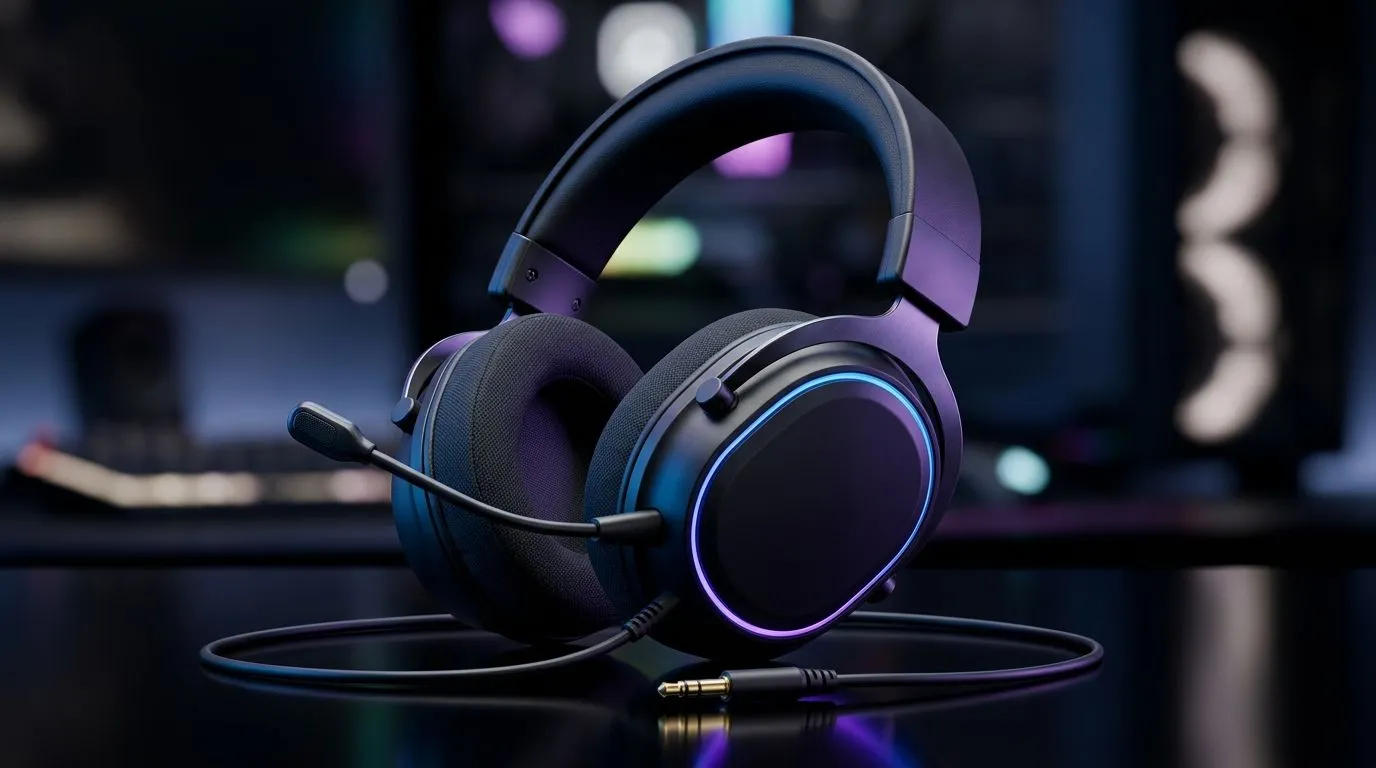
3.5mm Wired Gaming Headset on PC, Console and Mobile: the “one cable” advantage for SA players
Walk into any LAN, tournament night, or casual gaming session in South Africa and you’ll hear the same question… “What headset can we all use?” If you’re tired of hunting for adapters, losing mic quality, or swapping settings every time you change devices, a 3.5mm wired gaming headset on PC, Console and Mobile is the practical answer. 🎧 With one standard 3.5mm connection, you can plug into your PC, most consoles, and even many phones and handhelds that support audio over the headphone jack.
Why 3.5mm is still a smart pick for PC, Console and Mobile users
A 3.5mm wired setup is simple: stable audio, low latency, and no battery panic. ⚡ Wired headsets typically don’t rely on wireless pairing or drivers, so the “it works now” factor is real.
On PC, wired audio usually means consistent performance across games. On consoles, many controllers offer a 3.5mm output for direct headphone use. On mobile, support depends on the handset, but most devices with a headphone jack (or a quality wired adapter) can use 3.5mm headsets reliably.
If you want to shop with confidence, start with Evetech’s broader headphone range, then filter by what you actually need: comfortable earcups for long sessions, a detachable or flexible mic, and closed-back design if you play in noisy rooms. ✨ Explore options here: Razer headphones & headsets on Evetech and browse more categories at headphone headsets from Evetech.
What to look for when choosing a wired mic-and-audio setup (no regrets later)
Not all 3.5mm gaming headsets are equal. Before you buy, check these basics:
Comfort for long sessions
Over-ear comfort matters more than you think. Look for padded headbands and earcups that don’t clamp too hard. If you’re gaming 2+ hours at a time, your headset should feel like it disappears.
Mic performance you can actually hear
A good boom mic should sit consistently near your mouth and not drift. If the mic is adjustable, test it before a big match. You want voice chat clarity, not “radio static”.
Cable and control access
A longer cable gives flexibility on desk setups, but make sure it won’t tug. Also, check for inline controls (volume and sometimes mute). When you can adjust without hunting menus, you play faster and stress less.
A quick deal check that fits SA budgets (ZAR)
If you’re after a known option and want to compare price against comfort, check current availability on Evetech’s gaming headset deal page: Razer Barracuda X Chroma (Phantom White). Even if you’re shopping “wired first”, deals like these help you compare features, especially if you later decide you want wireless as an upgrade path.
Productivity Pro Tip 🔧
On Windows, set your headset as the default playback and recording device before you start a session. In Sound settings, switch “Output” and “Input” to your headset, then test the mic in a quick voice chat. This avoids that annoying moment where your game audio is fine but your teammates hear nothing.
Putting it together: PC, console, and mobile in one headset plan
If your household uses multiple platforms, a 3.5mm headset becomes the “shared accessory” instead of a personal tech item you constantly reconfigure. You also reduce friction when you switch between games on PC and console because your audio pipeline is straightforward.
One more practical thought: keep your headset clean. A quick wipe of the earcups and a gentle clean of the mic grille helps maintain clarity, especially in warm gaming rooms.
Ready to buy? Start with Evetech’s selection, shortlist the comfort and mic features you’ll notice immediately, then confirm compatibility with your devices.
Ready to Find Your Perfect Match? The Mac vs Windows debate is complex, but for maximum power, choice, and value in South Africa, Windows is hard to beat. Explore our massive range of laptop specials and find the perfect machine to conquer your world.











