

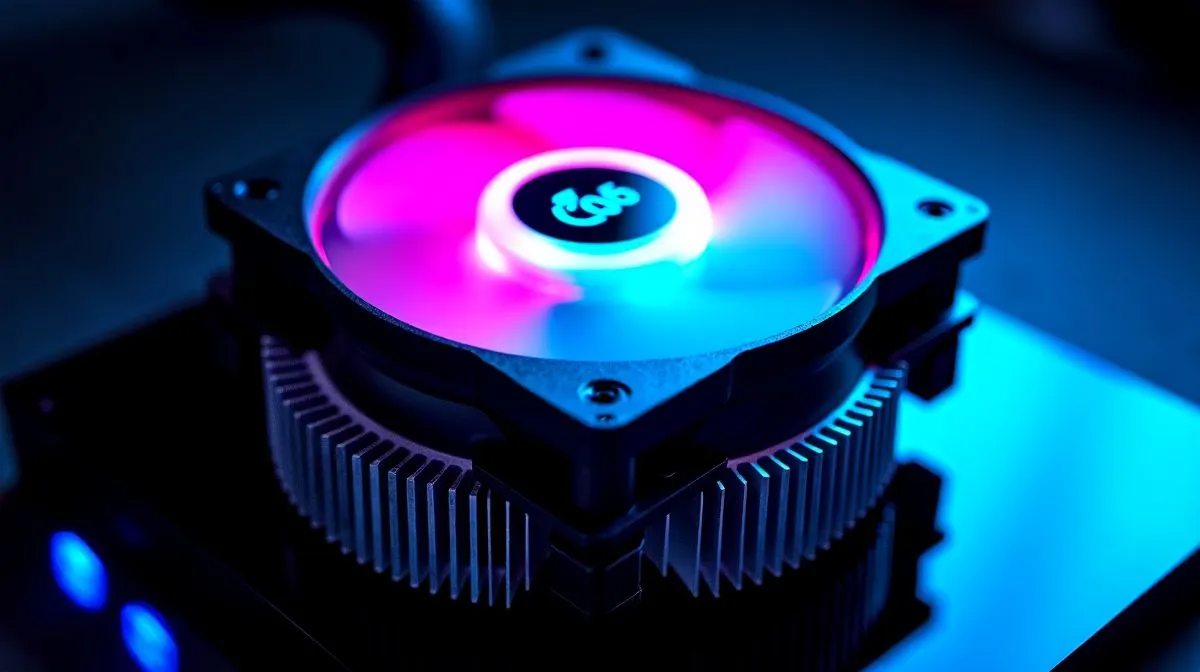
3.95 inch LCD display CPU cooler: worth it for performance? (South Africa edition)
If you’ve ever stared at your case window thinking, “This build is fast… but it looks like a factory default”, a 3.95 inch LCD display CPU cooler might tempt you. 🔧 In South Africa, where load shedding can stretch every minute of stability, the big question is simple: does the LCD add real cooling value, or is it just a flashy screen? ⚡ Let’s break it down properly.
3.95 inch LCD display CPU cooler: what the screen actually changes
A 3.95 inch LCD panel is mainly about visuals: custom images, gifs, fan curves, and sometimes CPU temperature readouts. ✨ Cooling performance mostly comes from the radiator size, pump design, fan quality, and airflow in your case, not the LCD itself.
So the performance answer is… usually neutral. The LCD itself adds tiny heat to the system, but in a typical AIO design that heat is negligible compared to the CPU load. Where it becomes “worth it” is when the cooler helps you hit safe temps consistently, so you can run stable boosts in games.
If you’re chasing performance, start with these practical checks:
- Thermal headroom: look at CPU temps under a sustained workload (rendering, compiling, or long gaming sessions).
- Case airflow: front intake + rear/top exhaust beats “pretty RGB” every time.
- Radiator placement: front-mount often performs better for many builds than top-mount, depending on your case.
3.95 inch LCD display CPU cooler: performance reality checks gamers can run
Do a quick 15-minute test:
- Boot into a game or benchmark you know is CPU-heavy.
- Monitor CPU package temperature and clock stability.
- If temps climb fast and clocks drop, you’re airflow or cooling-limited, not LCD-limited.
Build Smarts Pro Tip 🔧
tip: After installing an AIO with an LCD screen, re-check your pump orientation and make sure your radiator fans are pulling air the right direction. Then do a short stability run (10 to 15 minutes) and watch temperatures settle. If they keep climbing, don’t keep guessing... fix airflow first before you blame the cooler.
3.95 inch LCD display CPU cooler: choose the right AIO size for real gains
In practice, most “LCD cooler” listings are AIO liquid coolers. Your best performance levers are radiator size (240mm vs 360mm), fan RPM capability, and pump flow.
- 240mm radiators are often enough for mainstream gaming CPUs, especially in well-ventilated cases.
- 360mm radiators can give more thermal capacity for higher-core CPUs or hotter rooms.
If you want to browse options and compare cooling sizes, start here:
- View the full selection of CPU coolers on Evetech: CPU coolers range
- Want liquid cooling specifically? Check: Liquid Cooler (AIO) options
- Brand-curious? Explore: CORSAIR Liquid Coolers
- Or if you’re considering Deepcool: Deepcool Liquid Coolers
- Cooling size 360mm? This filter helps: 360mm radiator AIOs
- Prefer 240mm? Use: 240mm radiator AIOs
3.95 inch LCD display CPU cooler: when it’s worth it (and when it isn’t)
It’s worth it if:
- You care about case aesthetics and want the LCD to display useful info (like temps).
- Your case has decent airflow and the AIO you pick actually matches your CPU heat output.
- You’re buying for the long term, not just for the first week’s “wow”.
It’s not worth it if:
- Your PC already struggles with airflow (dust filters blocked, intake fans missing, cramped front clearance).
- You’re on a tight budget where better value goes to a proven air cooler or a higher radiator size AIO.
- You expect the LCD to magically lower CPU temps... it won’t.
Ready to Find Your Perfect Match?
Ready to Find Your Perfect Match? The Mac vs Windows debate is complex, but for maximum power, choice, and value in South Africa, Windows is hard to beat. Explore our massive range of laptop specials and find the perfect machine to conquer your world.











