

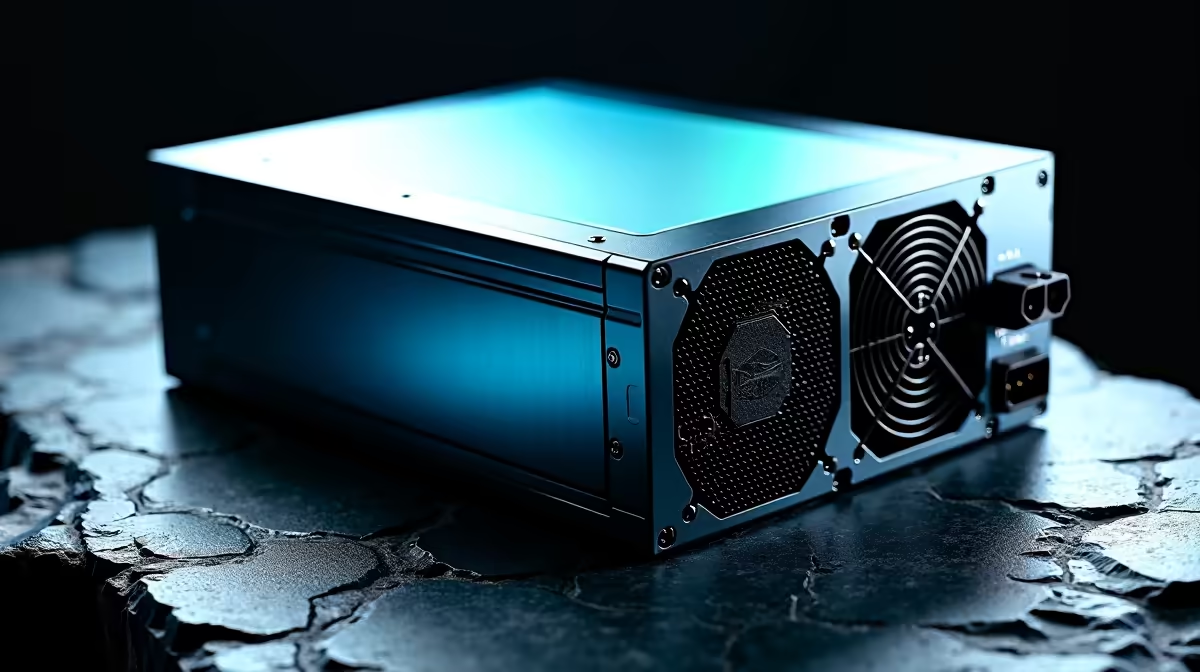
A 3000VA/2000W UPS is serious hardware - capable of keeping a full gaming rig, multiple monitors, and network gear running during power interruptions. Installing one correctly protects your investment and ensures you get the full runtime and protection the unit promises. This guide walks through the installation process step by step for South African home and small office environments.
Quick Answer
Installing a 3000VA UPS involves connecting it to a correctly rated wall outlet (ideally a dedicated 15A circuit), loading only your essential devices up to 80% of its 2000W capacity, and running a calibration cycle before trusting it with sensitive equipment. Never daisy-chain UPS units or run high-draw appliances like kettles or heaters from it.
🔌 Pre-Installation: Check Your Electrical Setup
A 3000VA unit draws significant current during charging and operation. Confirm your wall outlet is on a circuit rated for the load - a 15A circuit is the minimum recommended. Avoid plugging the UPS into an extension lead or multi-plug strip; it should connect directly to a wall outlet for best earthing and surge protection. Check that the outlet is properly earthed - an unearthed supply compromises the UPS's surge protection circuitry. If in doubt, have a qualified electrician verify the socket before installation.
⚙️ Physical Setup and Load Connection
Position the UPS on a hard, flat surface with adequate ventilation - UPS units generate heat during charging. Keep it away from direct sunlight and moisture. Connect your PC, monitors, and networking equipment to the battery-backed outlets (usually labelled "Battery + Surge"). Connect non-critical devices like desk lamps to the surge-only outlets if your unit has them. Keep the total connected load below 80% of rated capacity (1,600W for a 2000W unit) - this maximises battery lifespan and runtime. Check our range of UPS units if you're still sizing your purchase.
🔋 First-Time Startup and Calibration
Plug the UPS into the wall and allow it to charge for a full 8 hours before connecting any load - this initial charge conditions the battery. After charging, power on your equipment and verify the UPS display shows correct load percentage and input voltage (220–230V in SA). Run a self-test using the UPS's front panel button or management software. For line-interactive and online UPS models, install the USB or serial management software to receive low-battery alerts and enable graceful PC shutdown during extended outages.
Frequently Asked Questions
How long will a 3000VA UPS power my gaming PC? At a 400W PC load, a 2000W/3000VA UPS with fresh batteries typically provides 20–40 minutes of runtime depending on battery capacity. This is enough to save work and shut down safely, not for extended gaming sessions.
Can I connect my gaming PC and two monitors to a 3000VA UPS? Yes. A gaming PC drawing 300W plus two monitors at 30–50W each sits around 380W total - well within the 1,600W safe-load threshold. You'd have comfortable headroom for a router and a NAS drive too.
How often should I replace UPS batteries? Lead-acid UPS batteries typically last 3–5 years. Test annually using the self-test function. If runtime drops significantly or the unit beeps on startup, it's time for a battery replacement.
Evetech stocks Graphics Card Deals and Evetech Best Sellers — shop online with fast delivery across South Africa.
Ready to Find Your Perfect Match? Protect your gaming setup - browse Evetech's full range of power protection solutions.











