

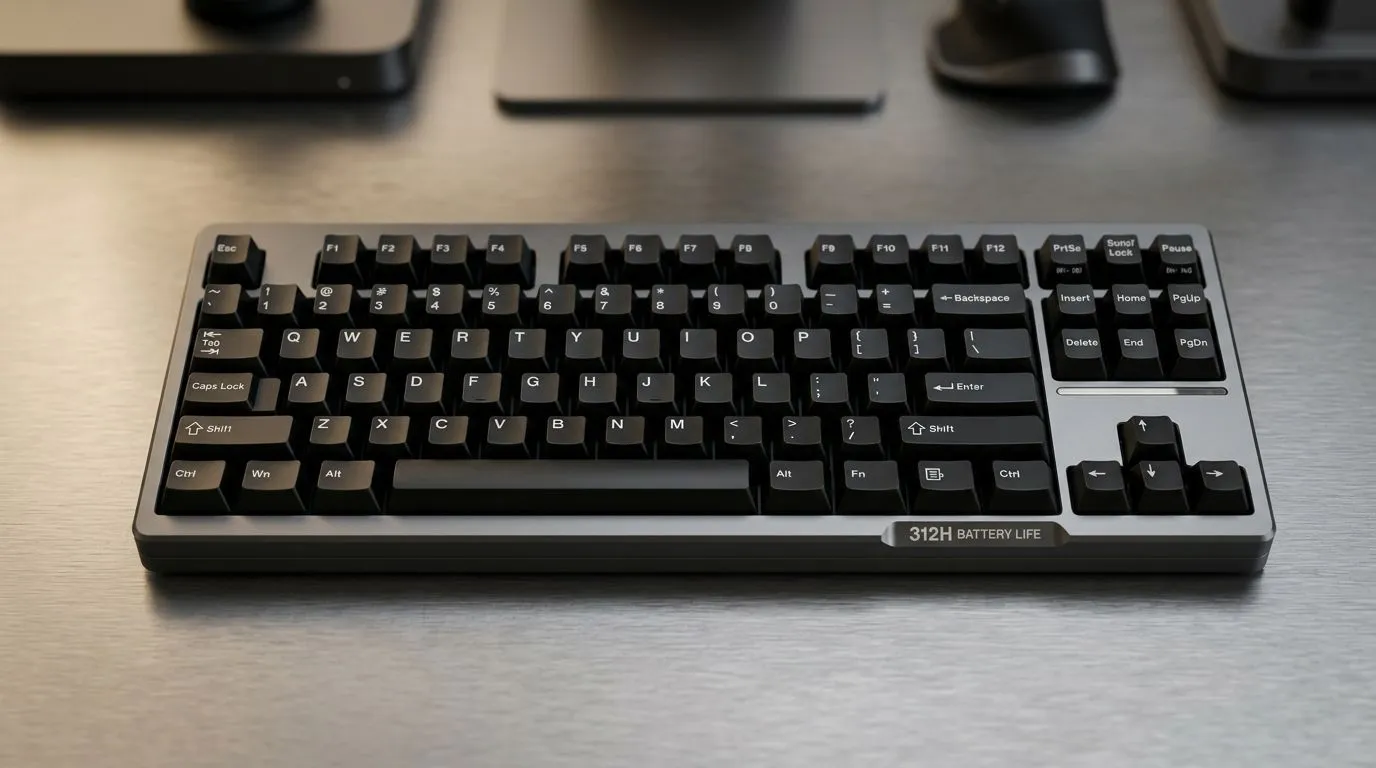
312H Battery Life in Premium Wireless Keyboards: Complete Guide
South African gamers and serious typists know the real cost of “premium” is the daily grind. If you’re switching between lobbies, spreadsheets, and Discord… battery life becomes more than a spec. ⚡ A keyboard that dies mid-match or during deadlines is just frustrating. This complete guide unpacks how to get the most from 312H battery life in premium wireless keyboards, what actually drains batteries, and which buying choices make the biggest difference.
What “312H” really means in day-to-day use
“312H” is a headline battery estimate, usually measured under specific brightness, usage patterns, and connection conditions. In reality, your mileage will vary. The biggest reasons are predictable: backlighting, wireless mode (2.4GHz vs Bluetooth), and how often keys register.
Why it matters for South African buyers
In SA homes, your setup can change week to week. Some days you’re on UPS during load shedding… other days you’re on the grid. Your keyboard’s wireless behaviour also changes if you use a phone hotspot, move your desk, or add a second device.
So instead of chasing a number in a vacuum, focus on repeatable habits that protect battery life. ✅
The wireless battery killers (and how to slow them)
A premium keyboard can be efficient, but several features quietly increase power draw:
- RGB / backlighting: brighter and always-on lighting costs more.
- Wireless type: 2.4GHz is often more power efficient than Bluetooth in active use, but it depends on the model’s power management.
- Polling rate: higher polling can increase power usage.
- Keypress patterns: constant gaming inputs will drain faster than occasional typing.
- Distance and interference: weak signal forces the keyboard to work harder.
Pro tip for getting steadier battery performance ⚡
Productivity Pro Tip ⚡
How to verify “real” battery life before you buy 🔧
You can’t fully control how a manufacturer measures battery life, but you can reduce the risk:
- Check connectivity options (wired, 2.4GHz wireless, Bluetooth) and choose what matches your routine.
- Look for battery-saving defaults like dimmer RGB profiles and auto-sleep.
- Confirm your intended use: gaming, office work, or both.
- Prioritise reputable models with clear specifications and support.
For budget planning and reliable availability, browse Evetech’s curated deals first. It’s easier to compare features when you’re shopping on the same platform.
Where to start shopping (wired, wireless, and combos) 🚀
If you’re building a setup for gaming, office work, or both, start with these Evetech pages to compare keyboards by connectivity and value in South African pricing:
- Compare options including wireless models on best gaming keyboard deals from Evetech.
- If you want to maximise value, browse cheapest gaming keyboard picks in South Africa and filter based on what matters to you (like wireless type).
- Want a fast route to a matching set? Check keyboard and mouse combo deals so your desk upgrades don’t stall.
- If you’re trying to protect battery life completely, consider wired connectivity options via this wired-focused keyboard list.
- If you’re committed to wireless, use this wireless-focused keyboard list to narrow down models that fit your desk.
Battery life tips that actually work (no fluff) ✨
Here’s what you can do today, regardless of brand:
Optimise lighting settings
Set RGB to a lower brightness, choose a static mode instead of reactive effects, and enable auto-dimming where possible.
Use sleep mode correctly
Make sure your keyboard sleeps when idle. A keyboard that never sleeps will drain faster even if keypresses are rare.
Keep the wireless path clean
Don’t bury the receiver under a metal monitor arm or behind thick desks. Better signal means less “work” for the wireless system.
Match connectivity to your routine
Gaming sessions: 2.4GHz can help keep latency stable. Office typing: Bluetooth can be convenient, and you can still preserve battery with light RGB settings.
Charge habits matter
If it’s rechargeable, avoid constantly deep-discharging. Short top-ups often keep performance consistent.
Quick buying checklist for 312H battery expectations
Before you lock in your keyboard, ask:
- Does it have adjustable or dimmable lighting?
- What wireless modes does it support?
- Is there an auto-sleep or power-saving profile?
- Will you use it on 2.4GHz or Bluetooth most of the time?
If you answer those, your real battery life will track much closer to the advertised estimate.
Ready to Find Your Perfect Match?
Ready to Find Your Perfect Match? The Mac vs Windows debate is complex, but for maximum power, choice, and value in South Africa, Windows is hard to beat. Explore our massive range of laptop specials and find the perfect machine to conquer your world.











