


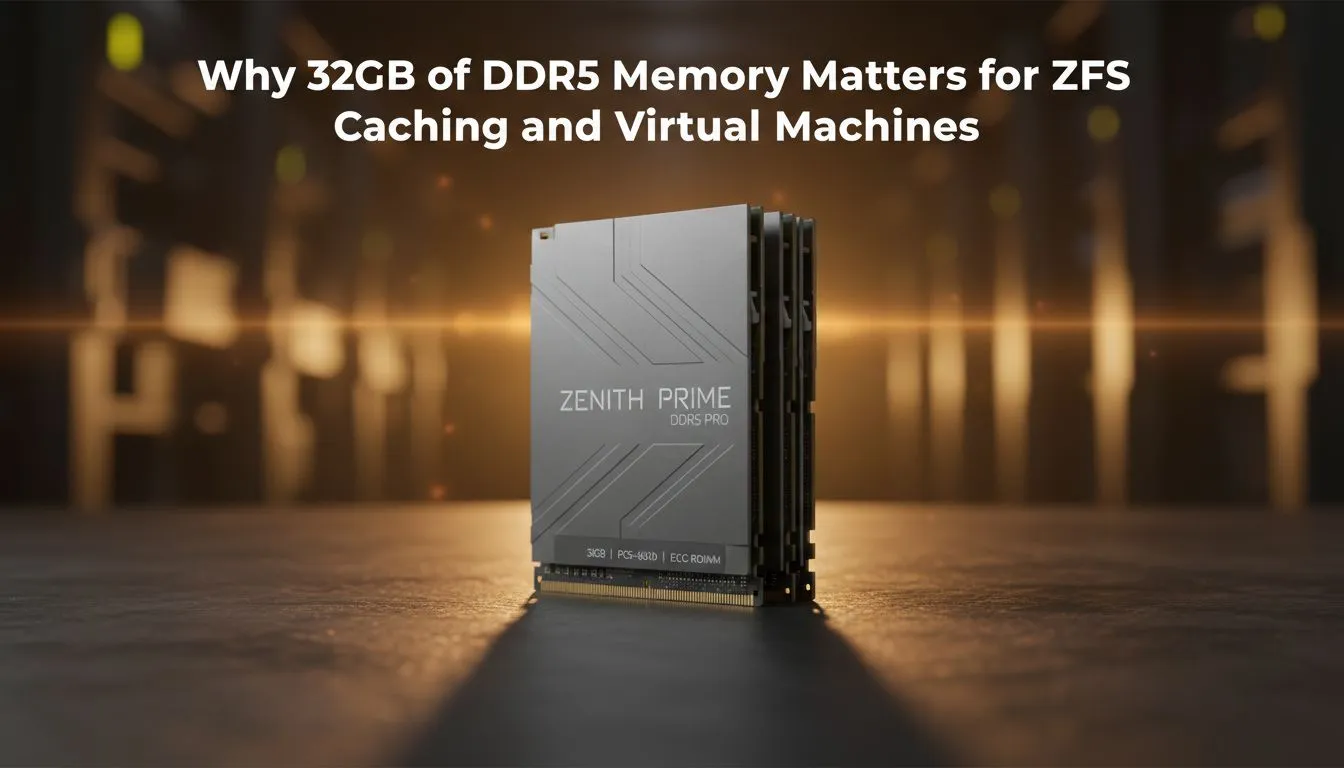
Maximising Throughput with 32GB DDR5 for ZFS Caching and Virtual Machines
Building a high-performance home server in South Africa often starts with a tough choice. Do you prioritise storage density or raw processing power? If you are eyeing ZFS or heavy virtualisation, the answer is actually found in your memory slots. Stepping up to 32GB DDR5 for ZFS caching and virtual machines ensures your system stays responsive even when local loads peak during a heavy backup... providing the headroom needed for modern multitasking.
Why ZFS Craves Modern Memory Bandwidth
ZFS is widely regarded as the gold standard for data integrity, but it is notoriously hungry for system resources. It utilises an Adaptive Replacement Cache (ARC) to store frequently accessed data directly in your RAM. When you integrate a diskless NAS storage unit into your network, the speed of that cache determines your file transfer snappiness.
Moving to 32GB DDR5 for ZFS caching and virtual machines provides a significant uplift over previous generations. The higher base frequencies of DDR5 mean that the ARC can be populated and read from with much lower latency. For South African users dealing with large 4K video libraries or massive game backups, this translates to fewer bottlenecks when multiple users access the server simultaneously ✨.
Smooth Multi-Tasking for Virtual Environments
Virtualisation is no longer reserved for enterprise data centres. Whether you are running a Home Assistant instance, a Plex server, or a dedicated Windows sandbox, memory is your most precious currency. Using 32GB DDR5 for ZFS caching and virtual machines allows you to allocate generous chunks of RAM to each guest OS without starving the host.
If you are building a modular setup, using high-quality Orico hardware for your external arrays ensures your physical drives keep up with your high-speed memory. DDR5 features on-die ECC (Error Correction Code), which adds a layer of stability that is vital when you are running mission-critical services 24/7 🔧.
Virtualisation Pro Tip ⚡
When setting up Virtual Machines, try to avoid over-provisioning your RAM. While it is tempting to give every VM 8GB, it is often more efficient to start with 4GB and monitor the actual usage. This leaves more overhead for the ZFS ARC to work its magic, keeping your overall system feeling much faster during heavy disk I O operations.
Scaling Down Without Sacrificing Performance
Not everyone has space for a 4U rack in their spare room. The rise of powerful mini PCs has changed the landscape for local techies. Units from Minis Forum often support high-capacity DDR5 modules, making them perfect candidates for a compact Proxmox node.
By opting for 32GB DDR5 for ZFS caching and virtual machines in a small form factor, you get the best of both worlds: low power consumption and high-end throughput. This is particularly useful in South Africa where managing power draw is a constant consideration for many home lab enthusiasts 🚀.
Ready to Supercharge Your Storage? Whether you are building a massive media server or a compact virtualisation node, the right components make all the difference. Explore our range of high-performance DDR5 memory and storage solutions to find the perfect hardware for your next big project.











